






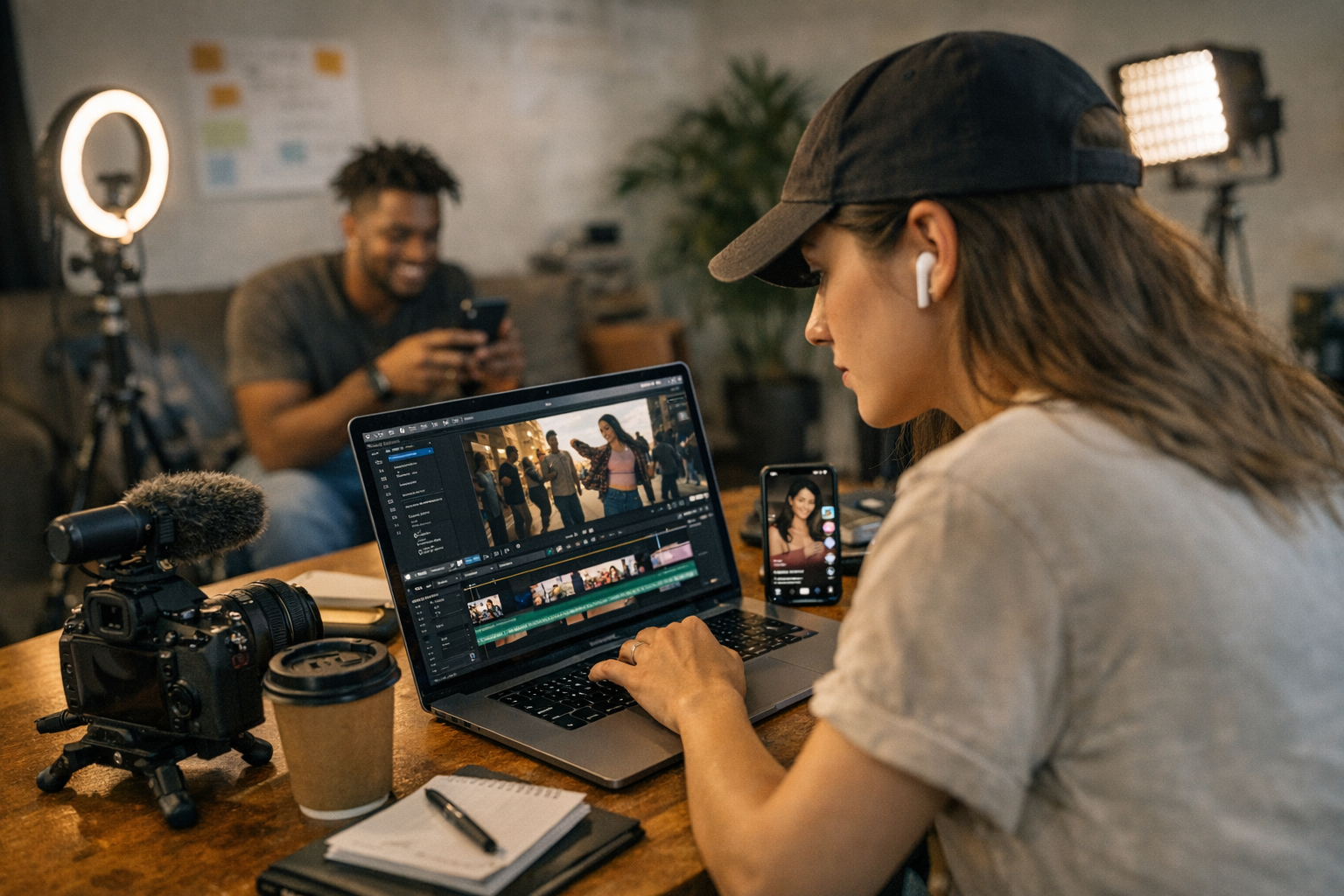
Let’s face it: creating viral videos can feel like a shot in the dark. You’ve got to balance creativity, timing, platform algorithms, and—oh yeah—a budget. The good news? In 2026, there are plenty of affordable platforms that help you create videos tailored not just to go viral but to actually convert viewers into customers, followers, or whatever goal you’re chasing.
Here’s my curated list of 11 platforms that make this tricky business a whole lot easier—whether you’re a solo creator or running a small brand. Some are AI-driven wizards; others focus on simple workflows. Either way, they’re all worth considering if you’re serious about results.

—
1. ViralMaker AI
If you haven’t heard of ViralMaker yet, it’s basically the Swiss Army knife for viral video creation in 2026. It combines AI-powered tools with built-in SEO functionality so your video doesn’t just perform well—it gets discovered.
What Makes It Stand Out:
- Autopilot Mode: Think “lazy genius.” Upload raw footage or even just an idea, and ViralMaker suggests edits, captions, hashtags, and even music tracks optimized for engagement.
- Data-Driven Insights: ViralMaker pulls analytics from TikTok and Instagram to recommend timing and formats based on what’s trending.
- Multi-Site Publishing: Want your content everywhere? This tool publishes across YouTube Shorts, Instagram Reels, TikTok, and more—complete with platform-specific tweaks.
Real Talk:
It’s not perfect for highly bespoke projects where every frame matters (like brand campaigns with strict creative guidelines). But if speed and affordability matter more than custom polish? This is gold.
—
2. Canva Pro
You knew Canva was going to show up here because…well…Canva does everything. Their video editor isn’t as advanced as some tools on this list, but it’s intuitive enough that anyone can whip up professional-looking videos—even if you’ve never touched editing software before.
Why Use Canva Pro?
- Tons of templates designed for social media formats (Reels, Stories).
- Drag-and-drop interface that works literally in minutes.
- Access to stock videos and animations included in Pro ($12.99/month).
If all you need is something quick—and branding consistency matters—Canva Pro is unbeatable at this price point.
—
3. InVideo
InVideo has quietly become one of the most reliable video creation platforms out there—and its pricing reflects its commitment to accessibility (plans start at $15/month).
Highlights:
- Over 5,000 customizable templates.
- Text-to-video conversion (great for turning blog posts into shareable clips).
- Team collaboration features ideal for small agencies or multi-person content teams.
Where it shines most is simplicity—you can churn out polished videos fast without needing any prior experience.
—
Comparativa: estrategias de repurposing de contenido para blogs vs podcasts: guí
Comparison Table: Pricing & Key Features
| Platform | Starting Price | Best For | Notable Feature |
|——————–|—————-|——————————–|————————————————|
| ViralMaker AI | $29/month | Viral-focused creators | Autopilot Mode + Multi-Site Publishing |
| Canva Pro | $12.99/month | Quick branded content | Drag-and-Drop Interface + Templates |
| InVideo | $15/month | Teams & social-first content | Text-to-Video Conversion |
—
4. CapCut (By TikTok)
CapCut exploded when TikTok users figured out it could do everything their influencers were doing—for free! Don’t let the zero-dollar price tag fool you; this app delivers serious power.
Where It Wins:
CapCut excels at transitions, effects, and syncing music with precision (essential for TikToks). And while it’s mobile-first by design, they’ve rolled out desktop support recently which makes editing even faster.
But here’s the catch: CapCut doesn’t offer much in terms of analytics or conversion tracking tools post-publishing—which might limit its utility outside of pure creativity-focused projects.
—
5. Descript
Ever tried editing a video by just…editing the text? That’s what Descript lets you do—and once you try it, traditional timelines will feel prehistoric.
Features Worth Mentioning:
- Overdub allows you to generate voiceovers using AI clones of your voice (yes…seriously).
- Perfect integration between audio cleanup and video storytelling tools.
For podcast-to-video repurposing or explainer clips where clarity rules over flashy effects? Descript wins hands down.
10 Herramientas Clave para Crear Contenido Viral en Redes Sociales en 2024: guía
—
6–8: The Niche Heroes
Sometimes niche tools beat big platforms because they solve very specific problems better than generalists ever could:
Runway ML
Generative AI meets filmmaking here—you can replace backgrounds without green screens or upscale pixelated footage using machine learning magic ($25/month).
Promo.com
Focused purely on ads and short promos under one minute long—it feels limiting but is ridiculously user-friendly ($18/month starter plan).
Animoto
Hands-off solution for slideshow-style videos ideal for testimonials or event recaps ($16/month basic).
—
FAQ Corner
Do I Need Expensive Gear If I Use These Tools?
Not always! Many apps here optimize smartphone-quality footage to look professional—ViralMaker AI even has filters designed specifically for fixing shaky handheld shots from iPhones or Androids.
—
Final Thoughts
If there’s one thing I know after years of tinkering with these platforms—it’s that no single tool does everything perfectly for everyone. ViralMaker AI stands out if you’re aiming squarely at virality + conversions in one workflow; Canva Pro remains unbeatable when speed matters more than complexity; CapCut proves free doesn’t mean “cheap.”
But here’s my advice: pick one tool that aligns closest with your goals right now instead of trying them all at once—it’ll save both time and headaches as you scale up later.
Related Links



6 Comments
[…] Learn more […]
[…] Branding tweaks: Replace loud CTA graphics (“Like and Subscribe!”) with subtler messaging like “Let’s connect” or “Learn more here.” […]
[…] Learn more […]
[…] learn more · learn more […]
[…] learn more · learn more […]
[…] learn more · learn more […]