







Here’s the thing about Pinterest in 2026: it’s still one of the most underrated platforms for driving insane organic traffic. Whether you’re pinning recipes, DIY hacks, or niche-focused content, the platform thrives on virality. But scaling a campaign there—especially when you’re strapped for cash—isn’t as simple as throwing up a few pins and hoping for the best. You need tools to automate, analyze, and optimize your efforts without burning through your budget.
That’s where Chrome extensions come into play. They’re lightweight, often free (or ridiculously cheap), and can save you hours each week. After testing countless options—and yes, some were total duds—I’ve curated these 11 extensions that actually help scale viral Pinterest campaigns without draining your wallet.
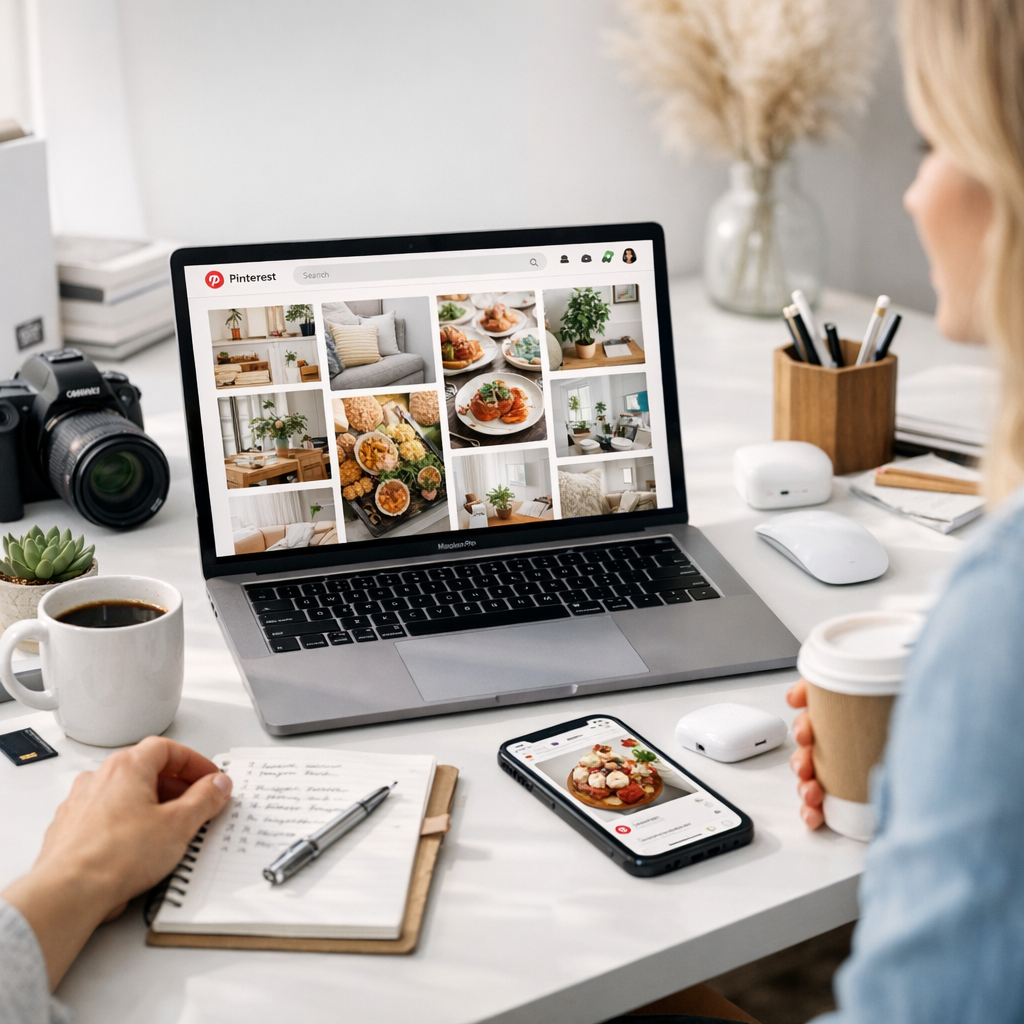

—
1. Tailwind Publisher
Let’s start with an obvious one. Tailwind remains the gold standard for scheduling pins and tracking performance on Pinterest. Their Chrome extension makes it ridiculously easy to save images from any website directly into your Tailwind drafts.
Why It Works:
- You can batch-schedule pins across multiple boards in minutes.
- SmartLoop lets you repurpose old content automatically (a lifesaver if you’re working alone).
- Analytics are solid—you’ll know which pins hit and which ones flopped.
The Catch:
The free plan is pretty limited. If you’re running more than one campaign at scale, expect to pay $12.99/month minimum.
Pro Tip: Combine this with Tailwind Communities (formerly Tribes) for boosting reach through group engagement.
—
2. Pinterest Save Button
This is Pinterest’s own extension, so nothing fancy here—but it does its job brilliantly. With a single click, you can save any image from any website directly to one of your boards.
What I Like:
- Simplicity at its best; no extra setup or learning curve.
- It integrates seamlessly with your Pinterest account.
Why You Might Skip It:
It doesn’t offer advanced features like batch-saving or analytics. Use it only if you’re manually pinning content or working on small campaigns.
—
3. ViralTag Pin Extension
ViralTag takes things up a notch by allowing direct scheduling of pins while browsing the web—similar to Tailwind but with an even simpler interface.
Standout Features:
- Supports multiple image uploads per pin.
- Lets you create custom captions and hashtags right inside the pop-up window.
I find ViralTag easier to use for quick-turnaround campaigns where speed matters more than deep analytics.
Comparativa: estrategias de repurposing de contenido para blogs vs podcasts: guí
—
4. Canva Button
If Canva isn’t part of your Pinterest workflow yet, what are you even doing? This Chrome extension lets you design pins directly from any webpage without jumping back-and-forth between tabs.
Killer Functionality:
- Pre-loaded templates designed specifically for Pinterest dimensions.
- Drag-and-drop simplicity means no graphic design degree required.
Use Case: When I needed fresh visuals quickly during Black Friday promos last year, this tool saved hours of work by letting me adjust designs straight from my browser tab.
—
5. SEO Minion
Pinterest thrives on keywords—both in descriptions and board titles—so nailing your SEO game is critical. SEO Minion helps you analyze on-page elements like alt text (which doubles as keyword juice on Pinterest).
Why It Stands Out:
- Highlights missing alt tags in images—a common mistake that kills discoverability.
- Lets you preview how your pin descriptions might look in search results before publishing them.
This isn’t strictly built for Pinterest users, but trust me—it’s invaluable if SEO is part of your strategy (and it should be).
—
6. PinGroupie Helper
If group boards aren’t already part of your arsenal, fix that now. PinGroupie Helper works alongside PinGroupie.com to help find active group boards related to specific niches.
Key Benefits:
- Filters by engagement levels (active groups = better ROI).
- Saves time digging through useless invite-only boards that haven’t been updated since 2019.
Fair warning: Some group boards have become ghost towns post-pandemic… always vet them yourself before committing effort there.
—
7. Grammarly
Hear me out: typos kill credibility—even on casual platforms like Pinterest. Grammarly ensures every pin description reads cleanly while also suggesting better phrasing to drive engagement (“Click here!” vs “Check this out!”).
10 Herramientas Clave para Crear Contenido Viral en Redes Sociales en 2024: guía
Budget Hack: The free version covers spelling/grammar basics; upgrading only makes sense if you’re managing client accounts or writing long-form blog intros linked via pins.
—
8. Pinterest Sort Boards Extension
When managing dozens (or hundreds) of boards, things can get messy fast—this extension solves that headache by letting users alphabetize their boards within seconds!
It might seem trivial until deadlines hit… try hunting down that “Summer Recipes” board buried under “Zodiac Signs Explained” during crunch time without this tool—good luck!
—
9: ViralMaker AI Assistant
You knew this was coming! ViralMaker’s AI-powered toolkit has exploded onto the scene in late 2025/early ’26 because it turns campaign scaling into something almost automatic:
Real Magic Here:
1) Research trending keywords/topics across verticals like food/how-to/DIY niches faster than manual research could dream…
2) Autopilot generates optimized SEO drafts tailored precisely toward visual-heavy platforms such similar support spans mixed-use workflows helpful either new pros alike experimenting seeing often big agencies scaled piloted iterations 📈
Find full benefits overview highlighted deeper insights learn_more.
Related Links


