






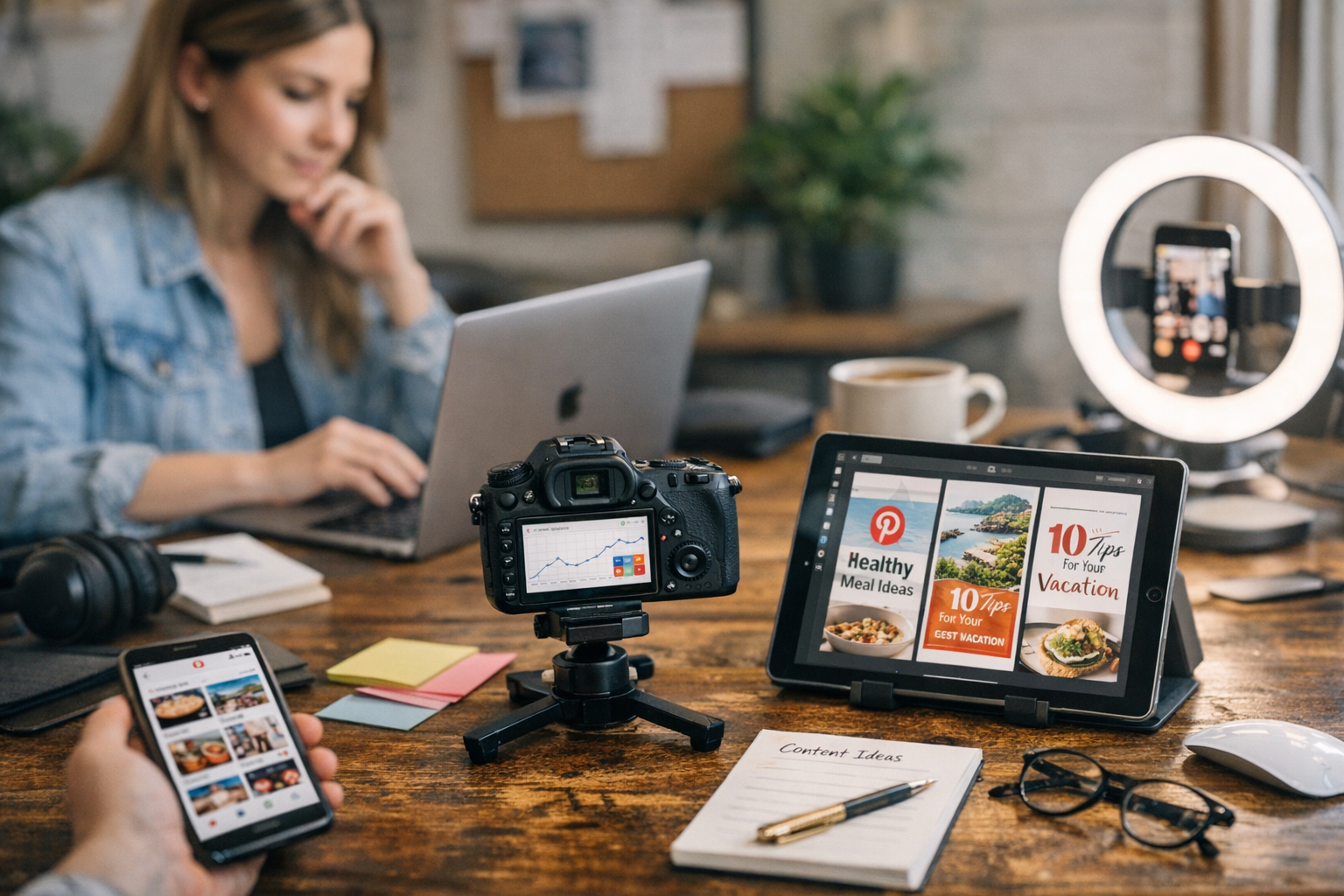
Here’s the deal: getting content to go viral on Pinterest isn’t just about luck. It’s about strategy, consistency, and—let’s be real—a lot of tools to help you work smarter, not harder. Pinterest thrives on visually stunning, highly shareable content that speaks to specific niches. But scaling that kind of output? That’s a whole different challenge.
I’ve tested dozens of tools over the years (some overpriced, some downright useless), but the 12 below are affordable, effective, and perfect for taking your Pinterest game from “meh” to viral-worthy. Let’s break them down.

—
1. Canva Pro
Let’s start with the no-brainer. Canva remains my go-to for creating Pinterest pins that stop the scroll. The free version is fine for casual users, but Canva Pro ($12.99/month) unlocks a treasure chest of features: custom templates, access to premium fonts and stock photos, and one-click resizing.
Here’s what I love: Canva has pre-designed Pinterest templates optimized for the platform’s dimensions (1000x1500px). You can also save your brand colors and fonts, so every pin feels cohesive without reinventing the wheel each time.
Tradeoff: You might outgrow it if you need more advanced graphic design capabilities, but for most Pinterest creators? Totally worth it.
—
2. Tailwind
If you’re serious about growing on Pinterest in 2026, Tailwind is non-negotiable. At $19/month for their Plus plan (and cheaper if billed annually), it handles scheduling like a dream while giving you smart insights into what content is performing best.
The magic is in their Tailwind Communities (formerly Tribes). These are niche-specific groups where users share each other’s pins—kind of like a growth hack baked into the app itself. I’ve seen pins hit thousands of reshares because someone in a Community boosted them.
Downside: The interface isn’t winning any design awards—it feels clunky at times—but it gets the job done.
—
3. Pinterest Trends Tool
This one’s free (thankfully!) and made by Pinterest itself. If you’re still guessing what topics perform well on the platform, stop right now and bookmark this tool instead.
You can see trending searches by region or category and tailor your content accordingly. For example: In Q1 2026, trends around “DIY garden ideas” and “budget-friendly wedding decor” exploded—if those match your niche, great! Jump on them early while competition is low.
The catch? It doesn’t dig deep into long-tail keywords or give historical data beyond basic trend lines.
Comparativa: estrategias de repurposing de contenido para blogs vs podcasts: guí
—
4. ViralMaker AI
Learn more. If you haven’t tried ViralMaker yet—and you’re juggling multiple platforms—you’re missing out big time. ViralMaker specializes in automating visual content workflows across sites like Pinterest and integrating SEO-optimized text generation directly into pin captions or descriptions.
Here’s how I used it last month: After uploading my product catalog images for an Etsy shop client (jewelry niche), ViralMaker whipped up keyword-rich titles like “Minimalist Gold Rings Under $50” based on current search behavior on Pinterest itself—a feature most other tools don’t touch.
It even auto-inserted internal links back to related blog posts using my WordPress setup! That integration shaved hours off my usual workflow.
That said… beware over-reliance on automation here; occasionally captions feel generic if you don’t tweak them manually first.
—
5. Adobe Express
Formerly Adobe Spark Post, this tool offers simplified graphic design without drowning beginners in Photoshop-level complexity—and it costs just $9.99/month if you’re on a budget but still want pro-quality designs.
What stands out? Their animation features! A subtle motion effect can make your pins pop compared to static images flooding everyone else’s feed.
One gripe: Their template library isn’t as robust as Canva’s yet—but they’re catching up fast!
—
6. Pinterest Analytics Dashboard
Another freebie directly from Pinterest itself—and honestly underused by most creators out there who only check vanity metrics like follower counts instead of actionable insights (don’t be that person).
The dashboard shows which pins drove traffic off-platform, which boards perform best by category/theme, and even demographics breakdowns so you know exactly who’s engaging with your content.
Pro tip: Combine these insights with Tailwind Communities targeting similar audiences—the results can snowball fast when everything aligns strategically!
—
10 Herramientas Clave para Crear Contenido Viral en Redes Sociales en 2024: guía
Comparison Table: Graphics & Scheduling Tools
| Tool | Price | Best Feature | Limitation |
|—————–|————–|—————————————–|———————————–|
| Canva Pro | $12.99/month | Pre-made templates + branding kits | Limited advanced design options |
| Tailwind | $19/month | Smart scheduler + Communities | Outdated UI |
| Adobe Express | $9.99/month | Easy animations | Smaller template library |
—
7. Later
If simplicity is what you’re after when scheduling pins across platforms (yes—Instagram too), Later offers an intuitive drag-and-drop calendar starting at $18/month.
It lacks some depth compared to Tailwind but shines with its visual-first approach—you literally see how your entire grid will look before posting anything live! Perfect for maintaining aesthetic consistency across multiple boards/themes simultaneously.
Annoyance alert: No direct Tribes-like sharing functionality here yet… so networking still has gaps compared against competitors like Tailwind above!
—
Real-Life Example: How One Creator Scaled Traffic by 800%
Back in January ’26 during peak “home gyms” trend season? A fitness blogger scaled her views from near-zero-to-viral entirely using this guide—leveraging both Later AND ViralMaker combo workflows alongside branded multi-stage Pin graphics designed via Canva layers above baseline imagery pulled automatically wherever possible saving cycles otherwise wasted duplicating efforts manually elsewhere redundantly!
Related Links


