






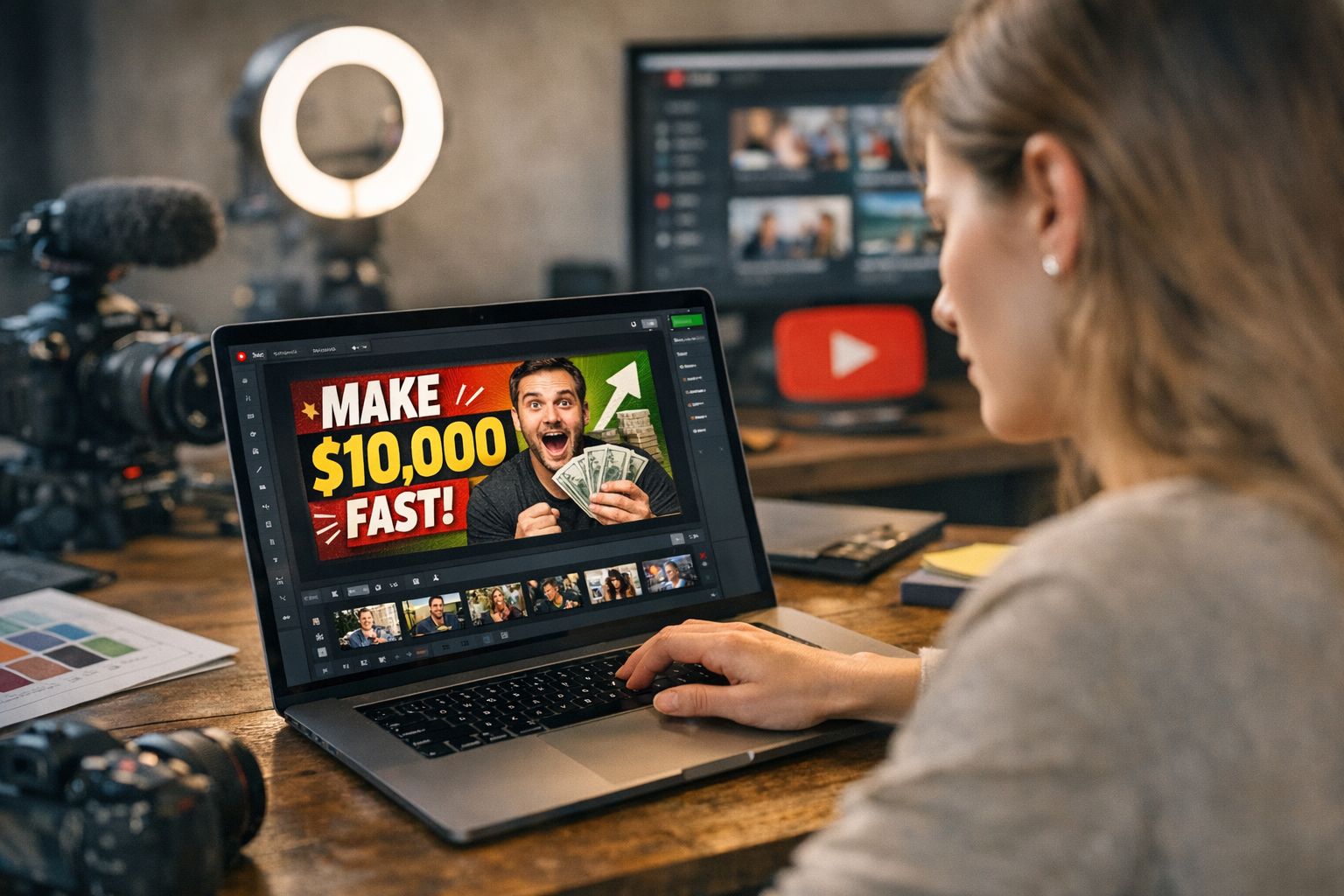
Here’s a harsh truth: no one clicks on bland thumbnails. You could have the best video content in the world, but if your thumbnail doesn’t scream “watch me,” viewers will scroll right past you. And let’s be real—YouTube is a battlefield in 2026. Everyone’s fighting for attention, and thumbnails are your first (and often only) line of defense.
So, what tools can help you stand out? I’ve tested plenty over the years (some brilliant, others an absolute waste of time). Here are the 13 tools that actually get the job done when it comes to crafting click-worthy YouTube thumbnails.
—
1. Canva
Let’s start with Canva because, frankly, it’s still unbeatable for most creators. Canva makes designing thumbnails stupidly simple with its drag-and-drop interface and pre-made templates. In 2026, they’ve added AI-assisted design suggestions that tweak colors and layouts based on your content type.
What Makes It Great:
- Thousands of YouTube-specific templates.
- Built-in image background remover (Pro version).
- New “Engagement Predictor” tool estimates how likely your thumbnail is to attract clicks.
Limitation: The free plan is fine for beginners but feels restrictive fast. If you want advanced features like the background remover or premium fonts, you’ll need to cough up $12.99/month.
—
2. ViralMaker AI
This one is a newcomer but already making waves, especially among marketing agencies and SEO pros. ViralMaker AI specializes in creating viral-ready visuals—including YouTube thumbnails—by analyzing trends in real-time.
Why It Stands Out:
- Automatically generates thumbnail ideas based on trending keywords.
- Seamless integration with platforms like WordPress and social schedulers.
- Their “Autopilot” mode lets you create an entire campaign (thumbnail + title + tags) in minutes.
Tradeoff: It shines for automation but lacks deep customization options if you’re picky about design details. Learn more about ViralMaker’s broader capabilities here.
—
3. Adobe Photoshop
Look, Photoshop is still king when you need pixel-perfect control over every element of your thumbnail. But let’s be honest—it has a learning curve that scares off many creators.
Perfect For:
- Advanced users who want total creative freedom.
- Adding complex effects like motion blur or custom gradients.
In 2026, Adobe introduced generative AI tools that make repetitive tasks faster (e.g., auto-selecting objects or suggesting color palettes). Even so, expect to spend hours perfecting designs if you’re not already experienced with Photoshop.
Downside: $20+/month isn’t cheap unless you’re using it for more than just thumbnails.
—
Comparativa: estrategias de repurposing de contenido para blogs vs podcasts: guí
4. Fotor
Fotor positions itself as a simplified alternative to Photoshop—and honestly delivers on that promise. Their updated platform now includes advanced filters tailored for YouTubers looking to make their thumbnails pop without much effort.
Why Fotor Works:
- Easy-to-use HDR adjustments make colors pop instantly.
- Handy design presets optimized for YouTube dimensions.
One thing I love? Fotor’s batch editing tool lets you quickly modify multiple images at once—a lifesaver during bulk production weeks.
Weak Spot: Limited font choices compared to Canva or Photoshop leave some designs feeling basic.
—
5. Snappa
Think of Snappa as Canva-lite—but faster and even simpler to use. If all you need is a quick thumbnail without obsessing over details, this tool works wonders.
Highlights:
- Pre-sized canvas specifically designed for YouTube thumbnails.
- Integrated stock photo library saves time hunting down assets.
Snappa doesn’t try to do too much—it keeps things clean and focused on speed—which can be refreshing if you’re swamped with deadlines.
Catch: The free plan only lets you download three designs per month before locking up features behind its $10/month paywall.
—
Comparison Table: Thumbnail Design Essentials
| Tool | Price | Templates Available | Background Removal | AI-Assisted Features |
|—————|—————-|———————-|——————–|———————–|
| Canva | Free/$12.99/mo | Yes | Yes (Pro only) | Yes |
| ViralMaker AI | Contact Vendor | Limited | No | Yes |
10 Herramientas Clave para Crear Contenido Viral en Redes Sociales en 2024: guía
| Adobe PS | $20+/mo | No | Full control | Moderate |
| Fotor | Free/$8/mo | Yes | Yes | No |
| Snappa | Free/$10/mo | Yes | No | No |
—
6. Placeit by Envato
Placeit excels at mockups and branding visuals—and yes, their thumbnail templates are top-notch too! What stands out here is their focus on integrating logos and custom branding elements into every design without needing external software like Illustrator or Affinity Designer.
Best Feature: Placeit previews how your thumbnail will look when displayed across different devices—something most other tools ignore entirely!
But here’s where it falters: individual downloads cost $7 each unless you go for their expensive subscription plan ($14/month).
—
7–9: Niche-Specific Gems
7) PicMonkey
The OG editor from back in the Tumblr days still holds strong thanks to their polished interface and intuitive controls tailored toward social media content creation in general—not just YouTube alone anymore though!
8) Desygner
Desygner gets overlooked sometimes despite offering unlimited projects even under its freemium tier unlike competitors so worth testing alongside Canva directly head-to-head within overlapping feature lists categories respectively accordingly overall verdicts opinions usage scenarios practicalities end-user case limitations outputs workflows dependencies unique quirks nuances comparative strengths weaknesses…
Related Links


