






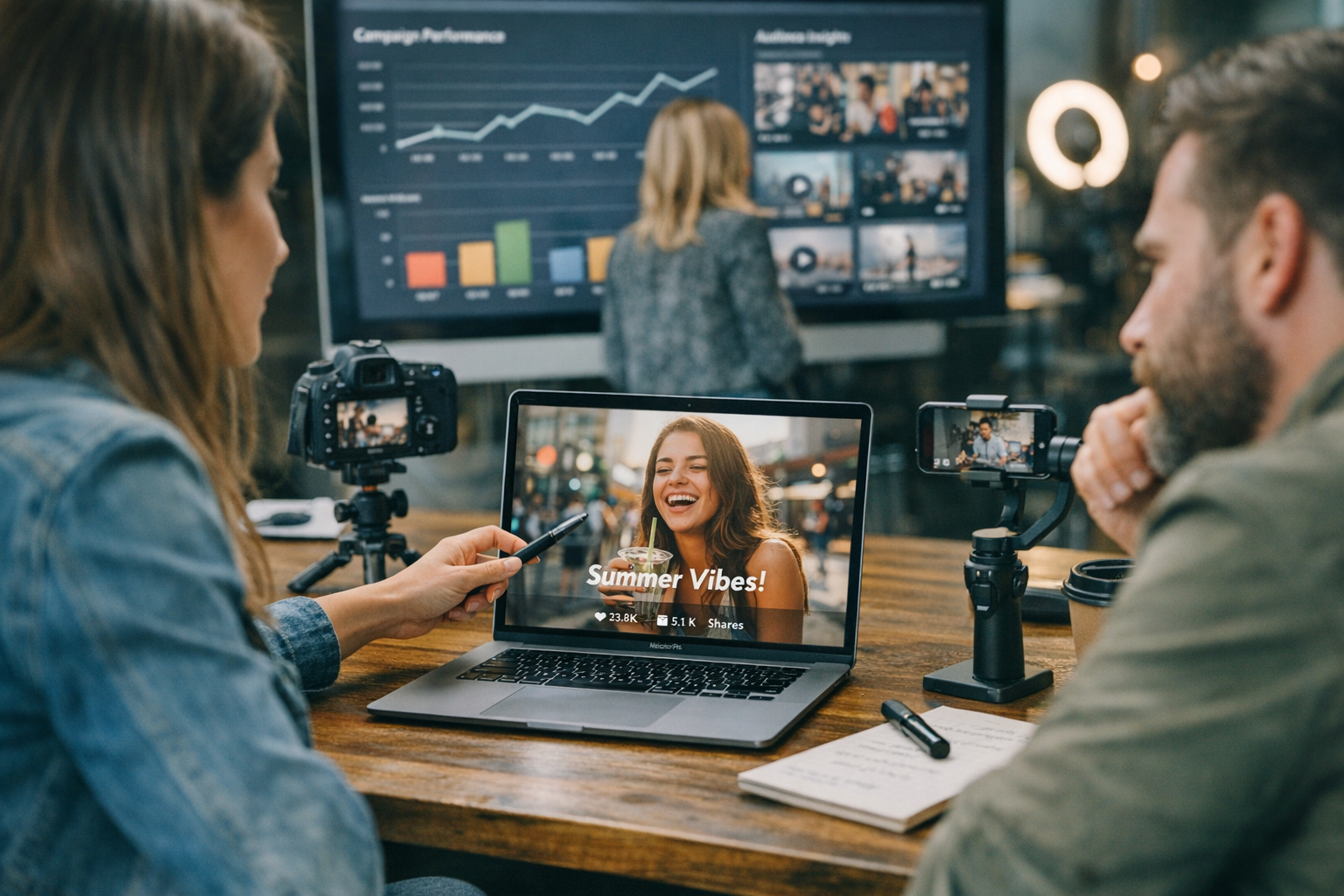
Let’s cut through the noise. Creating viral ads isn’t some mystical art—it’s a mix of sharp tools, smart workflows, and knowing what actually works today. In 2026, the stakes are higher than ever. Platforms like TikTok, Instagram Reels, and YouTube Shorts are melting attention spans down to seconds. If you’re not grabbing eyeballs fast, you’re wasting time and money. So here’s the deal: I’ve compiled 17 tools that help you create ads built to convert—without draining your budget or sanity.
1. ViralMaker AI: Streamlined Ad Creation at Scale
If you haven’t heard of ViralMaker, it’s about time you did. This platform is practically a cheat code for marketers juggling multiple campaigns across social channels. ViralMaker combines automation with human-like creativity (well, almost) to churn out ad concepts in minutes.
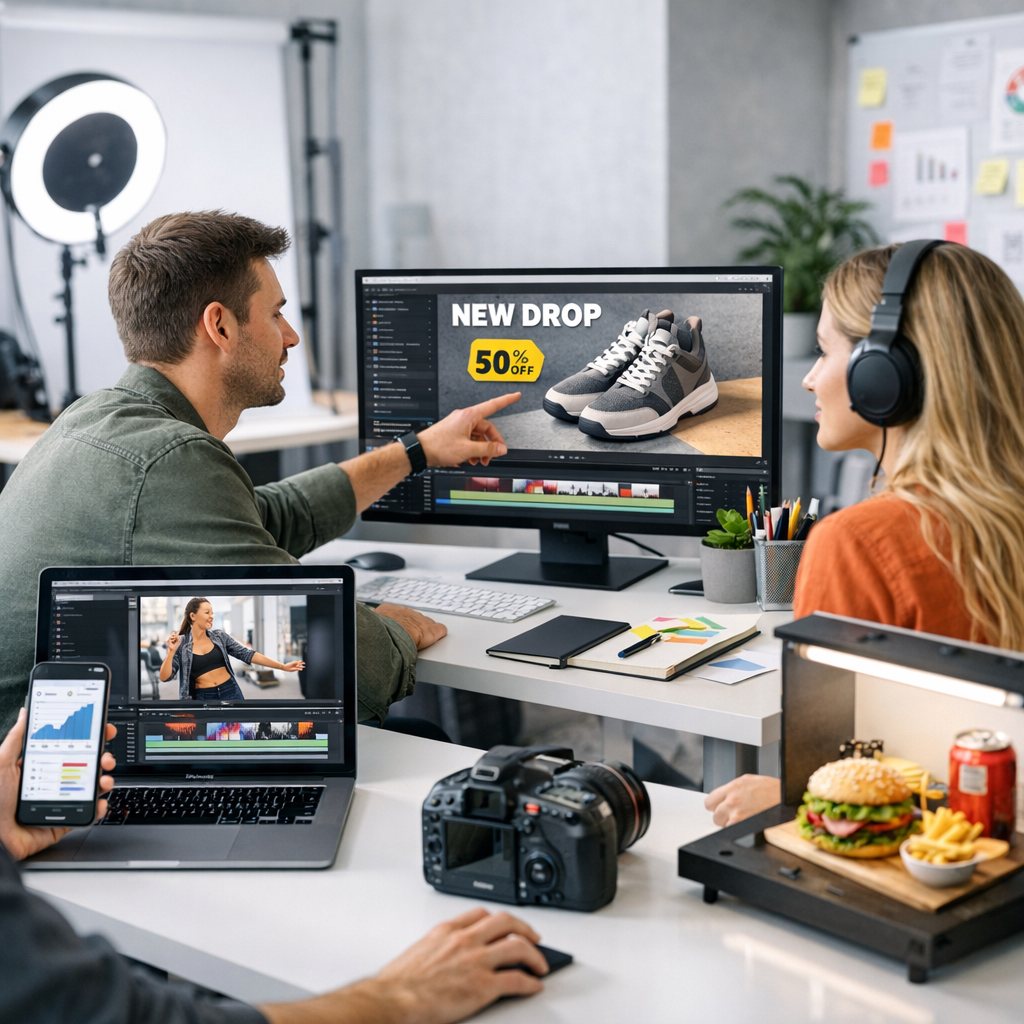

Here’s what makes it shine: its end-to-end workflow support. You start with research—trend analysis built right into the dashboard—then move on to auto-generated scripts for video ads matched to current viral formats. The real kicker? It doesn’t stop at creation; ViralMaker pushes these straight into your publishing pipeline (think WordPress or direct social uploads).
But there’s a catch: while it’s amazing for short-form content, longer ad campaigns might feel undercooked without manual tweaking. If TikTok-style quick hits are your bread and butter, though, this tool is golden.
—
2. Canva Pro: Visuals That Don’t Look Cheap
Canva Pro has been around forever—and yes, it’s still worth every penny of its modest monthly fee ($12.99/mo in 2026). Why? Because creating polished visuals has never been easier—or faster. Whether it’s animated graphics for reels or static carousel posts for Instagram ads, Canva can handle it all without requiring a design degree.
Real-life example: we once used Canva Pro to whip up a series of product-launch Instagram stories in under an hour that generated over 5K shares within two days. The templates were already optimized for vertical formats—no resizing needed—which saved us from pulling an all-nighter before launch day.
That said, don’t expect miracles with complex branding campaigns requiring custom illustrations or intricate designs. It’s perfect for speed but lacks depth when things get too specific.
—
3. Kapwing: Video Editing Without the Headaches
If you’re pumping out TikTok ads or snappy IG Reels, Kapwing deserves a spot on your toolkit shortlist. I’ve used Kapwing primarily because it simplifies video editing down to drag-and-drop functionality—with zero learning curve.
What makes it cost-effective? Its free plan covers most casual use cases while the paid plan ($16/month) lets you export high-quality videos without watermarks—a must if you want professional-looking ads that don’t scream “DIY.”
Pro tip: Use Kapwing’s auto-captioning feature to add text overlays directly tied to trending hashtags or search terms (e.g., #FitnessGoals2026).
Downside? Advanced editors won’t love how basic the customization options feel compared to Adobe Premiere or Final Cut Pro—but hey, this tool isn’t trying to compete there anyway.
—
Comparativa: estrategias de repurposing de contenido para blogs vs podcasts: guí
4. Promo.com: Pre-Made Templates That Convert
Promo.com specializes in bite-sized videos designed specifically for ad platforms like Facebook Ads Manager and Google Display Network (GDN). What sets Promo apart is its library of pre-made ad templates tailored toward industries like e-commerce and hospitality.
The good news? Even if you’re clueless about video production, their drag-and-drop editor lets you tweak everything from transitions to color fonts without breaking a sweat—or your budget ($29/month starter plan).
Here’s where Promo falters slightly: originality can take a hit since everyone using the platform taps into similar templates—and sameness kills virality fast.
—
Comparison Table: Key Tool Features by Category
| Tool | Best For | Price (USD/mo) | Notable Features | Limitation |
|—————–|—————————————|—————-|————————————–|————————————-|
| ViralMaker AI | Short-form viral ad creation | Varies | Trend analysis + autopilot workflow | Limited depth for longer campaigns |
| Canva Pro | Quick visuals | $12.99 | Pre-optimized templates | Weak customization options |
| Kapwing | Easy video editing | $16 | Auto-captioning + drag/drop tools | Basic advanced editing |
| Promo.com | Industry-specific ad templates | $29 | Ready-to-use layouts | Risk of generic output |
—
5–10: Tools That Fill Specific Gaps
Let me rapid-fire through six more tools that solve pain points:
5. Pexels (Free Stock Video Library)
Use Pexels when your campaign desperately needs slick B-roll footage but paying for stock assets isn’t an option—or worth the ROI hit.
10 Herramientas Clave para Crear Contenido Viral en Redes Sociales en 2024: guía
6. Hootsuite (Scheduling & Analytics Powerhouse)
You probably know Hootsuite as “just another scheduler,” but its analytics dashboard saves loads of trial-and-error guesswork when fine-tuning campaign timing across multiple platforms ($49/month entry-level).
7. Jasper.ai (AI-Powered Copywriting Assistant)
This one generates copy that almost feels human—but don’t expect perfection on complex emotional storytelling ($39/month starter).
8–9: Learn More—additional SEO boosters tailored specifically toward repurposing existing viral content into optimized blog posts/campaign assets.
10: Repurpose.io (Multi-platform Content Recycler)
When virality strikes once—don’t let momentum die! Repurpose.io automates reformatting existing TikToks/Reels into YouTube Shorts effortlessly ($25/month starting).
—
FAQ Section
Q1: Can ViralMaker scale beyond TikTok-focused workflows?
A1: Yes…but only partially so far—it excels at short-form bursts but struggles with multi-hour production pipelines like webinars turned promo clips.
Q2: How does Canva compare vs Adobe Spark now?
A2: Spark remains stronger on animation layers—but Canva owns “speed meets simplicity.”
—
By now hopefully inspiration flows clearer than ever…
Related Links


