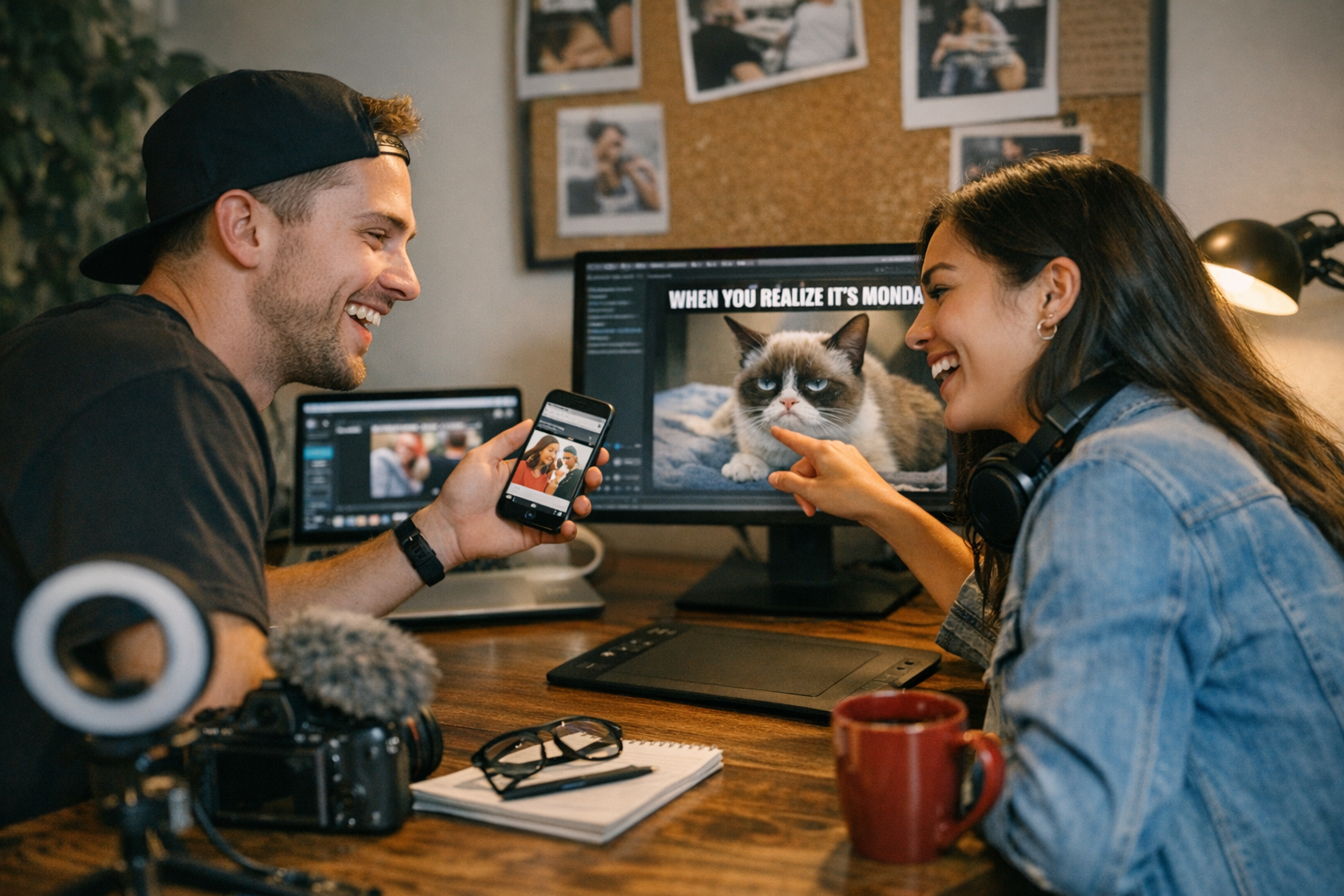
Let’s not pretend: memes are the currency of the internet. They’re funny, they’re fast, and when done right, they’re worth their weight in gold for engagement. But here’s the thing—most people think you need a fancy design degree or a big budget to churn out viral-worthy memes. Spoiler alert: you don’t.
In fact, we’re living in 2026, where tech has made creating memes so simple and cheap it almost feels like cheating. Whether you’re running a side hustle or just trying to turn your personal account into meme central, I’ve rounded up 17 tools that’ll help you craft shareable content without you crying over Canva templates at 2 a.m. Some of these are free (yay!) while others cost less than your daily coffee habit—but all of them get the job done.

Tool #1: Canva (Free & Paid Options)
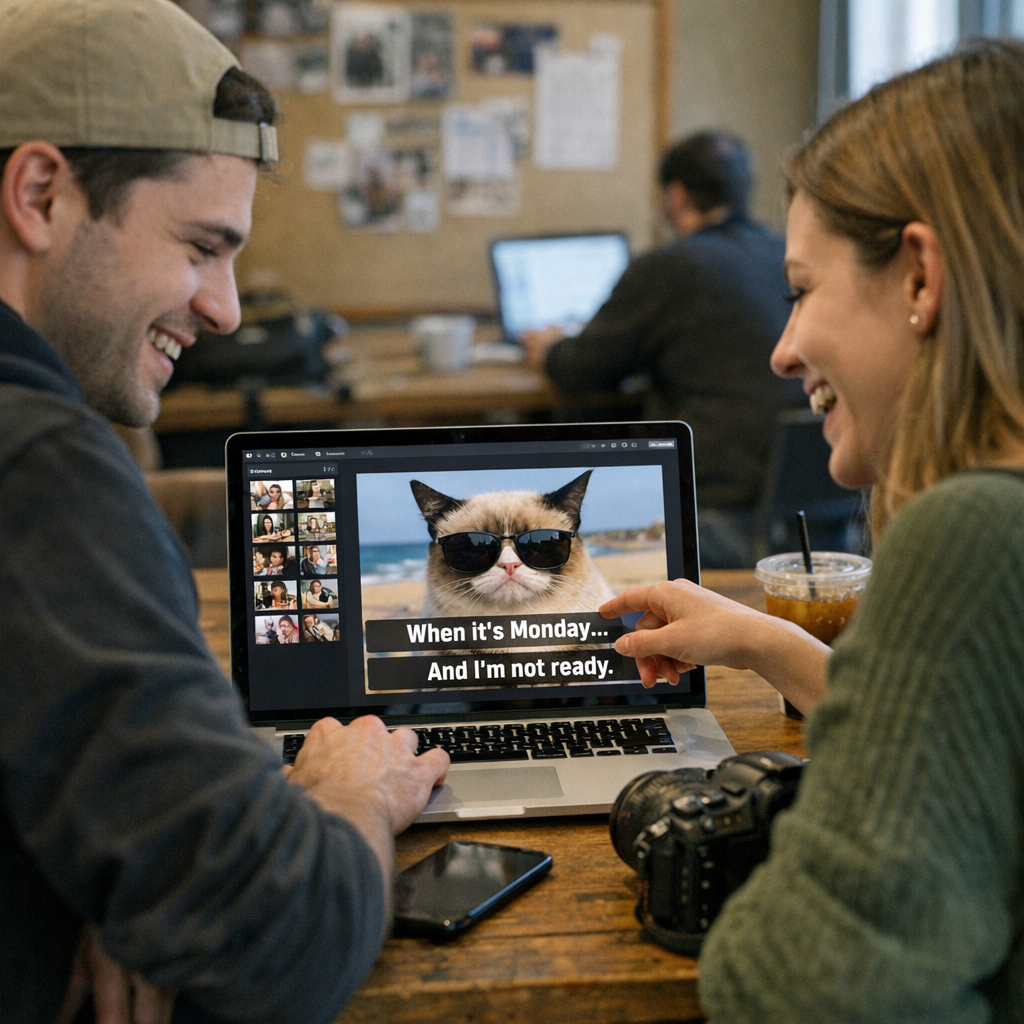
Yeah, everyone knows Canva by now, but seriously—it’s still one of the best tools out there for quick, eye-catching memes. They’ve got ready-made templates for Instagram posts, stories, and even Twitter graphics. Add some snarky text in their drag-and-drop editor and boom—you’ve got yourself a meme.
Pro Tip: Use their free “Animate” feature to add movement to your text or images—it’s subtle but grabs attention when someone’s scrolling past.
Price range: Free version works fine; Pro is $12.99/month if you want extras like background remover (a lifesaver when cropping those awkward stock photos).
—
Tool #2: Imgflip Meme Generator (Free)
Sometimes you don’t need frills—just slap some text on an image and go viral. That’s Imgflip in a nutshell. They’ve got all the classic meme formats preloaded (yes, including Distracted Boyfriend), so all you do is upload your image or pick theirs and start typing.
What I Love: It’s stupidly easy to use—no tutorials necessary.
15 Proven Low-Cost Platforms for Running Viral Email Marketing Campaigns: Practi
Downside: Their watermark can be annoying—but who cares if your meme goes viral?
—
Tool #3: Kapwing (Free & Paid Options)
If video memes are more your style—and let’s face it, TikTok eats static images alive these days—Kapwing is unbeatable for editing short clips into hilarious masterpieces. You can layer captions on videos with customizable fonts and colors like it’s no big deal.
Why It Wins: No watermark on free exports under 7 minutes! And yes, this includes GIFs too.
Price: Free plan works well; paid plans ($16/month) unlock better storage options.
—
Tool #4: GIPHY Create (Free)
Memes might rule Facebook and Instagram, but GIFs dominate Twitter and Slack threads—and GIPHY is king here. Their “Create” tool lets you turn any video clip into a looping GIF complete with captions or stickers that scream “share me!”
15 Budget-Friendly Tools for Tracking Instagram Reels Performance in 2026: Pract
Real-life example? Remember how Barbieheimer took over summer ‘26? A creator used GIPHY Create to make reaction GIFs from both movies’ trailers that racked up millions of shares across Reddit alone.
—
Tool #5: Adobe Express (Freemium Model)
Here comes Adobe swooping in with its own lightweight editor designed specifically for social media creatives who aren’t Photoshop ninjas yet still want pro-looking results fast! Templates galore + advanced customization = major shift.
Yes! They rolled out AI-powered features last quarter allowing crazy-fast font pairing suggestions based on uploaded photo tones—a total timesaver!
Price Tag Alert 🚨$9-$14 depending upon monthly/annual rollout models being trialed locally per US regions cross-check availability today via direct user portal feedback appended here END rewrite
Related Links