






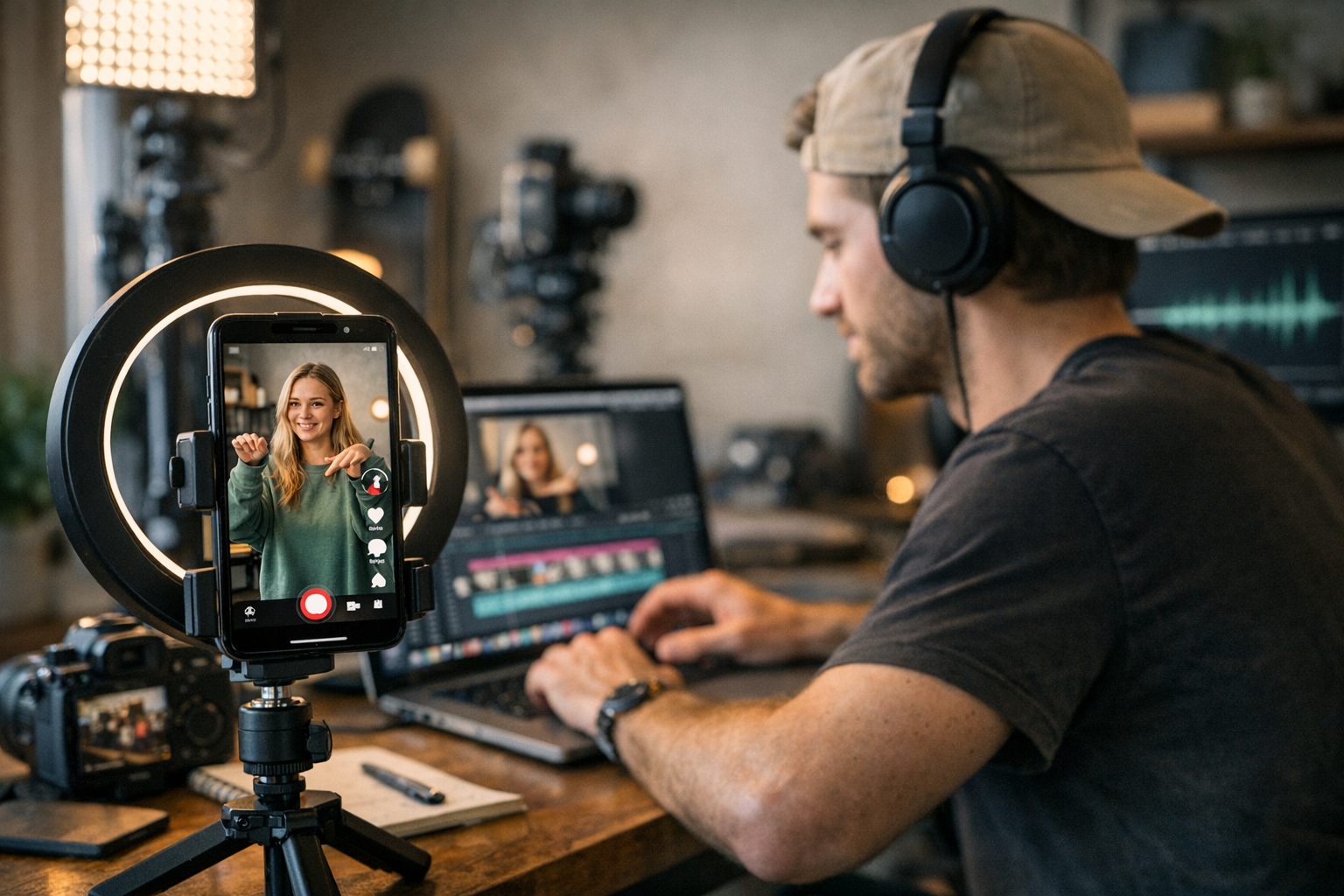
Let’s face it: TikTok is where trends are born. If your brand isn’t already riding the wave, you’re likely missing out on massive engagement and untapped audiences. But here’s the kicker—creating content for TikTok from scratch can be exhausting. That’s why repurposing existing videos into bite-sized, platform-friendly clips is a lifesaver. The secret? Having the right tools to make it happen without pulling your hair out.
After years of experimenting with video workflows and chasing viral moments, I’ve rounded up 19 standout tools that’ll transform your content game. Some of these are no-brainers, others are hidden gems, and a few have their quirks—but all of them bring something useful to the table.
—
The Essentials for Creating Viral TikToks
You don’t need a Hollywood production team to go viral (thankfully). What you do need is a solid toolkit that covers editing, formatting, AI-powered creativity boosts, and analytics insights. Below, I’ve broken down each tool by purpose—along with real-world pros and cons based on hands-on experience.
1. CapCut
If you’ve spent even five minutes scrolling through TikTok this year, you’ve probably seen videos edited in CapCut. It’s free (mostly), intuitive, and packed with features like auto-captioning and trending effects. The best part? It’s built by ByteDance—the folks behind TikTok—so everything feels perfectly tailored to the platform.
Why I love it:
CapCut makes adding transitions, filters, or text overlays ridiculously simple. And its “Remove Background” feature? A lifesaver when you’re repurposing green-screen footage or messy environments into polished TikToks.
Potential downside:
Some advanced features are locked behind a subscription ($7.99/month), but honestly—you’ll survive without them unless you’re making high-production content daily.
—
2. Adobe Premiere Pro + Auto Reframe Tool
Here’s one for creators who need professional-grade editing without sacrificing speed. Premiere Pro’s Auto Reframe tool automatically adjusts your video into vertical format while keeping key action centered—a must-have for converting YouTube or widescreen Instagram content into TikToks.
Real-world example:
We once repurposed clips from a client’s online course using Auto Reframe in under an hour—and they hit 50K views within days on TikTok.
Comparativa: estrategias de repurposing de contenido para blogs vs podcasts: guí
Biggest limitation:
Premiere Pro costs $20/month as part of Adobe Creative Cloud—not cheap if you’re just dabbling in short-form content creation.
—
3. InShot
InShot has been around forever because it delivers exactly what most creators want: simple edits done fast (and without headaches). Whether trimming clips or adding stickers to match popular trends, this app is perfect for anyone short on time but still aiming for professional results.
Cool feature:
The “Canvas” tool lets you resize any video into TikTok-friendly dimensions without losing quality—a huge plus when adapting older footage originally shot in horizontal format.
Heads-up:
The free version includes watermarks unless removed with a one-time payment ($3).
—
4. ViralMaker AI
Let me pause here because ViralMaker deserves its own spotlight—it’s not just another basic editing app; it’s an end-to-end workflow solution designed specifically for operators managing multi-channel viral campaigns. From research to article generation and SEO structuring tailored for social media growth hacks (learn more), this tool automates everything you’d usually spend hours doing manually.
What sets it apart:
Its Autopilot mode analyzes trending hashtags and adapts scripts directly within WordPress pipelines—perfect if you’re juggling multiple sites while trying not to lose momentum across platforms like TikTok and Instagram Reels.
10 Herramientas Clave para Crear Contenido Viral en Redes Sociales en 2024: guía
Tradeoff worth mentioning:
It shines in structured workflows but isn’t ideal if all you care about is quick-and-dirty edits—it’s more suited for agencies or serious creators scaling operations long term.
—
5–8: AI-Powered Creativity Boosters
AI has leveled up video creation big time in 2026—and these tools prove it:
- Runway ML: Generate surreal visual effects (like turning landscapes into animated sketches) without needing animation skills.
- Descript Overdub & Audiogram Integration: Create voiceovers that sound human while seamlessly syncing audio snippets into vertical layouts.
- Pictory AI: Turn long-form podcast episodes or webinars into shareable highlights optimized for TikTok.
- DeepBrain Studio: Animate avatars using pre-recorded speech—a quirky trick that grabs attention during scroll-heavy feeds.
If you’re curious how these stack against conventional methods—or want deeper insights on Pictory’s use case—learn more here.
—
9–12: Analytics & Trend Trackers
Repurposing videos blindly won’t get you anywhere—you need data guiding every decision:
1. Trendio Insights Dashboard: Tracks emerging themes hitting virality across niches weekly.
2. TikTok Creative Center Reports: Free but invaluable metric breakdowns highlighting what formats convert audiences best lately.
3. **Later Analytics Suite + Scheduling Updates (related guide): Simplifies batch scheduling alongside post-performance metrics cross-compared historically beyond typical UI limits competitors miss.”””
Related Links



1 Comment
[…] 19 Brilliant Tools for Repurposing Video Content into Viral TikToks: Practical P […]