






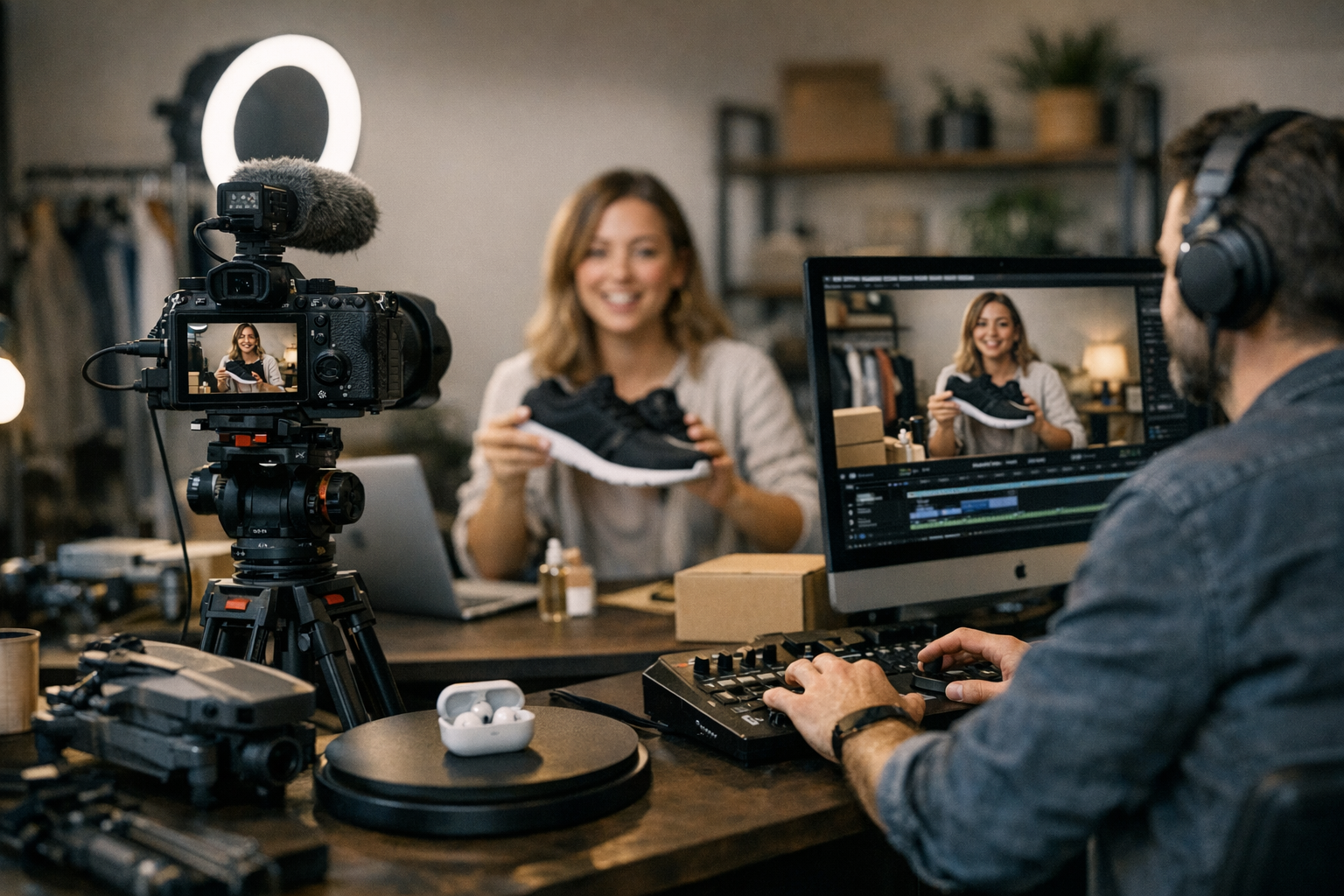
Here’s the thing: if you’re running an e-commerce business in 2026 and not using video, you’re already behind. Product videos aren’t just nice-to-haves anymore—they’re the secret sauce for driving clicks, shares, and conversions. But creating something that actually goes viral? That’s a whole different beast. You need tools that can handle everything from concept to final cut, without eating up all your time or budget.
The good news? The tools available today are smarter and more versatile than ever before. Whether you’re a solo entrepreneur or managing a team of marketers, there’s something here that’ll fit your workflow.
Let’s jump into the lineup of the best tools you can use this year—some obvious heavyweights, some under-the-radar gems.
—
1. ViralMaker AI
If you care about automation and speed, this one’s a no-brainer. ViralMaker AI has made waves by blending AI-powered scripting with video editing tailored specifically for social media platforms like TikTok, Instagram Reels, and YouTube Shorts. It even lets you A/B test your videos before publishing them.
Why It Stands Out:
- Autopilot Mode: Upload product data and let it generate scripts, visuals, and captions automatically.
- Platform-Specific Optimization: Adjusts aspect ratios and lengths based on whether you’re targeting TikTok or LinkedIn.
- SEO Integration: Helps optimize video metadata to rank better in search.
Limitations:
It’s not great if you want deep customization—the templates can feel limiting for brands aiming for hyper-original content. Still, for quick-turnaround campaigns? It’s gold.
—
2. Canva Pro (Video Suite)
Canva isn’t just about static designs anymore. Its video suite has become surprisingly competent over the last couple of years—perfect for beginners who don’t want to deal with complex software like Premiere Pro.
What Works:
- Drag-and-drop simplicity.
- Tons of pre-built templates for product showcases.
- Integrates smoothly with e-commerce platforms like Shopify.
However: If you’re trying to stand out with truly unique effects or transitions, Canva will feel limited pretty quickly.
—
3. Runway ML
Runway ML is where things get futuristic—and fun. In 2026, generative AI isn’t optional anymore if your goal is virality at scale. Runway lets you create mind-blowing effects with minimal effort (think replacing backgrounds or generating entirely new scenes without reshoots).
Real-Life Example:
One DTC skincare brand used Runway to generate an interactive “before-and-after” effect where customers could swipe between results on Instagram Stories—without hiring a single videographer.
Tradeoff? The learning curve is steeper than most tools on this list.
—
4. CapCut
This free app (owned by ByteDance) is practically the default editor for TikTok creators right now—and it works just as well for e-commerce brands looking to tap into that same aesthetic.
Comparativa: estrategias de repurposing de contenido para blogs vs podcasts: guí
What makes it unbeatable:
- Intuitive mobile-first interface.
- Built-in trending effects and music from TikTok’s library.
- Completely free!
Sure, it lacks advanced features like color grading or multi-camera editing—but when speed matters more than polish (which it often does), CapCut delivers.
—
5. Adobe Premiere Pro + After Effects
Let’s be real: there’s no substitute when you need full creative control over your videos. Adobe remains the industry standard in 2026 because of its sheer versatility.
Advantages:
1. Flawless integration between Premiere Pro (editing) and After Effects (motion graphics).
2. Precise control over every detail—from transitions to audio mixing.
3. Cloud collaboration makes team workflows smoother than ever before.
Downside? It requires skill—and subscription fees aren’t cheap ($54/mo). But if quality trumps convenience in your book, this combo wins hands down.
—
6. Animoto
Animoto simplifies slideshow-style videos—which still work great for showing off multiple products quickly (especially in carousel ads). Think “drag-and-drop meets professional polish.”
Perfect For:
Small businesses with zero editing experience but big ambitions on Facebook Ads Manager or Google Shopping campaigns.
—
7. Pictory
Imagine turning blog posts into scroll-stopping videos automatically—that’s exactly what Pictory does! Its AI analyzes long-form content and converts it into bite-sized video highlights with animated text overlays and stock footage inserts.
Practical Use Case:
10 Herramientas Clave para Crear Contenido Viral en Redes Sociales en 2024: guía
Repurpose old blog content into Pinterest-friendly pins or short-form YouTube SEO bait without touching an editor manually!
But heads up—it relies heavily on stock imagery/videos which might not align with premium brand vibes.
—
Comparison Table
| Tool | Best For | Price Range | Key Limitation |
|—————-|———————————|——————|————————————–|
| ViralMaker AI | Automated viral-ready content | $29–$99/month | Limited creative flexibility |
| Canva Pro | Beginners & quick edits | $12/month | No advanced effects |
| Runway ML | Generative AI magic | $35+/month | Steep learning curve |
| CapCut | Mobile-first casual edits | Free | Lacks pro-level controls |
| Premiere Pro | High-quality production | $54/month | Expensive + technical skills needed |
—
8–15 Quick Mentions Worth Exploring
For brevity here are eight additional solid options worth exploring depending on needs budgets niches ranges
Related Links


