






Let’s be honest. Growing on YouTube in 2026 can feel like a battle against algorithms, attention spans, and skyrocketing production costs. But here’s the thing: you don’t need to start from scratch every time you create content. The smartest creators—the ones who consistently grow without burning out—aren’t necessarily making more videos; they’re making better use of the content they’ve already created. That’s where repurposing comes in.
Repurposing isn’t just about stretching your content—it’s about amplifying it across platforms, audiences, and formats while keeping costs low. Whether you’re working solo or running a small team on a tight budget, these 23 ideas will help you squeeze every ounce of value out of your existing content and drive real YouTube growth.

—
1. Turn Long-Form Videos into Short Clips
If you’ve got a 20-minute tutorial or an in-depth vlog that performed well, don’t let it sit there untouched after week one. Chop it into bite-sized clips (30–90 seconds) for YouTube Shorts—and even TikTok or Instagram Reels while you’re at it. Shorts are still killing it in terms of reach this year, with many channels reporting up to 5x more views compared to traditional videos.
How It Works:
Use free tools like CapCut or DaVinci Resolve for quick edits that highlight key moments from your video. Add some captions for accessibility and engagement—there are no excuses since most apps can auto-generate them now.
💡 Pro Tip: Pull moments that leave viewers curious enough to watch the full-length video on your channel.
—
2. Extract Key Points for Slide Decks
Take the main takeaways from an educational video and turn them into clean, visually engaging slide decks using Canva (free version works fine). Upload those slides as a PDF to LinkedIn or SlideShare to capture professional audiences who might not hang out on YouTube regularly but could still become subscribers once they discover your expertise.
—
3. Convert Tutorials into Blog Posts
Written guides are alive and well in 2026 because not everyone wants video all the time (yes, even now). Your how-to videos can easily be turned into step-by-step blog posts with screenshots pulled directly from your footage.
Real Example:
A fitness coach I worked with transformed her exercise tutorials into blog posts outlining each move in detail with photos from her workouts. Not only did these rank well on Google over time, but she also linked back to her original videos within every article—a simple traffic loop that boosted both platforms.
Feeling overwhelmed? Tools like ViralMaker can help streamline this process by generating SEO-ready drafts based on your uploaded script or captions.
Comparativa: estrategias de repurposing de contenido para blogs vs podcasts: guí
—
4. Create Infographics from Data-Heavy Videos
Got stats or research-based points in one of your uploads? Summarize those insights and visualize them as infographics using Piktochart or Venngage (both offer free plans). Post these graphics on Pinterest—which now supports direct links—or share them across Reddit communities relevant to your niche.
—
5. Compile Q&A Sessions into FAQ Videos
Answered some interesting viewer questions during livestreams? Collect these answers into an organized FAQ-style segment and package it as standalone evergreen content for new viewers coming through search queries.
—
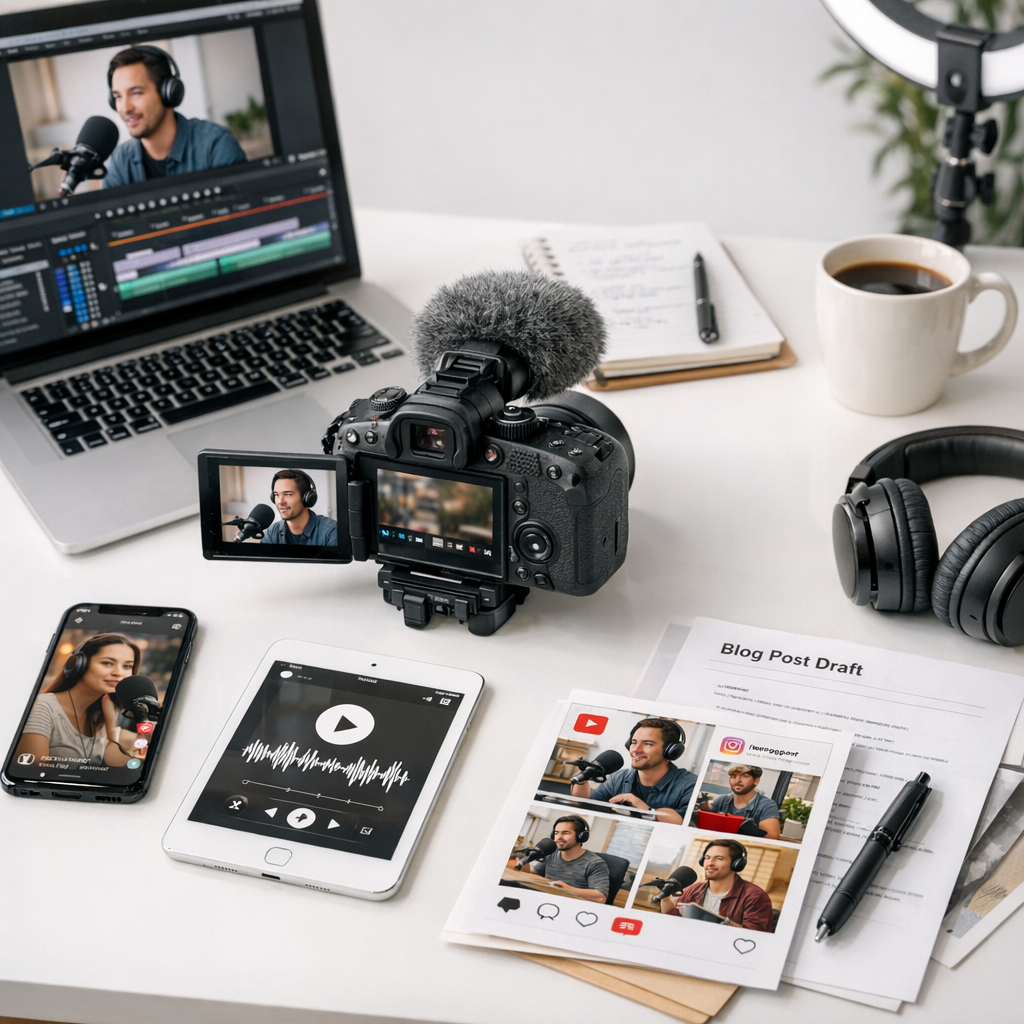
6. Recycle Content Through Podcasts
This approach is criminally underrated for creators who already have a decent backlog of talking-head videos or interviews filmed over Zoom back when everyone was podcasting during lockdowns (ah, memories). Strip the audio straight out using Audacity (free) and edit lightly before uploading to Spotify via Anchor.fm—it’s all free unless you’re hosting huge files.
💡 Heads-Up: Podcast listeners expect consistency! If sticking with audio publishing weekly feels daunting long-term, maybe skip this one unless you’ve already got systems in place.
—
Comparison Table: Free vs Paid Tools for Quick Repurposing
| Tool | Free Features | Paid Benefits |
|——————-|——————————————————-|—————————————-|
| CapCut | Basic editing & captions | No watermark exports |
10 Herramientas Clave para Crear Contenido Viral en Redes Sociales en 2024: guía
| Canva | Social media templates | Animated graphics |
| ViralMaker | SEO draft generation | Multi-site autopilot publishing |
| Descript | Video transcriptions | High-quality overdubbing features |
For cost-conscious content creators juggling multiple responsibilities (aren’t we all?), free versions often get the job done—but if you’re scaling operations fast enough where friction adds up exponentially…just pay already!
—
Speaking of Scaling: Why I Still Use ViralMaker
Here’s where ViralMaker deserves its shoutout: this platform has saved me countless hours repurposing assets effectively while covering distribution gaps I didn’t even know existed until recently 🤯 ! For example:
1️⃣ Research existing viral headlines within YOUR CATEGORY trends analyzed deeply beyond rivals’ tools.
2️⃣ “Editor Ghosting Feature”: tweaks tone/style matched perfectly reader-wise zero compromises versus labor-intensive manual QA.
3️⃣ Seamless syndication WordPress pipelines automating tedious repost across owned sites…seriously what took humans forever prior suddenly resolves itself downstream proactive instead reactively unlike legacy workflows competitors have botched lately anybody else agree?!
Related Links


