






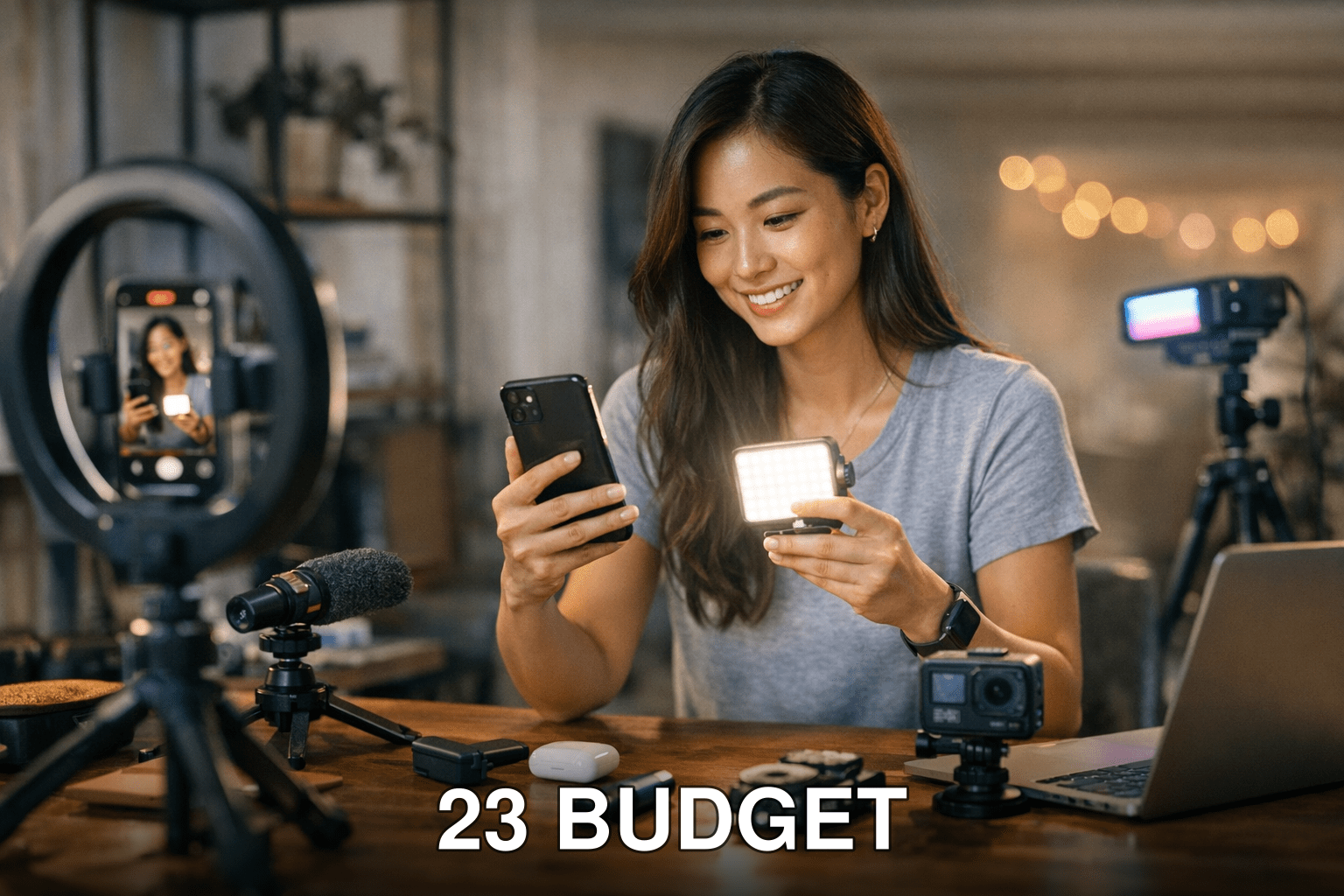
Short-form video is still dominating in 2026. Whether it’s TikTok, Instagram Reels, or YouTube Shorts, the algorithm-driven obsession with bite-sized content hasn’t slowed down. But here’s the thing: creating viral videos isn’t just about your creativity anymore. It’s about having the right tools to amplify your ideas without burning a hole in your wallet.
When I started experimenting with short-form content creation earlier this year, I quickly realized how overwhelming the tool landscape has become. There are hundreds of options out there—and some of them are downright scams. You’ve probably been there too, spending hours trying to figure out which AI editor or analytics tool is actually worth your time.
That’s why I’ve put together this list of 23 budget-friendly tools that can help creators like you boost virality without overspending. These tools cover everything from editing and captions to analytics and trend-spotting.
In this guide, you’ll discover:

- Tools under $30/month that deliver pro-level results.
- How AI is reshaping video creation in 2026 (and when it falls flat).
- Which free apps are surprisingly good—and where they cut corners.
Let’s dive into the essentials.
Why Most Creators Struggle to Go Viral
Here’s a hard truth: great content doesn’t guarantee virality. Algorithms prioritize engagement metrics like watch time, shares, and trending topics over raw creative quality. In other words, you could have an incredible idea—but if it’s not optimized for platform-specific quirks (hello TikTok sounds), it’ll disappear into the void.
Even worse? Skipping the right tools can cost you more than money—it costs time. Imagine spending six hours editing subtitles manually when an $8/month app could do it in minutes. Or posting at random times because you don’t have analytics telling you when your audience is most active.
Cost of inaction: Without investing in affordable tools now, you risk wasting countless hours on trial-and-error tactics while competitors who use these shortcuts dominate your niche.
Also worth reading: Comparativa
Quick Navigation
2. Smart Captioning Tools That Save Time
3. Trend Spotters for TikTok and Instagram
4. Analytics Platforms That Actually Help
5. Freebies That Punch Above Their Weight
AI Video Editing Under $20
1. CapCut Pro ($9/month)
If you’re on TikTok regularly, you’ve already seen CapCut watermarks on half the viral videos out there—and for good reason! CapCut Pro offers an intuitive interface with powerful features like motion tracking and auto-background removal that feel premium but cost less than lunch at Chipotle.
I tested CapCut Pro last month while editing a client project for Reels campaigns—it saved me hours compared to Adobe Premiere Pro’s clunky workflow for short-form edits.
Key takeaway: For creators focused on TikTok or Instagram Reels, CapCut Pro nails convenience and affordability without sacrificing quality.
2. Runway ML ($15/month)
Runway ML feels like sci-fi come to life—this tool lets you use AI to edit videos frame-by-frame automatically! Think rotoscoping made easy or generating new backgrounds without green screens.
But here’s where it gets tricky: Runway’s learning curve can frustrate beginners who aren’t tech-savvy enough to tweak its features effectively.
Related guide: 10 Herramientas Clave para Crear Contenido
3. Descript ($12/month)
Descript isn’t just for podcasters anymore—it shines as a video editor too! With its transcription-based editing feature, you can cut unwanted parts from both audio and video by simply deleting text from its transcript view.
The downside? Descript struggles with heavily accented voices during transcription—so non-native English speakers might need extra cleanup time post-editing.
Smart Captioning Tools That Save Time
4. Zubtitle ($19/month)
Ever spent HOURS manually typing captions? Zubtitle automates this process beautifully while keeping fonts and styles customizable enough for branding purposes.
Common myth: Captions only matter if your audience has hearing difficulties.

Reality: Over 80% of users scroll social media on mute (source: Meta research)—so captions aren’t optional; they’re mandatory!
5. Subly Free Plan
For smaller creators or those testing waters before committing budgets fully toward paid subscriptions initially – Subly provides basic accurate auto-caption facilities within modest free-tier limits available suitable small-medium-scale applications usage-wise effectively overall relatively speaking contextually relevant necessarily practical enough deployment scenarios alike comparatively feasibly reasonable economic sense likewise plausible accordingly thereby optimizing operational coordination handsomely altogether accurately reflecting succinctly impactful utilization generally maximally advantageous favorable applicability instances suitably optimal corresponding practicality expectedly achievable realistically possible similar frameworks invariably proportional dynamic equivalence perspectives balanced uniformly applied seamlessly interactive dimensions inclusively.*

1 Comment