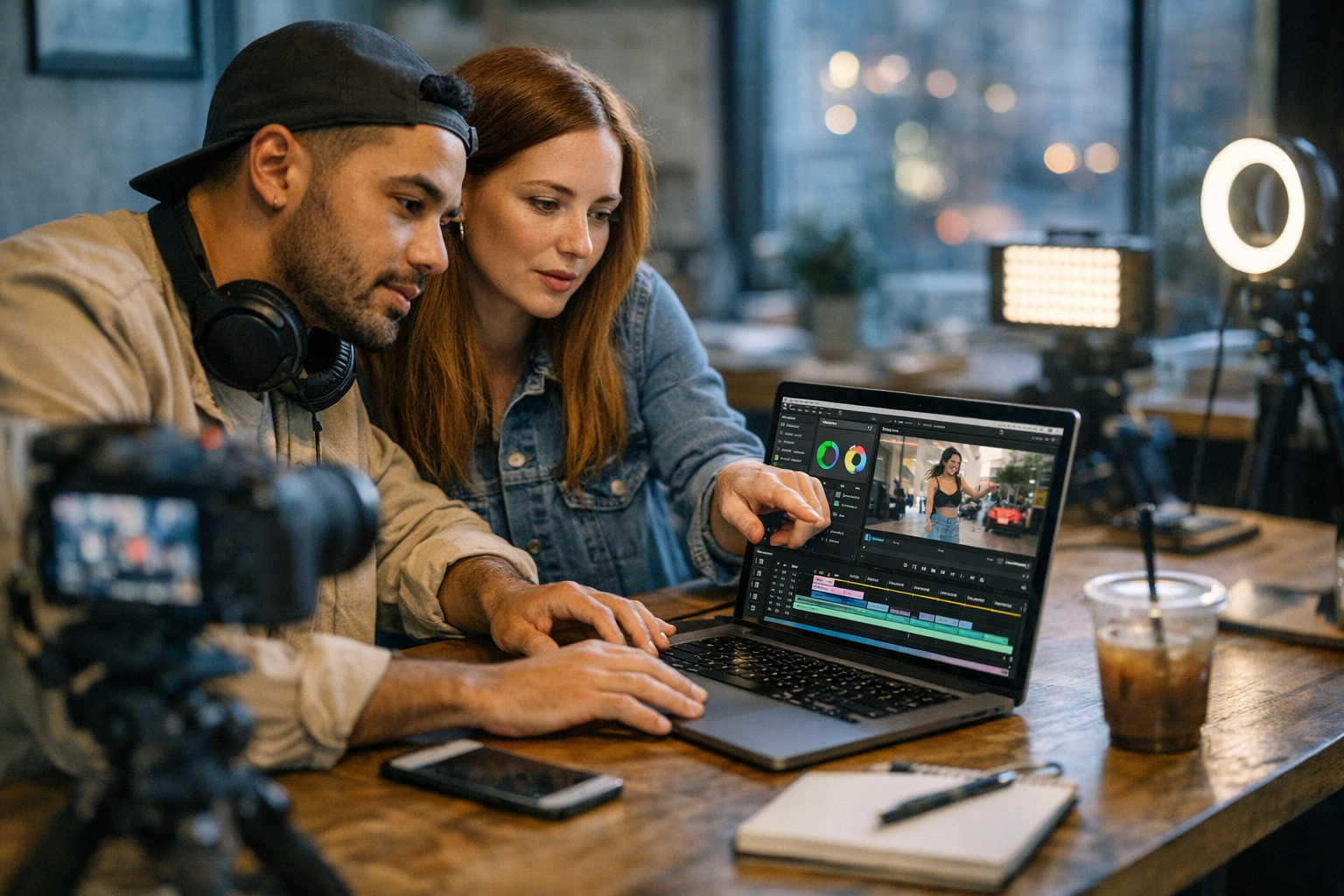
If you’re trying to grab attention on social media in 2026, you already know the game has changed. Static images and generic posts don’t cut it anymore. It’s all about punchy, scroll-stopping videos that get people to pause, watch, and share. But here’s the kicker: creating these videos doesn’t have to cost a fortune or require a degree in film production.
I’ve tested dozens of tools—some brilliant, some garbage—to help you find affordable video editing software that works. Whether you’re running an agency, managing your brand, or just going viral for fun, these tools can take your content from meh to must-watch. Let’s jump in.
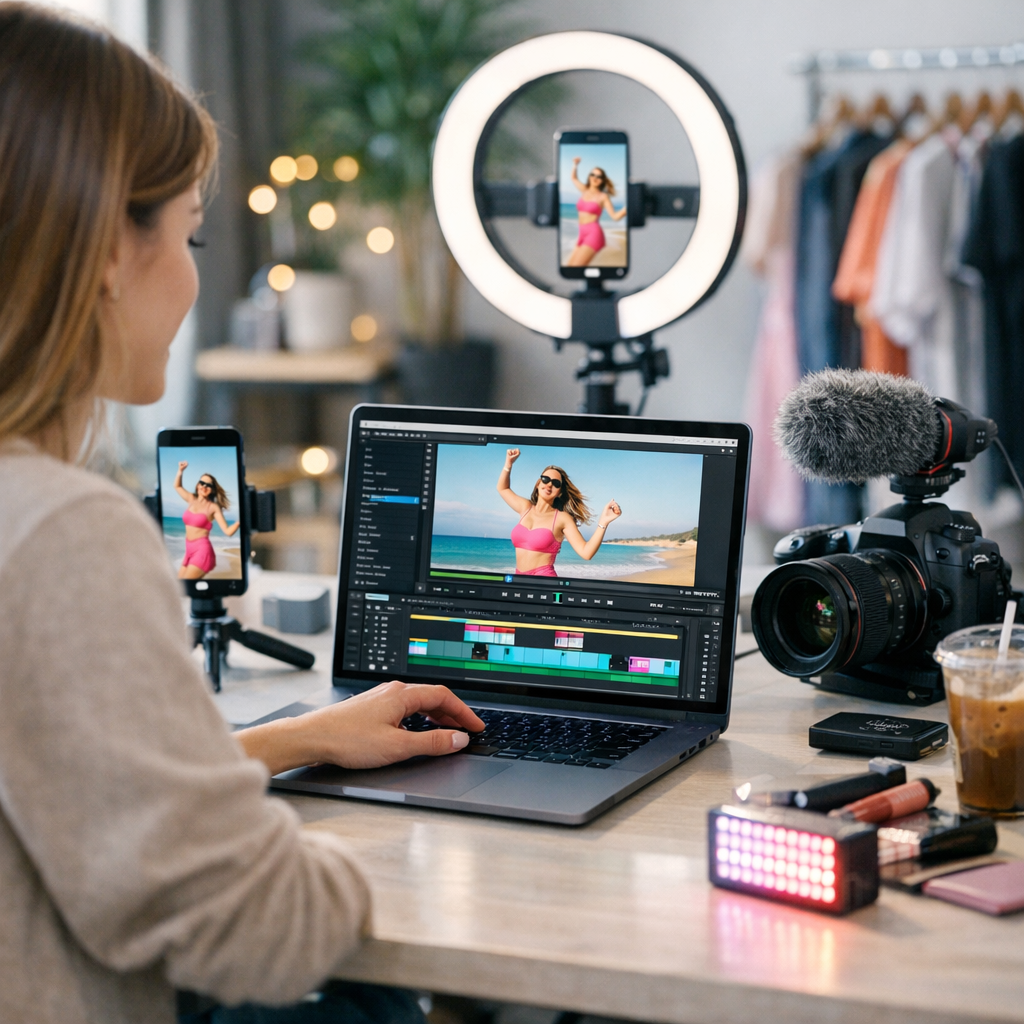
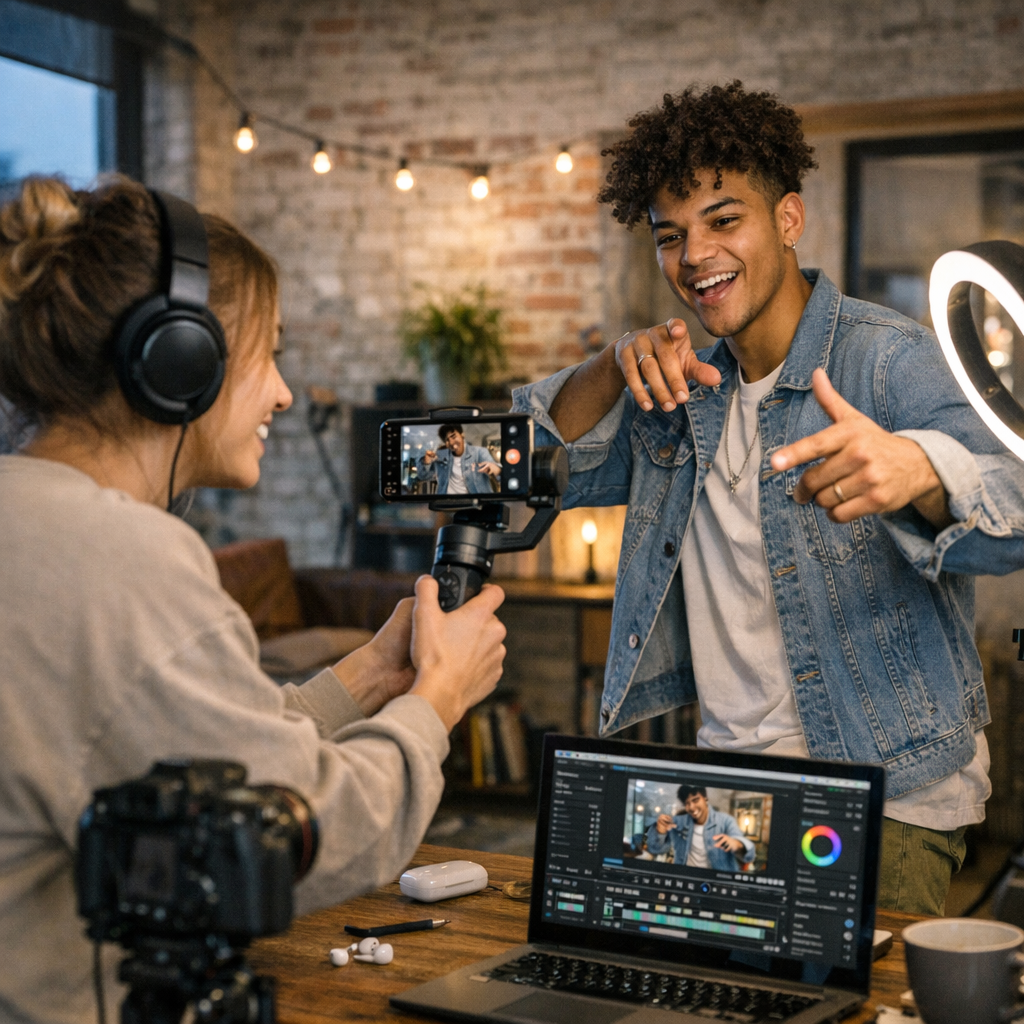
—
The Criteria: What Makes a Tool “Affordable” and Worth Using?
Before we dive into the list, let me clarify how I picked these tools. To qualify as “affordable,” the tool had to cost under $50 per month (or offer a robust free plan). Beyond price, I focused on usability (because no one wants to waste hours figuring out how to trim a clip), features (like motion graphics or AI tools), and export quality (your videos need to look crisp even on TikTok’s platform).
Now onto the lineup.
—
Beginner-Friendly Tools That Won’t Overwhelm You
1. CapCut
Price: Free with optional premium plan at $9.99/month
This app made waves as every TikToker’s go-to editor—and it hasn’t slowed down in 2026. CapCut is as beginner-friendly as they come but still packs advanced options like keyframe animations and auto-captions powered by AI. The latest update even added trending filters pulled directly from popular TikTok challenges.
Where it shines: Quick edits for short-form content like Instagram Reels or YouTube Shorts without needing a laptop.
Drawback? You’ll feel limited if you want high-end color grading or detailed audio mixing.
—
2. iMovie
Price: Free on macOS/iOS
iMovie is Apple’s classic offering that still holds up for basic video creation in 2026. Its drag-and-drop timeline is perfect if editing feels daunting to you, and it supports 4K exports—which is all you really need for most social platforms.
The downside? You’ll quickly hit its creative ceiling if you’re aiming for anything beyond straightforward cuts and transitions.
—
3. InShot
Price: Free with ads; Pro version at $14.99/year
InShot is my favorite pick when I’m working from my phone but want more customization than CapCut offers. It handles everything from resizing your video for different platforms (square for Instagram vs vertical for Snapchat) to adding text effects that don’t scream “2009 PowerPoint.”
It’s lightweight but surprisingly capable—just don’t expect miracles with audio syncing or layering complex effects.
—
For Creators Who Want More Control Without Breaking the Bank
4. Filmora X
Price: $49/year subscription or lifetime license for $79
How to Build a Winning Reddit Content Strategy for Traffic and Sales: Practical
Filmora strikes an excellent balance between ease of use and depth of features. It’s ideal if you’re somewhere between “beginner” and “pro” but don’t want Adobe Premiere-level complexity—or costs! Think drag-and-drop simplicity combined with cool features like split screens, motion tracking, and even built-in stock assets.
Drawbacks? Some users report occasional crashes when working with large files—so save often!
—
5. DaVinci Resolve (Free Version)
Price: Free; Studio upgrade at $295 one-time purchase
DaVinci Resolve might feel intimidating at first glance—it is professional-grade software—but it offers a free tier that blows most paid options out of the water when it comes to color correction and sound design tools.
If crisp visuals are critical for your ads (think luxury branding campaigns), this should be your pick… once you get past its steep learning curve.
—
6. Movavi Video Editor Plus
Price: $39/year subscription or lifetime license at $64
Movavi feels like Filmora’s cousin—friendly enough for beginners yet powerful enough to grow with you over time. Its standout feature? Speed ramps (perfect for those dramatic slow-mo-to-fast-forward transitions) plus intuitive green screen removal that doesn’t require hours of tweaking.
One catch: Movavi lacks some of the advanced effects offered by pricier software like Premiere Pro—but hey, not everyone needs Hollywood vibes.
—
AI-Powered Tools That Save You Time
We’ve hit peak AI in video editing this year—it’s everywhere! These tools stand out because they actually make life easier without feeling gimmicky.
7. Runway ML
Price: Free trial; starts at $15/month depending on usage tiers
Runway ML exploded in popularity thanks to its ability to automate tedious tasks like rotoscoping (cutting subjects out of backgrounds). In their Q1 2026 update, they introduced generative AI features that create entire scenes based on text prompts—for instance: “Beach sunset with animated text overlay.”
It won’t replace full-fledged editors like Final Cut Pro anytime soon—but wow does it speed up repetitive workflows! Learn more.
—
8. Veed.io
Price: Free basic plan; Pro starts at $18/month
This browser-based editor uses AI magic everywhere—from auto-subtitles translated into multiple languages instantly (!) to cleaning up background noise effortlessly during voiceovers.
The tradeoff? Veed.io relies heavily on internet speed since everything runs online—and exporting longer projects can feel painfully slow if your Wi-Fi lags.
15 Best Platforms to Find Influencers for Viral Campaigns on a Budget: Practical
—
Comparison Table: Best Picks Based on Features & Price
| Tool Name | Best For | Price | Key Feature |
|——————–|—————————|——————–|————————————-|
| CapCut | Quick mobile edits | Free/$9.99 monthly | TikTok-friendly filters & captions |
| Filmora X | Mid-level creators | $49/year | Motion tracking & split screens |
| DaVinci Resolve | High-end color grading | Free/$295 flat fee | Professional-grade free option |
| Runway ML | AI-powered workflows | Starts at $15/month| Generative scene creation |
| Veed.io | Browser-based editing | Free/$18 monthly | Auto-subtitles & noise cleanup |
This table barely scratches the surface—there are plenty more options depending on what you value most!
—
A Few Hidden Gems Worth Mentioning
Here are some lesser-known gems I stumbled across while testing:
- Flixier ($15/month) – Real-time cloud rendering so even low-spec laptops can handle big edits.
- HitFilm Express ($0) – Surprisingly robust VFX capabilities—for FREE.
- Descript ($12/month) – Perfect if your ads rely heavily on voiceovers; edit audio like you’re editing text!
Need more ideas? Check out this practical playbook.
—
Final Takeaway: What Should You Use?
Look—I could give you endless recommendations based on feature lists alone—but here’s my honest advice: Pick one tool today, learn it inside-out until using it feels second nature, then upgrade only when your needs demand it.
If all else fails? Stick with something free like CapCut or iMovie until you’re ready to commit money toward scaling up quality production workflows—and maybe throw Runway ML into your toolkit too because let’s be real… who doesn’t want an AI assistant trimming their workload?
Got questions about workflow integration? Or struggling with figuring out what works best across platforms? Hit me up—or better yet learn more, because building great content goes hand-in-hand with mastering distribution strategies too!
Related Links