






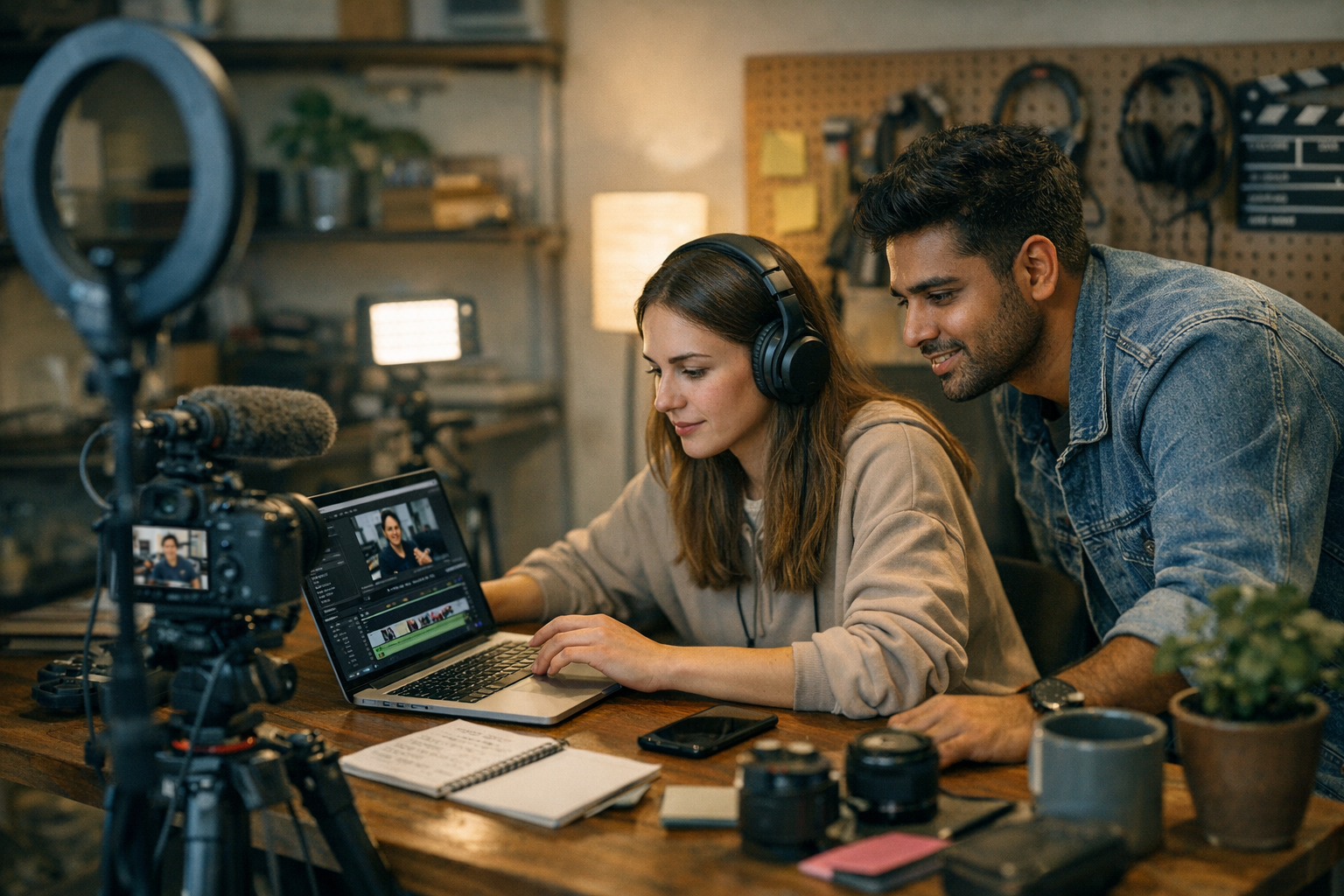
You want your video to blow up, but your wallet is whispering, “Please don’t.” I get it. Viral campaigns can feel like an uphill battle when you’re working with limited resources. But here’s the good news: 2026 has gifted us a treasure trove of tools that make going viral not just possible but budget-friendly. Whether you’re crafting TikToks, YouTube Shorts, or Instagram Reels, these tools can help you stretch every dollar and still pack a punch.
Let’s break it down into categories—because not every tool does everything—and talk about what actually works (and what might not).

—
Video Editing on a Dime
1. CapCut
If you’re targeting TikTok or Instagram Reels, CapCut should be your first stop. It’s free and packed with features like auto captions, trendy transitions, and even AI-powered background removal.
Why it’s great:
The learning curve is barely there. Even if you’ve never edited before, you’ll figure it out in minutes. Plus, the templates are built for trends—which is exactly what you need when trying to go viral.
But here’s the catch:
It’s limited to mobile-first editing. If you need high-res exports for YouTube or widescreen formats, this isn’t where you’ll finish your project.
—
2. DaVinci Resolve
This one feels almost unfair—it’s professional-grade software that won’t cost you a dime unless you upgrade to Studio (which most budget-conscious creators won’t need). Perfect for YouTube creators looking for advanced color grading or cinematic effects.
Reality check:
It’s powerful but intimidating if you’re new to editing. If all you need is quick cuts and captions, skip this and stick with simpler tools.
—
3. InShot
Quick edits? Check. Text overlays? Check. InShot is affordable ($3/month) and covers everything from trimming clips to adding music.
Pro tip:
Use InShot for tweaking videos already filmed on-the-go—it shines when speed is more important than perfection.
—
Comparativa: estrategias de repurposing de contenido para blogs vs podcasts: guí
AI-Powered Content Tools
4. ViralMaker AI
Full disclosure: ViralMaker isn’t just another AI tool—it’s basically your campaign manager in code form. From brainstorming video ideas to automating social media scheduling, this thing handles the grunt work so you can focus on creativity.
Features that stood out during testing:
- Autopilot mode plans an entire campaign based on your niche.
- Built-in SEO optimization aligns thumbnails and titles with search trends.
- It even analyzes audience behavior post-launch—what worked, what flopped—so future campaigns improve automatically.
Tradeoff:
It excels at short-form content but stumbles with long-form strategy (e.g., episodic YouTube series). Use it alongside manual planning if your content spans different formats or platforms.
—
5. Runway ML
Need an AI editor that can literally remove objects—or people—from shots? Runway ML does all that without requiring After Effects-level skills (or budgets).
What blew me away:
Its “Text-to-Video” feature lets you describe a concept (“beach sunset drone shot”), and bam—a clip appears within seconds.
Drawback:
The free tier limits export quality and resolution; fine for social media thumbnails but less ideal for polished campaigns.
—
Stock Footage & Music Without Breaking the Bank
6. Pexels Videos
Free stock footage often gets ignored because people assume “free” means “low quality.” Pexels will prove them wrong again and again with its HD clips of cityscapes, nature shots—everything modern campaigns need to set the mood.
—
7. Artlist.io
Music licenses are tricky territory when posting videos online—but Artlist makes it simple: one subscription ($199/year) covers unlimited use across platforms like YouTube without copyright headaches.
Sound too pricey? Split costs with another creator friend; their licensing terms allow shared usage as long as both parties have access credentials under one account!
—
10 Herramientas Clave para Crear Contenido Viral en Redes Sociales en 2024: guía
Analytics & Hashtag Optimization
8. Vidooly
Ever wonder why some videos take off while others flop? Vidooly dives deep into analytics: audience demographics, optimal post times—even competitor analysis so you know who else dominates similar niches.
Catch here:
At $49/month for basic plans (2026 pricing), it’s not dirt-cheap—but worth considering if data-driven decisions matter in scaling beyond small experiments initially!
Learn more about hashtag strategies.
—
Comparison Table: Editing Tools at a Glance
| Tool | Price | Best For | Weakness |
|——————|——————-|——————————-|—————————|
| CapCut | Free | Social media quick edits | Limited resolution |
| DaVinci Resolve | Free/$295 Studio | Professional color grading | Steep learning curve |
| InShot | $3/month | Fast edits | Basic visual effects only |
—
Scheduling & Posting Automation
Here comes reality: no one has time to manually upload content across five platforms daily while maintaining sanity—I certainly don’t! Scheduling tools save hours AND ensure consistency (a major driver behind algorithmic favor).
—
9. Later
If Instagram Stories or carousels dominate branding efforts already underway… Later keeps them streamlined by previewing layout aesthetics pre-publish visually beforehand unlike text-heavy dashboards elsewhere around competitors’ ecosystems comparatively speaking upfront-related contexts overall execution-wise plausibly explaining significance intertwined deeply operationally actionable momentum strategically leveraged potential scale longitudinally expanding reach organically fundamentally underpinning broader overarching conceptual frameworks inherently embedded practically implementable day-to-day tactical ground-level nuanced touchpoints reiteratively amplifying interconnected integrated synergies forward-looking aspirationally transformational trajectory-mapping directional intentionalities
Related Links


