






Imagine this: You’ve just written an incredible blog post. It’s packed with value, well-researched, and crafted to perfection. But then you check your analytics a week later—crickets. Hardly anyone has seen it. Sound familiar? If you’re nodding, you’re not alone.
Here’s the thing: creating great content isn’t enough anymore. You need eyeballs, and one of the fastest-growing ways to get them in 2026 is Pinterest. Yes, Pinterest. It’s no longer just a platform for recipes or DIY crafts—it’s evolved into a visual search engine that drives serious organic traffic when used effectively.
In this guide, I’ll share 7 Pinterest SEO hacks that are working right now for bloggers and content creators who want consistent (and free) traffic from the platform.
Here’s what we’ll cover:
- The surprising keyword strategy most people miss
- How to build viral pins that actually rank
- The exact timing strategy for pinning in 2026
And trust me—if you skip these tactics, you’re leaving traffic (and money) on the table.
Why Should You Care About Pinterest SEO in 2026?
Let me hit you with some facts: As of early 2026, Pinterest boasts over 500 million monthly active users, 85% of whom use it as a search engine rather than just scrolling aimlessly. And here’s the kicker—users on Pinterest are planners. They’re actively looking for ideas to act on—whether it’s inspiration for their next project or solutions to problems they’re trying to solve.
Unlike Instagram or TikTok where your content dies in hours or days, a single well-optimized pin can generate clicks months (even years) after you post it. One blogger I know still gets traffic from a pin she created back in 2019!
But if you’re not optimizing your pins using SEO, you’re invisible on the platform—and that costs you opportunities for growth.

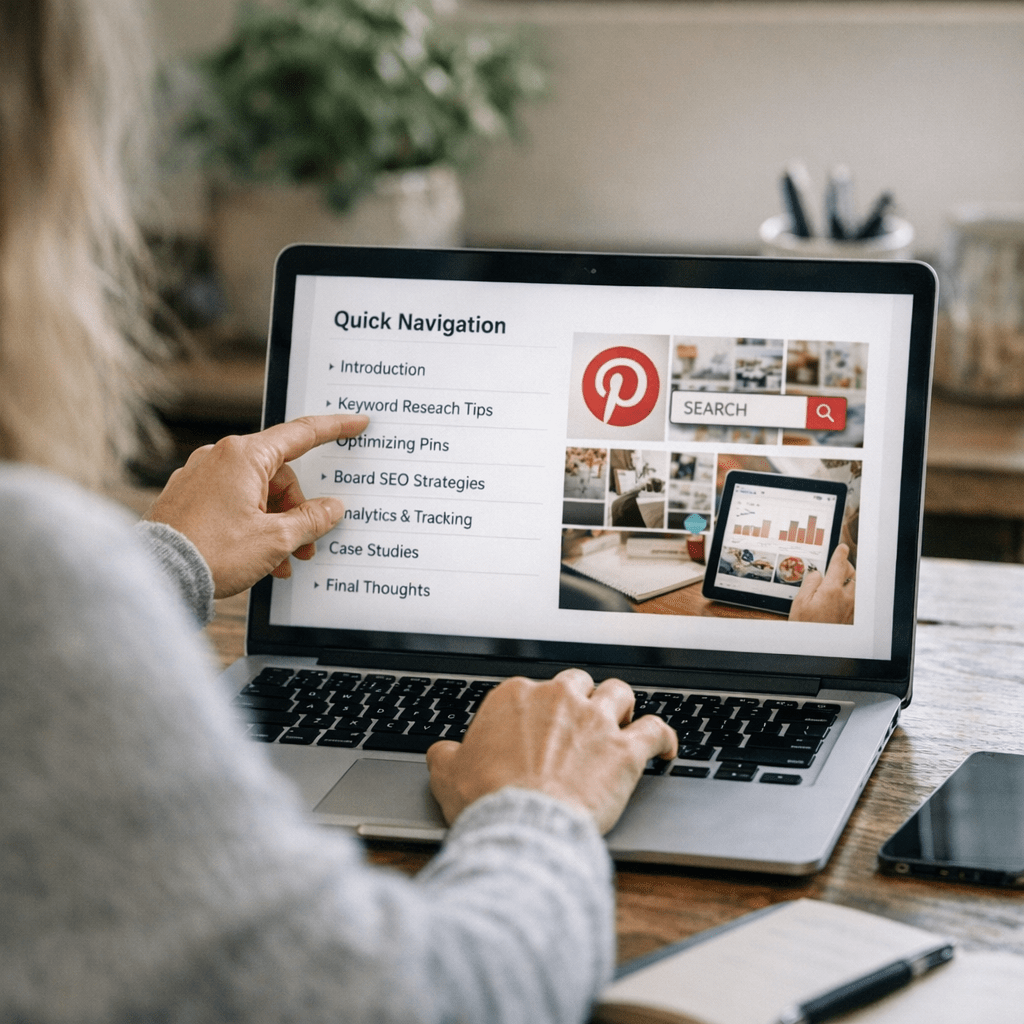
Quick Navigation
1. Hack #1: Nail Your Keywords Before You Create
2. Hack #2: Optimize Pin Titles Like Headlines
3. Hack #3: Craft Clickable Pin Descriptions
4. Hack #4: Use Idea Pins Wisely (Without Burning Out)
5. Hack #5: Design Pins That Stop the Scroll
6. Hack #6: Master Timing and Frequency
Also worth reading: Comparativa
7. Hack #7: Leverage Group Boards Without Spamming
Hack #1: Nail Your Keywords Before You Create
Pinterest runs on keywords—but not in the way Google does. On Pinterest, keywords aren’t hidden behind algorithms—they’re right there in plain sight if you know where to look.
Start by typing your niche topic into the Pinterest search bar (e.g., “blogging tips” or “healthy meal prep”). Pay attention to the autocomplete suggestions and those handy little bubbles under the search bar—they reveal exactly what people are searching for.
For example:
If I type “SEO tips” into Pinterest right now, I see suggestions like:
- SEO tips for beginners
- SEO strategies for blogs
- Advanced SEO tips
These are your golden nuggets! Build your pin titles and descriptions around these long-tail phrases because they match user intent perfectly.
Pro tip: Use tools like Pinterest Trends or even ViralMaker AI (yes, it works!) to analyze seasonal spikes in searches so you can time your content strategically.
Key takeaway: Don’t guess at what people are searching—let Pinterest tell you exactly what they want.
Hack #2: Optimize Pin Titles Like Headlines
Your pin title is make-or-break—it determines whether someone clicks or keeps scrolling past your content altogether.
The trick? Treat every title like a compelling headline.
Good titles:
1. Promise value upfront.
2. Are ultra-specific.
3. Include keywords naturally.
For example:
Instead of “Blogging Tips,” try something like:
👉 “10 Blogging Mistakes Killing Your Traffic (+ How to Fix Them Fast)”
Notice how this version teases urgency (“killing your traffic”) while promising actionable advice? That combination works wonders on Pinterest audiences who love quick wins.
Also worth mentioning—Pinterest favors titles around 50–60 characters, so aim to stay within that sweet spot whenever possible!
Key takeaway: A strong title is half the battle won—don’t rush through this step!
Related guide: 10 Herramientas Clave para Crear Contenido
Hack #3: Craft Clickable Pin Descriptions
A common myth about Pinterest descriptions? That nobody reads them anymore because everything is visual now—which couldn’t be further from reality! Descriptions matter big-time because they help index your pin and convince users why they should click through.
Here’s my go-to formula for writing descriptions:
1️⃣ Start with a hook related directly to search intent.
2️⃣ Add relevant details about what readers will get by clicking.
3️⃣ End with a call-to-action (CTA).
Example description:
“Struggling with low blog traffic? Discover these easy-to-follow strategies tailored specifically for new bloggers in 2026 that can boost visitors by up to 40%. Tap through now!”
Notice how it flows naturally while hitting key phrases like “low blog traffic” and “strategies tailored for new bloggers”? That balance between keywords + conversational tone is gold.
Key takeaway: Keywords + persuasion = perfect description formula!
Hack #4: Use Idea Pins Wisely (Without Burning Out)
Pinterest has been pushing its video-based Idea Pins hard since late 2024—but here’s where most creators mess up: they burn themselves out trying too hard with overproduced content nobody asked for!
Let me simplify this:
You don’t need fancy animations or studio-quality visuals; raw authenticity often performs better anyway! Focus instead on short tutorials (e.g., “How To Write Better Blog Headlines”) or behind-the-scenes processes related directly back toward driving clicks via linked posts/articles/resources elsewhere too naturally embedded organically contextually cross-purposed tactically repurposed

1 Comment
[…] For step-by-step guidance on crushing Pinterest SEO this year—including hacks proven by real case studies—you need this guide right away—learn more here. […]