






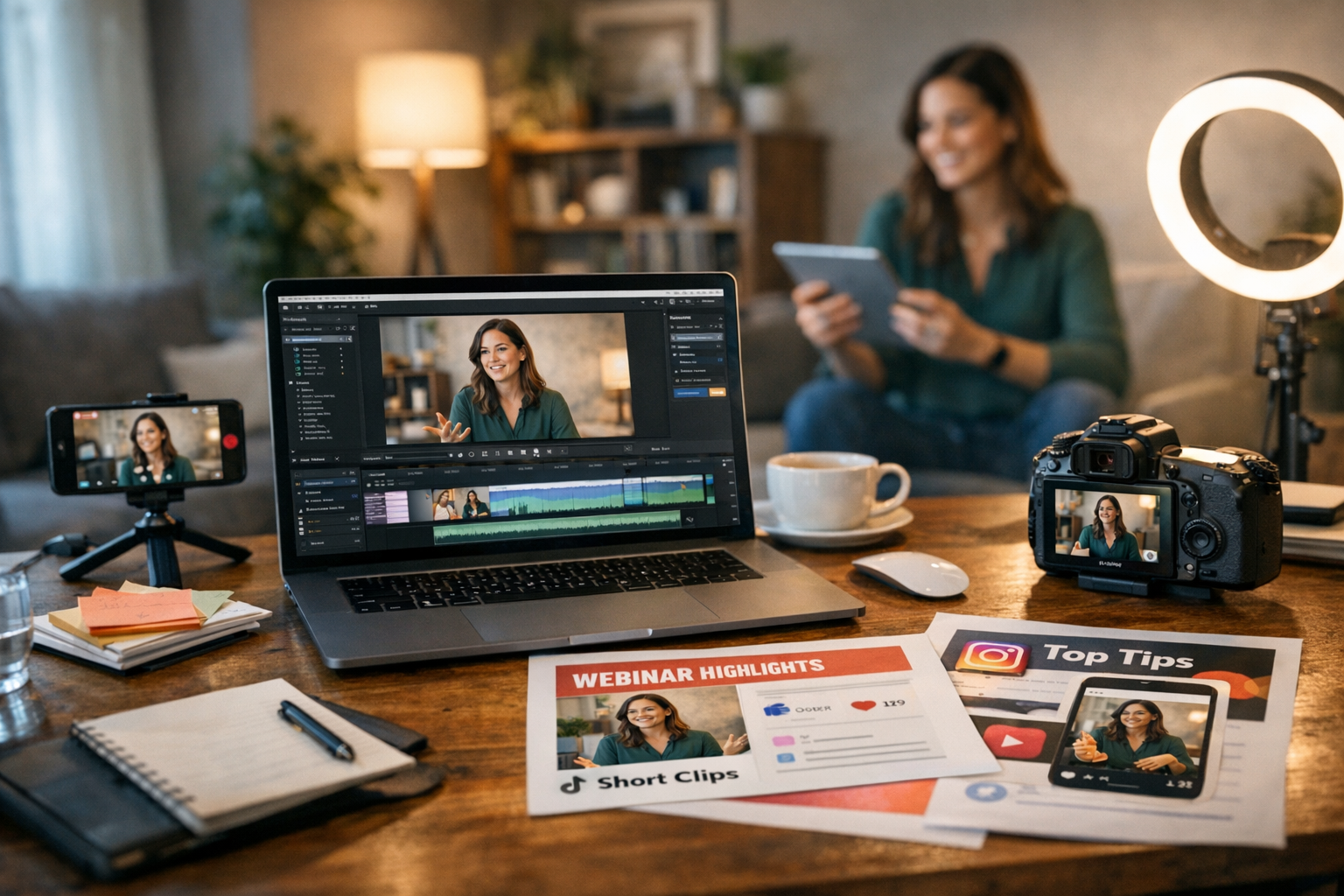
Picture this: you’ve just hosted a killer webinar. The audience engagement was off the charts, the Q&A sparked some great discussions, and the feedback is glowing. But here’s the thing—webinars are notoriously one-hit wonders. Once they’re done, what happens next? If your content strategy begins and ends with “post the recording on YouTube,” you’re leaving serious potential on the table.
Repurposing webinar content isn’t just smart—it’s necessary in 2026, when attention spans are shorter than ever and platforms like TikTok are shaping how people consume information (spoiler: fast and visually engaging). Done right, you can stretch one webinar into dozens of bite-sized moments that drive traffic, build brand awareness, and get shared like wildfire. Let’s break it down.
—
Why Repurposing Webinars Is Non-Negotiable in 2026
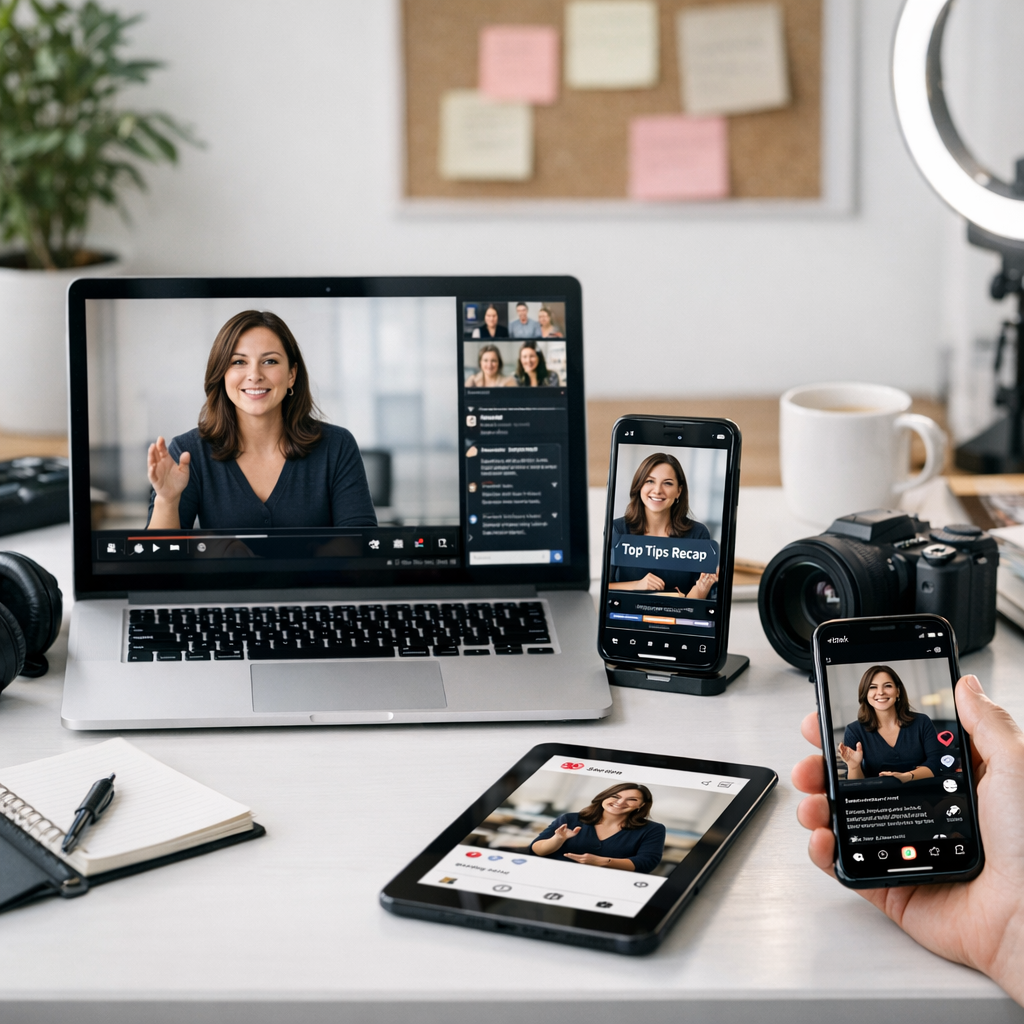
First off, webinars are packed with value—expert insights, data points, real conversations—but they’re often too long for most audiences to consume after the fact. In an era where social media platforms reward brevity (a 15-second clip can outperform a 60-minute video), repurposing is about taking those golden nuggets from your webinar and serving them up in formats your audience actually wants.
For example:
- A deep-dive webinar becomes quick-hit Instagram Reels.
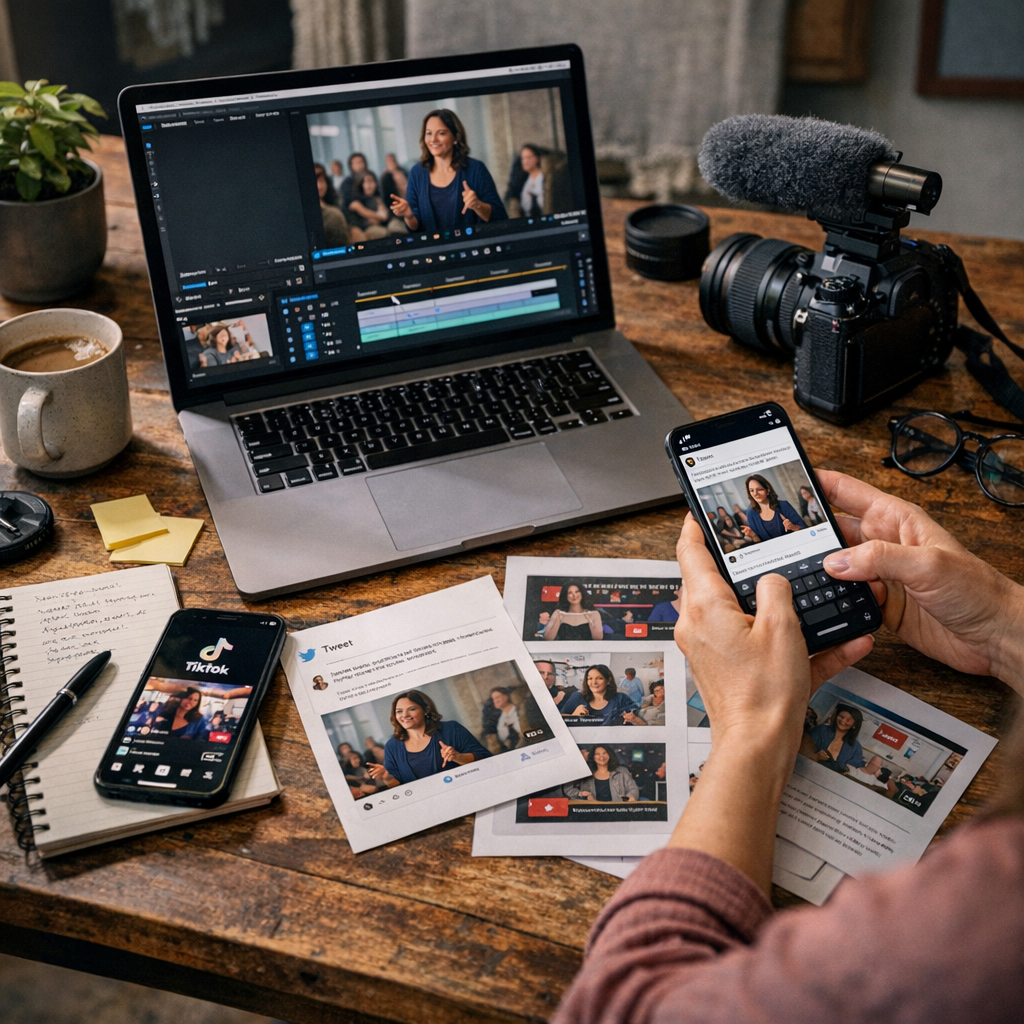
- A lengthy Q&A session turns into tweetable quotes.
- Slide visuals morph into carousel posts for LinkedIn or Pinterest.
More importantly, repurposed content improves ROI. According to HubSpot’s 2026 State of Marketing, brands that repurpose long-form content see a 43% higher engagement rate on social media compared to those who rely solely on original posts. Bottom line? It’s cost-effective and drives results.
—
Step-by-Step Strategy for Turning Webinars Into Viral Social Gold
1. Extract Highlights From Your Webinar
Nobody wants fluff—so start by identifying moments from your webinar that pack a punch. Think bold statements from panelists, actionable advice from experts, or compelling stats that make people stop scrolling.
Real-world example: During a SaaS webinar I worked on last year, our CEO dropped a surprising stat—“89% of businesses overpay for marketing tools.” We isolated this moment to create short-form videos for Twitter and LinkedIn. It went viral within days because it tapped into pain points marketers already felt.
Tools to help:
- Use ViralMaker AI for automated highlight extraction.
- Platforms like Descript simplify video editing by letting you clip soundbites without needing advanced skills.
—
2. Format Content Based on Platform
Here’s where things get tricky—you can’t copy-paste content across platforms expecting magic to happen. Each platform has its own vibe:
| Platform | Best Format | Example Use Case |
|—————|—————————————|——————————————————|
| TikTok | Vertical clips under 60 seconds | A funny anecdote from your speaker goes here |
Comparativa: estrategias de repurposing de contenido para blogs vs podcasts: guí
| Instagram | Reels & Stories; Carousel posts | Turn slide decks into swipe-friendly carousels |
| LinkedIn | Thought-leadership articles; quotes | Share industry-specific nuggets & insights |
| Twitter/X | Short text with visuals; threads | Break down key takeaways into bite-sized tweets |
Your job isn’t just cutting content—it’s tailoring it so it fits seamlessly wherever you post it.
—
3. Add Context That Makes It Shareable
Here’s where many brands mess up: they post raw clips without framing why those clips matter to their audience. Don’t assume viewers will connect the dots themselves—always provide context upfront.
Example: Instead of posting “Clip from our latest webinar!” try something like:
“Ever wondered why paid ads feel like throwing money into a black hole? Watch our expert explain how small tweaks in targeting can save thousands.”
This little tweak transforms passive consumption into active engagement—and yes, shares go up when people get why something matters.
—
4. Turn Your Slides Into Visual Eye-Candy
Got slides? Perfect! They’re gold for visual-heavy platforms like Instagram or Pinterest—but don’t just slap them online as-is (boring). Instead:
- Break slide decks into carousel posts with punchy captions.
- Pull out individual stats or graphs and give them standalone treatment.
Take inspiration from popular infographic accounts that make data look cool. For instance: “72% of consumers trust influencers more than branded ads” works as both an Instagram post graphic AND a tweetable stat!
Need help creating visuals fast? Tools like Canva and ViralMaker AI let you do this without hiring fancy designers.
—
5. Capitalize On Audience Questions
The Q&A portion of webinars is criminally underused when repurposing content—it’s literally your audience telling you what they care about most! Pull these questions out verbatim:
10 Herramientas Clave para Crear Contenido Viral en Redes Sociales en 2024: guía
1. Create short-answer videos responding directly.
2. Write blog posts addressing FAQs.
3. Build mini-series around recurring themes.
Case study: When hosting webinars in my agency days (pre-ViralMaker tools!), we noticed attendees kept asking about TikTok ad costs during Q&A sessions—and sure enough, turning that topic into bite-sized TikTok tutorials drove more leads than anything else we posted all quarter!
—
FAQ: Using ViralMaker To Streamline This Process
If you’re wondering whether tools like ViralMaker handle repurposing workflows efficiently—the answer is yes… with caveats:
What does ViralMaker actually do?
It automates everything from researching viral topics to structuring optimized social campaigns based on existing assets (like webinars). Features include autopilot SEO structuring and multi-site publishing pipelines—all designed to reduce manual work while increasing output quality.
Where does it fall short?
While ViralMaker excels at automation speed (seriously—it churns out posts faster than human teams), it struggles if your webinar wasn’t well-organized upfront (messy recordings = messy outputs). You’ll still need to manually identify top-tier moments before plugging them into its system.
Should I use it?
If scaling viral campaigns across multiple channels is your end goal—and you’ve got clean assets ready—it’s worth exploring further via their site here.
—
Key Takeaway: Give Your Webinar Legs
Repurposing isn’t just about recycling—it’s about transforming forgotten long-form content into standout moments that dominate feeds everywhere—from TikTok dances inspired by your keynote clip to LinkedIn carousels dissecting industry trends you highlighted mid-webinar.
But don’t cut corners here—the best campaigns require thoughtful editing and platform-specific strategy adjustments to truly shine in front of diverse audiences who expect tailored experiences no matter where they scroll next. So grab those raw recordings today… because viral starts now!
Related Links


