







Picture this: you’ve just wrapped up a killer webinar. Your audience was engaged, the Q&A segment ran over because of all the questions, and the post-event survey responses are glowing. Great, right? But now what? You could let that webinar sit on your website until it gathers digital dust, or — and here’s where it gets interesting — you could turn it into a LinkedIn content strategy that doesn’t just generate likes but actually drives sales.
Repurposing webinars into viral LinkedIn posts isn’t about dumping transcripts into a post and hoping for the best. It’s about turning your strongest ideas, insights, and soundbites into bite-sized content that hooks people fast. Let me walk you through how to do it step by step — no fluff, no vague advice.

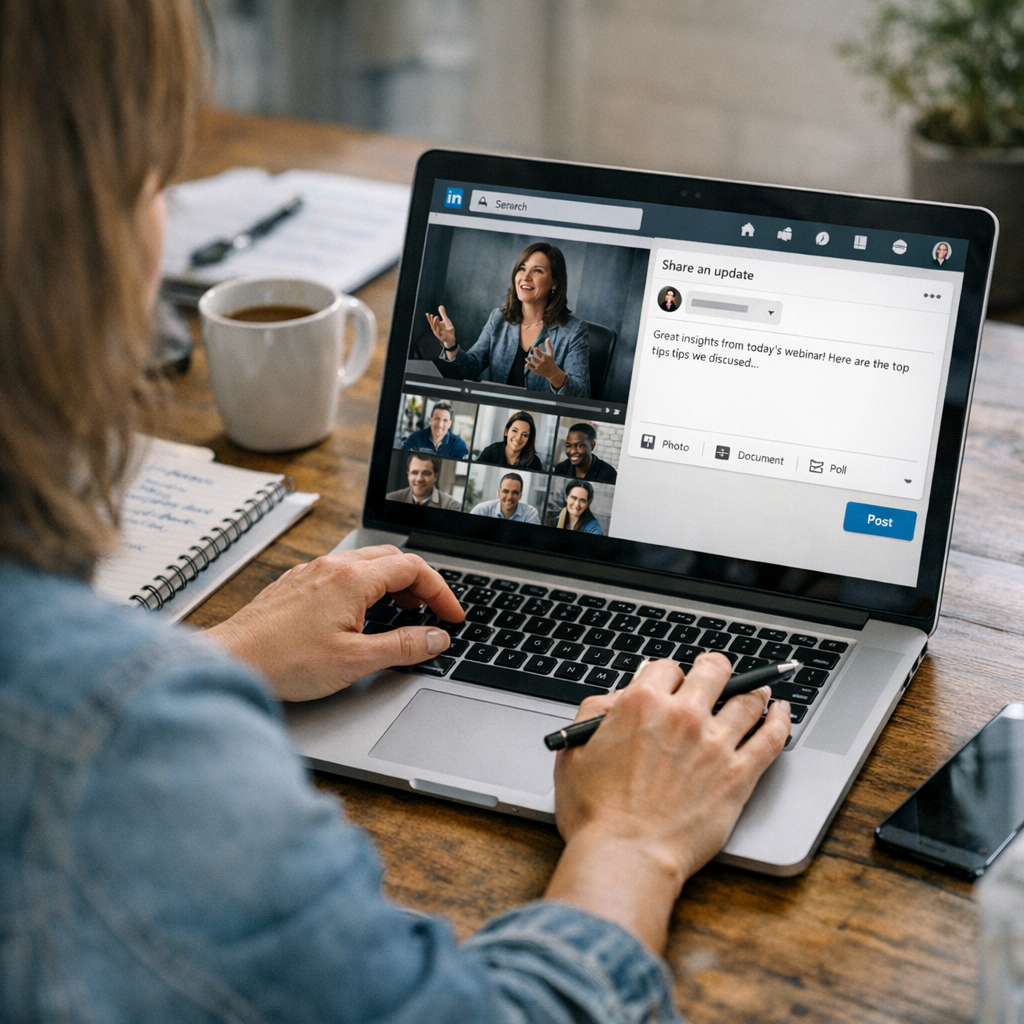
—
Why LinkedIn? The Platform That Sells Without “Selling”
Let’s clear something up right away: LinkedIn is not Facebook with resumes. In 2026, it’s become the platform for thought leadership and professional discovery. According to LinkedIn’s own analytics, posts with personal insight combined with niche expertise can get 3-4x more engagement compared to standard corporate updates.
Even better? Decision-makers live there. Gartner estimates that 72% of B2B buyers use social media as part of their research process in 2026 — and they’re not scrolling Instagram reels for this stuff. They’re on LinkedIn looking for actionable insights from industry experts like you.
Webinars are already packed with those insights; you just need to extract them in a way that works on a feed where the attention span is somewhere between “goldfish” and “next notification.”
—
Step 1: Break Down Your Webinar Into Digestible Nuggets
First things first: don’t treat your webinar like it’s sacred text that has to be shared in one giant chunk. Long-form works well during a live session because people are locked in, but on LinkedIn? Nobody has time for an hour-long video link post unless it’s pure gold (and even then…).
Here’s what I do:
1. Rewatch the Recording (Yes, All of It)
Painful? Maybe. Necessary? Absolutely. Look for moments where:
- Questions from attendees sparked insightful answers.
- You said something off-script that felt particularly authentic.
- A story or example seemed to really land with the audience.
2. Pull Key Quotes
Use timestamps or transcription tools like Otter.ai or Descript to grab punchy lines or powerful stats (“Did you know 87% of marketers still struggle with X?”). These will form the backbone of your LinkedIn micro-posts.
3. Identify Themes
What were the top 3–5 takeaways from your webinar? Each takeaway can serve as its own post topic or even its own content series if done smartly.
Think about this process like meal prepping: instead of reheating last night’s spaghetti (your full webinar), you’re creating small plates that feel fresh every time someone bites into one.
—
21 Best Growth Hacking Tools to Boost Social Media Engagement in 2026: Practical
Step 2: Write Posts That Hook Attention Immediately
Here’s where most people screw up: they start their posts like an essay introduction instead of jumping straight into value. On LinkedIn, you’ve got maybe two seconds before someone scrolls past your content forever.
What works?
Formats That Grab Eyeballs
- Punchy One-Liners: Start with something bold or surprising related to your webinar topic.
- “Most webinars promise value but put me to sleep within 5 minutes.”
- “Why 80% of SaaS teams are measuring KPIs all wrong.”
- Micro-Stories: Did you share an anecdote in your webinar? Rewrite it as a quick story they can skim while waiting for coffee.
- Example intro: “Three years ago, my team made a $200k mistake because we misunderstood X…”
- Lists & Frameworks: People love frameworks they can save or bookmark.
- Example structure: “My framework for [solving problem] boils down to these three steps…”
—
Pro Tip: Format Matters More Than You Think
This isn’t Medium; nobody wants paragraphs bigger than three lines on their feed. Use white space liberally so readers can skim effortlessly:
“`markdown
❌ Bad Formatting:
Our recent webinar covered several important points about AI-driven marketing workflows…
✅ Reader-Friendly:
AI-driven marketing workflows aren’t optional anymore in Q4 2026 💡
Here are three reasons why leaders need them yesterday:
“`
—
Step 3: Add Visuals (Nobody Reads Walls of Text)
If there was ever a time when plain-text-only posts worked on LinkedIn… well, it wasn’t this year.
Luckily, repurposing visuals from your webinar is dead simple:
- Pull slides directly from your presentation deck.
- Use Canva (or Figma if you’re fancy) to redesign key stats into eye-catching infographics.
- Share short video clips (60 seconds max) showcasing impactful moments from the session using tools like Descript or Kapwing.
One tip I swear by? Overlay captions onto EVERY video clip you share — research shows captioned videos perform 34% better, especially when users watch without sound during work hours.
—
Step 4: Optimize For Engagement (And Don’t Forget CTAs)
The dirty little secret about going viral on LinkedIn isn’t some mysterious algorithm hack; it’s understanding human psychology. If all you’re doing is spraying facts at people without giving them something clear to react to… guess what happens?
Comparativa: estrategias de repurposing de contenido para blogs vs podcasts: guí
Crickets.
How To Get People Talking
- End every post with an open-ended question tied directly back to their pain points.
- Instead of “Hope this helps!” try “What strategies have YOU used successfully?”
- Encourage reactions by taking stances people will agree/disagree with.
- “Honestly, most companies overcomplicate [problem]. Here’s how we simplified ours…”
Oh yeah — don’t forget an actual call-to-action (CTA). Direct folks somewhere relevant:
- Link back to watch/download highlights from the full webinar (pro tip: gate it behind lead capture if growing email lists is part of driving sales).
- Invite them deeper down your funnel by dropping links like learn more.
—
Real-Life Example: Turning Webinars Into Revenue With ViralMaker
We recently helped one client repurpose their quarterly product demo webinars using tools like ViralMaker AI and quadrupled their lead-gen conversion rates within two months (yes—quadrupled).
Here’s how we did it using ViralMaker’s autopilot features:
1. Uploaded raw transcriptions into ViralMaker’s content analysis tool.
2. Pulled out high-performing topics based on keyword trends and SEO signals specific to our industry niche.
3. Used ViralMaker’s “Autopilot” feature for batch-generating 10 different post variations — combining short storytelling formats + CTA optimization baked right in.
4. Published natively across multiple accounts using its WordPress sync workflow while tracking engagement metrics through ViralMaker Analytics Dashboard.
Want numbers?
They saw a jump from ~50 leads/month via organic social traffic pre-webinar strategy…to nearly 230 qualified inbound leads/month after implementing this system!
—
Tradeoff Time: Is This Worth The Effort?
I’ll be honest—this approach takes work upfront—it’s not magic pixie dust that’ll instantly triple leads overnight without effort on your part… but once set up properly via tools like ViralMaker OR streamlined workflows customized around your business cadence—the results speak louder long-term ROI-wise compared versus traditional cold outreach-heavy alternatives alone too often limited scalability/success ceiling realities imposed constraints legacy approaches inherently carry forward today!
Related Links



1 Comment
[…] We ran a LinkedIn webinar repurposing campaign through ViralMaker last quarter and saw CTR jump by 23% compared to manually crafted ads. Learn more. […]