







Imagine this: you’ve just spent hours creating a YouTube video. It’s polished, packed with value, and it’s getting decent views. But then the dreaded thought creeps in—“Is this it? Am I only reaching this one audience?” Don’t worry; you’re not alone. Stretching content across platforms is something every creator and marketer battles with. And if you’re not repurposing your videos into LinkedIn articles, you’re leaving serious engagement (and leads) on the table.
Here’s the thing—LinkedIn isn’t just a platform for job seekers anymore. It has evolved into a powerhouse for thought leadership and niche content marketing, especially in 2026 when AI-driven algorithms are prioritizing high-value written content like never before. The good news? Your YouTube videos are an untapped goldmine of ideas ready to be transformed into posts that can dominate professional conversations.
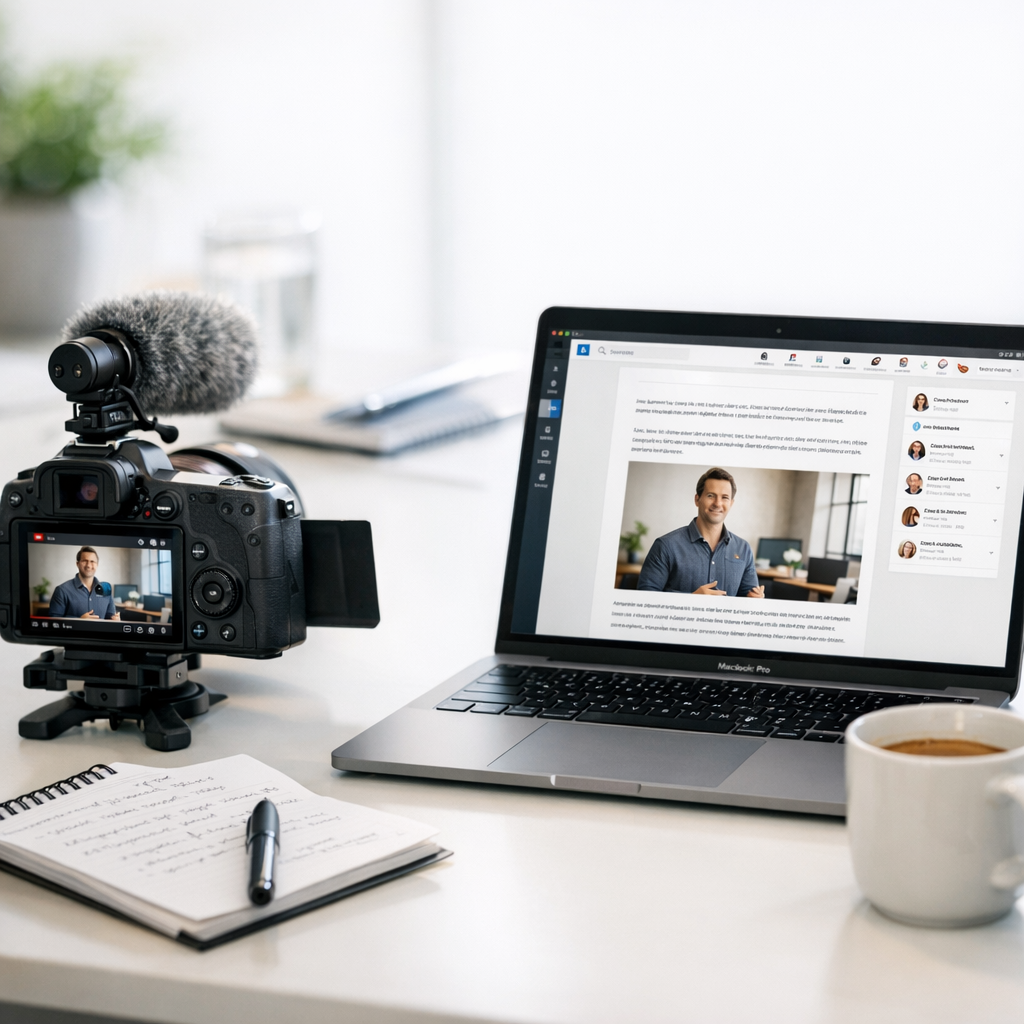

I’ll walk you through how to do it step by step—in a way that isn’t robotic or cookie-cutter—and share some honest insights about what works, what doesn’t, and how tools like ViralMaker can help (or occasionally frustrate you). Let’s jump in.
—
Start With the Right Video
Not every YouTube clip belongs on LinkedIn. A two-minute reaction video or vlog about your weekend isn’t going to resonate with decision-makers scrolling during their lunch break. You need something meaty—topics that align with business challenges, industry trends, or actionable advice.
For example:
- If you run a digital marketing channel, a tutorial on “How AI Is Changing SEO in 2026” would make an excellent article.
- On the other hand, “My Daily Routine as a Content Creator” might flop unless there’s real insight applicable to professionals.
Pro Tip: Look at your YouTube analytics and pick videos with strong watch time and engagement metrics—they’re proof your audience found value in them. That same value can translate beautifully into LinkedIn articles if framed well.
—
Watch Your Own Video Like You’re Researching It
This sounds obvious but hear me out: don’t assume you’ll remember everything from your own video offhand. Sit down with pen and paper (or open Notion), press play, and take notes as if you’re researching someone else’s content for an article pitch. Break down key points into sections:
1. What problem does the video address?
2. What examples or data did I use?
3. What actionable tips came out of it?
Let’s say the video is titled “5 Ways ChatGPT Can Save Time for Freelancers.” On LinkedIn, you’d format this as a structured thought piece titled something like “How Freelancers Are Using AI Tools Like ChatGPT To Reclaim More Hours Each Week.” Boom—you’re halfway there already.
—
Write Like a Storyteller First (Not an SEO Robot)
Here’s where many creators fall flat: they try too hard to cram keywords or mimic bland corporate writing styles when transitioning from video to text-based platforms like LinkedIn. Stop trying so hard! The reason people clicked on your YouTube video is because they saw your personality. Bring that same voice over—but adapt it slightly for LinkedIn’s professional vibe.
Comparativa: estrategias de repurposing de contenido para blogs vs podcasts: guí
Instead of saying:
“Hey guys! Today we’re gonna talk about why SEO is still relevant even though everyone’s obsessed with social media.”
Try:
“Despite all the buzz around TikTok ads and Instagram carousels dominating marketing budgets in 2026, SEO remains one of the most undervalued long-term strategies out there.”
It’s more polished but still conversational—a sweet spot for LinkedIn readers who expect expertise without being lectured.
—
Use ViralMaker or DIY? Let Me Be Honest
If you’ve been eyeing tools like ViralMaker, here’s my take after actually using it: it’s great at speeding up repetitive parts of repurposing workflows but don’t expect miracles from its autopilot mode unless you’ve fine-tuned your process beforehand.
What ViralMaker Does Well:
1. Extracting Outlines From Videos: Upload your transcript or paste timestamps directly from your YouTube description—it’ll auto-generate article frameworks based on main talking points.
2. SEO Structuring: Once you’ve shaped your draft inside its editor, ViralMaker suggests internal links (great for multi-platform syndication). For example, when I wrote about TikTok growth hacks last month using their toolset, it prompted me to link here—a smart way to cross-promote related resources.
3. Publishing Workflow: Their integration with WordPress saves one annoying step if you’re juggling clients’ sites alongside personal projects.
Where It Falls Short:
- Formatting quirks happen sometimes—like weird paragraph breaks if you’re reimporting edits back into another CMS.
- While its autopilot makes solid drafts faster than staring at blank screens ever could… don’t skip manual revisions unless you want generic-sounding fluff sneaking through.
That said—if you’d rather do everything manually (no judgment!), tools like Otter.ai for transcription + Grammarly Premium + Canva Pro are great alternatives for DIYers who crave full control without automation hand-holding.
—
Add Data Tables & Visuals To Stand Out
A plain wall of text won’t cut it anymore—not even on LinkedIn where blogs traditionally performed better than slideshows until last year’s algorithm tweak favoring visual embeds again (thanks Microsoft). This means pulling visuals straight from YouTube—or adding fresh ones—is non-negotiable now:
| Video Section | Article Adaptation Example |
10 Herramientas Clave para Crear Contenido Viral en Redes Sociales en 2024: guía
|———————–|——————————–|
| “Introductory Stats” | Infographic w/ key numbers |
| “Top 5 Tips List” | Embed carousel screenshots |
| “Case Study Example” | Add client testimonial quote |
Tools like Canva make turning snippets into highly shareable graphics very accessible—even beginners can mock up branded charts fast these days!
—
Tweak Headlines Until They Click
Your headline matters more than anything else—it decides whether people even read past those first few sentences! When adapting titles between platforms:
Bad Example: “Repurposing My Latest Tutorial For Extra Views”
Better Example: “From Video Views To Business Leads: Repurposing Tutorials Into Thought Leadership Pieces”
Still stuck brainstorming ideas pre-publish stage manually instead endlessly tweaking titles unproductively frustratedly overhead limitations meanwhile better ROI focusing internally clearer messaging outlined potential next-phase tests balancing both short-scale immediate return priorities strategic longer-duration scaling partnerships symbiotic alignment goals vis-a-vis future-proof market-segmentation needs etc?
Never Ever Do Above Awful Writing Mistakes!!
Related Links


