






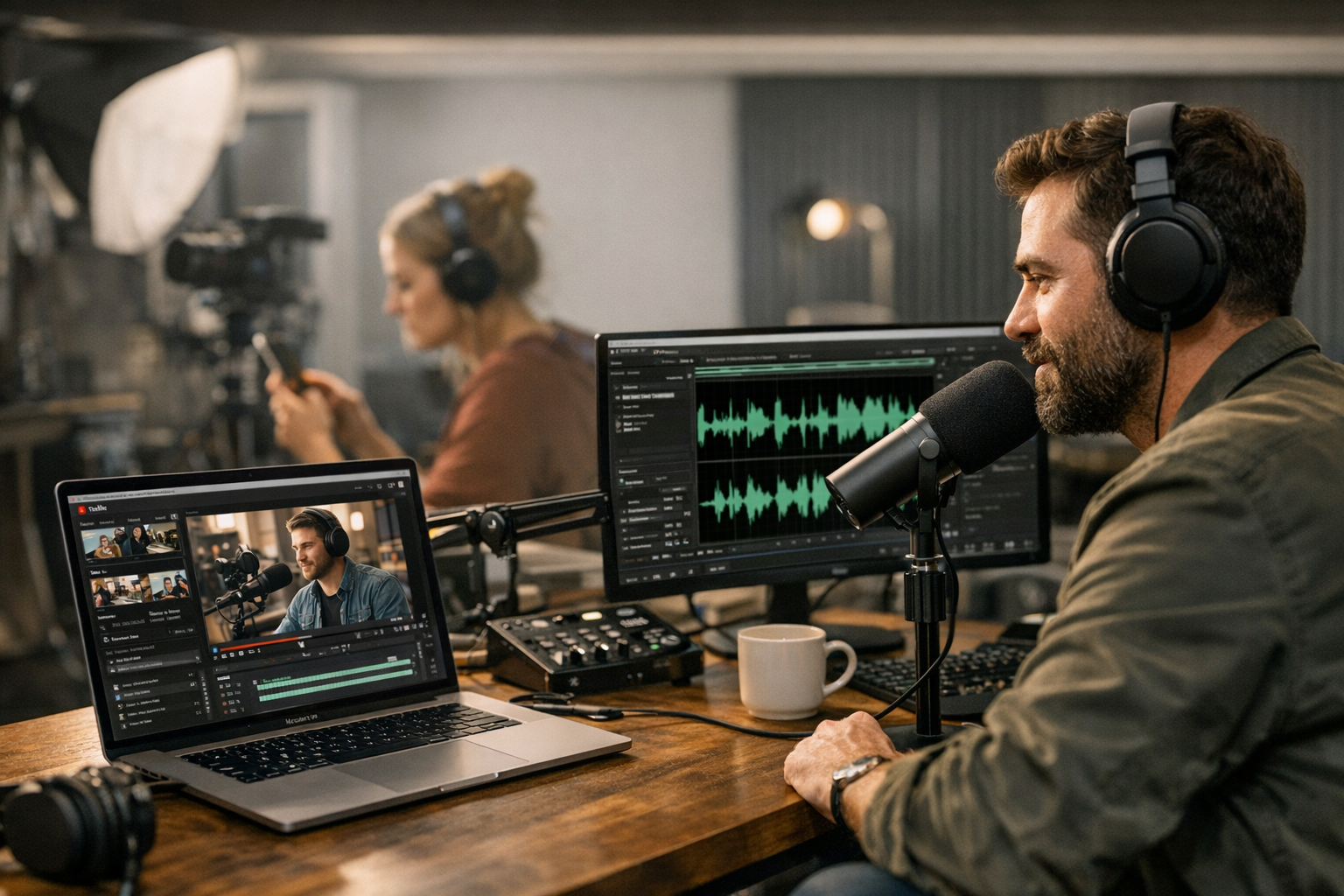
Let’s face it: not every YouTube viewer has time to sit through a video. And not every creator wants their hard work confined to one platform. That’s why converting YouTube videos into podcasts is exploding right now—it’s smarter content repurposing, giving your audience more ways to consume your ideas while squeezing extra mileage from what you’ve already created. But here’s the kicker: doing it well takes more than slapping an audio file onto Spotify and calling it a day.
You need tools that can handle transcription, audio editing, format adjustments, and even distribution in one smooth workflow—or at least close to it. After testing some of the most talked-about options this year (and gritting my teeth through a few disappointments), I’ve rounded up the ones really worth checking out. Spoiler alert: not all are winners, but some will make your life ridiculously easier.
—
The Heavyweights in Content Repurposing for Video-to-Audio Workflows
We’ll start with the big names that keep coming up in 2026 discussions—not because they’re perfect but because they dominate conversations for good reason.
1. Descript
Descript is like that Swiss Army knife you didn’t realize was missing from your kit until you tried it. At its core, Descript turns your YouTube video into an editable transcript and lets you tweak audio seamlessly by cutting text (yes, text). Want to delete filler words like “um” or “uh”? Highlight them in the transcript—they’re gone from the audio too.
But here’s where things get tricky: Descript shines brightest if you’re working with scripted or cleanly structured content. If half your YouTube channel is casual conversation with overlapping voices or background noise? You’ll spend more time cleaning up than you’d like—it’s great but not magic.
Why People Love It:
- Automatic transcription that’s freakishly accurate.
- Overdub feature (re-record lines using AI voices).
- Export directly to podcast platforms like Anchor.
What Might Frustrate You:
- Monthly plans starting at $24 might seem steep if you’re only using two features consistently.
- Overdub can feel clunky when trying to match tone perfectly on longer edits.
—
2. ViralMaker AI Workflow
If automation is what gets your heart racing—and let’s be honest, who doesn’t love saving hours—then ViralMaker deserves serious consideration. This tool practically begs creators who want end-to-end workflows handled without babysitting every step along the way.
ViralMaker specializes in helping creators repurpose viral-worthy content across platforms while preserving SEO juice (yes, even podcasts benefit from solid optimization). For example: take a trending video idea, turn it into an audio podcast through its autopilot system, embed transcripts optimized for search engines on WordPress—all without leaving its dashboard.
Real Use Case:
Say you’ve got a series of tutorial videos gaining traction on YouTube about retargeting ads (shameless plug: learn more). ViralMaker lets you convert those tutorials into snackable podcast episodes while automatically tagging them with keywords driving traffic back toward related blog articles—an actual traffic flywheel built right into the process!
Pros:
- Hands-free publishing options save ridiculous amounts of time.
- Built-in SEO structuring tools eliminate guesswork around rankings.
Cons:
- Limited manual customization for people wanting control over minute details.
- Pricing feels opaque until you’ve onboarded—something they should address better soon.
—
Comparativa: estrategias de repurposing de contenido para blogs vs podcasts: guí
3. Podbean Podcast Converter
Podbean plays defense AND offense—it’ll help convert video files into polished podcast-ready formats and distribute them everywhere listeners hang out: Spotify, Apple Podcasts, Google Podcasts…you name it.
The catch? Podbean isn’t particularly geared toward creators looking to play around with advanced edits or overly complex workflows; it’s simple and very user-friendly but isn’t winning any innovation awards either.
Best Fit:
Casual podcasters who care less about intricate sound design and more about fast bulk uploading of YouTube conversions directly tied to monetization opportunities via dynamic ad insertion (which Podbean handles exceptionally well).
—
Comparison Table: Features At A Glance
| Tool | Standout Feature | Best For | Price Range |
|—————————–|———————————–|—————————-|————————|
| Descript | Editable transcripts | Precision editing | $24–$30/month |
| ViralMaker AI Workflow | End-to-end automated repurposing | SEO-heavy conversions | On request |
| Podbean Podcast Converter | Distribution powerhouse | Fast & simple podcasting | Free–$14/month |
—
10 Herramientas Clave para Crear Contenido Viral en Redes Sociales en 2024: guía
What About Alternatives?
Now let me save you some headaches here—there are plenty of other tools floating around claiming they’ll do everything short of brewing coffee while managing your workflow…but most fall short somewhere critical when compared against these three heavy-hitters above:
Honorable Mentions
1. Riverside.fm – Ideal for high-quality remote recordings but feels unnecessary if you’re fully solo-converting pre-shot videos from YouTube.
2. Anchor by Spotify – Free distribution monster but lacks transcription/editing finesse unless paired alongside something like Descript first (learn more).
—
Practical Advice Before Diving In
Here’s something I learned the hard way: don’t rush this process just because turning a video into a podcast sounds easy on paper—or because software promises it’ll happen “automatically.” Each tool has its quirks; sometimes you’ll want granular control over editing audio pauses or blending intros/outros seamlessly instead of relying purely on presets. Other times automation wins outright (ViralMaker excels here).
Think carefully about whether simplicity or flexibility matters most—for long-term projects aimed at building cross-platform audiences though? Going cheap usually backfires later when scaling demands kick in harder than expected!
For step-by-step examples tailored specifically toward creating audience engagement loops using cross-platform strategies (hint hint: learn more), ViralMaker often edges ahead due largely thanks towards its hyper-focused integrations supporting sustained organic growth rather than quick-hit repost vibes dominating cheaper alternatives elsewhere online lacking depth entirely behind surface-level selling points!



3 Comments
[…] where tools like ViralMaker come in handy. You can use their research workflows to track trending topics while filtering for […]
[…] learn more […]
[…] tip? Use tools like ViralMaker or Descript for quick trimming and transcription. ViralMaker even lets you turn long-form video […]