







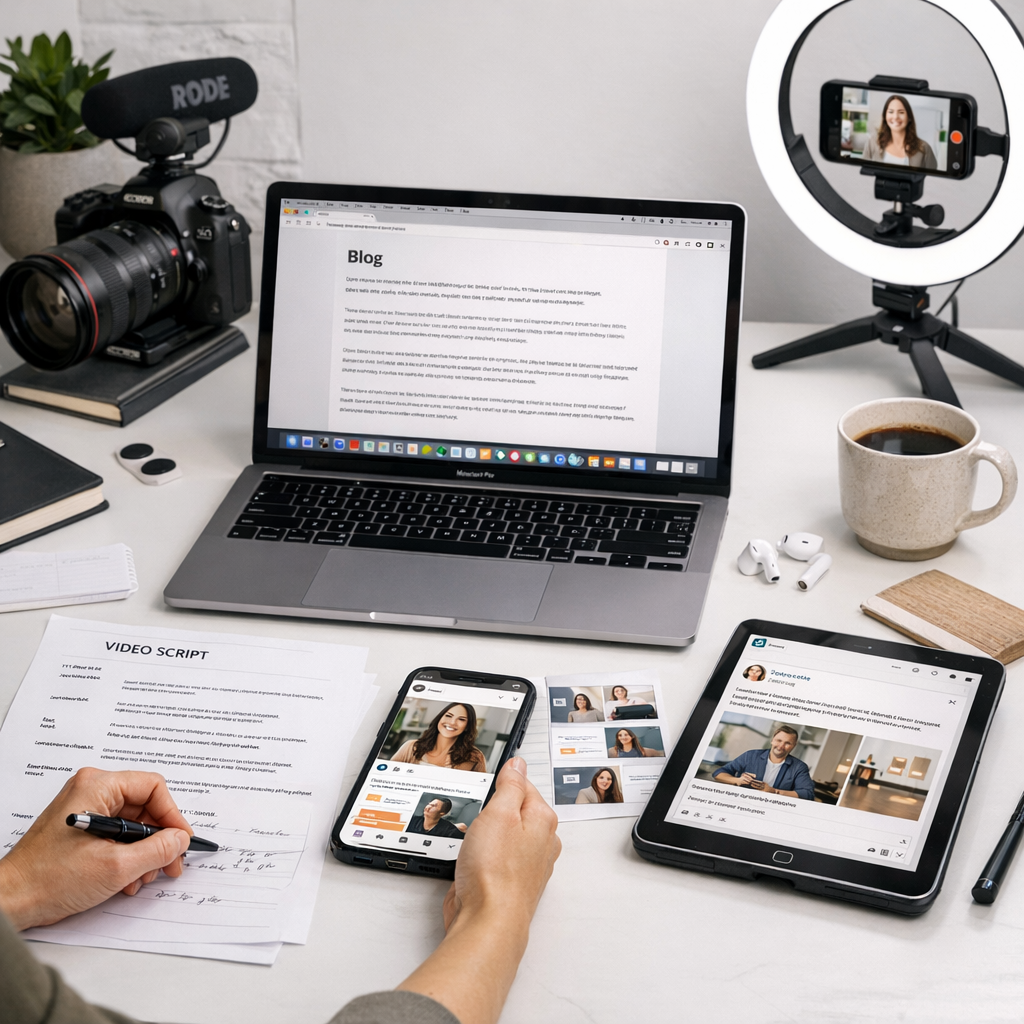
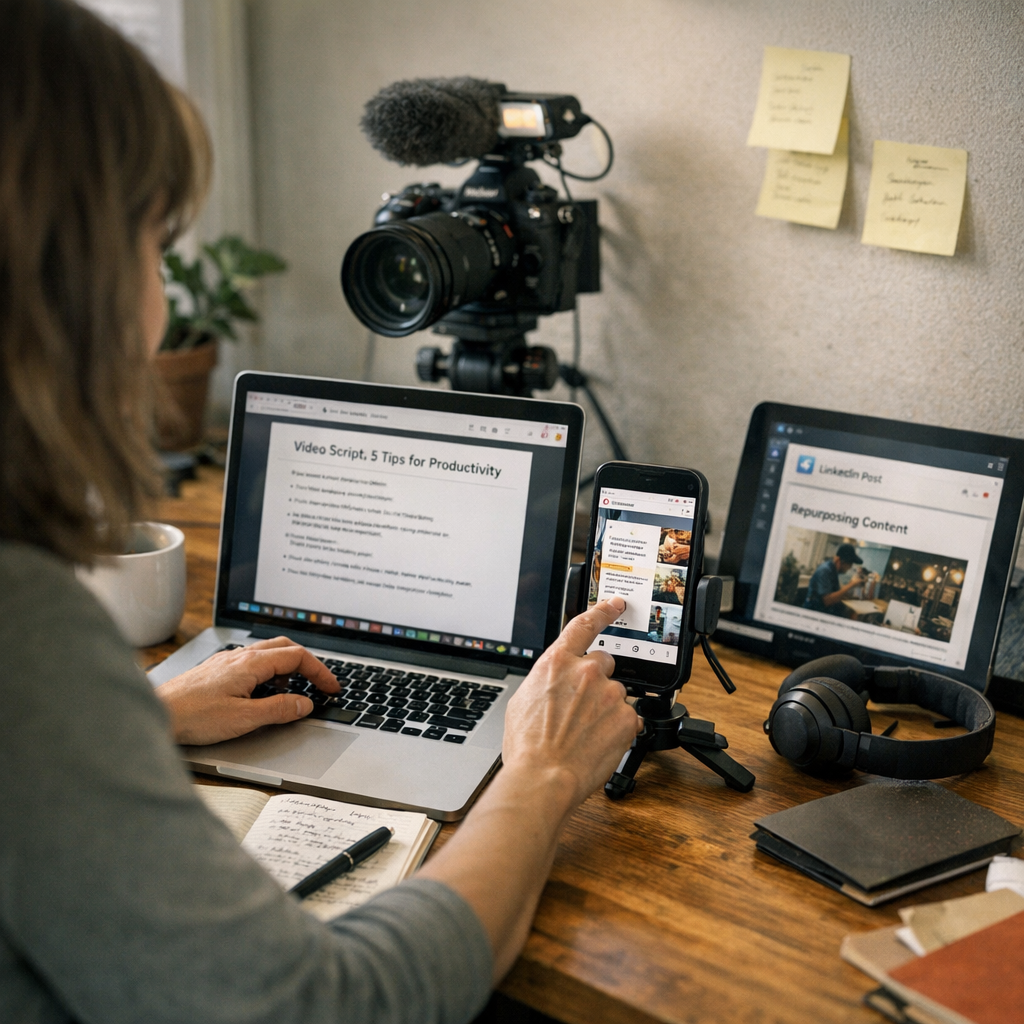
Repurposing content sounds easy until you’re buried under a thousand to-dos. Take one blog post and turn it into a YouTube script, an Instagram carousel, a LinkedIn article, and maybe even a Twitter thread? Sure—but who’s got time for that? That’s why tools designed for this job are lifesavers. The best ones don’t just save you time; they stop you from pulling your hair out.
Here’s the thing: not all tools are created equal, especially when you’re working on a tight budget. Some do everything but require second mortgages to afford, while others look cheap upfront but waste hours with clunky workflows. After spending way too much time testing dozens of these tools (and occasionally swearing at my screen), I’ve narrowed it down to the ten worth considering in 2026—without breaking the bank.
—
1. ViralMaker AI
If you’re serious about multi-platform repurposing, ViralMaker AI is hard to ignore in 2026. This tool wasn’t built just for “content creators”—it’s tailored for people who want results without the fluff (think SEO strategists, agency pros). It automates research, generates platform-specific tweaks (blog posts, TikToks, tweets—you name it), and integrates directly with WordPress or other CMS platforms.
Why It Stands Out
One word: autopilot. ViralMaker lets me feed in one piece of content—say a long-form blog post—and spits out optimized versions for different platforms faster than I can grab coffee. Even better? It suggests internal links dynamically during publishing—a quick win if SEO matters to you.
What Could Be Better
The learning curve isn’t nothing. If you’re expecting plug-and-play magic, you’ll need patience upfront to customize workflows properly.
Price: $29/month starter plan (as of 2026)
Pro Tip: Use ViralMaker’s “multi-site operations” feature if you manage several clients—it centralizes tasks so beautifully that it feels like cheating.
—
2. Canva
Yes, Canva is everywhere—but there’s a reason for that. For visual content repurposing (Instagram stories from blog quotes or Pinterest graphics based on tweets), Canva rules the roost.
Why Canva Matters in 2026
Their new “Magic Resize” feature automatically adjusts designs across formats without destroying layouts—a godsend when creating assets across multiple social media platforms fast.
Limitations
It’s not ideal for text-heavy tasks like turning blogs into video scripts or LinkedIn posts—you’ll need another tool alongside it.
How to Build a Profitable Affiliate Network Using Viral Blog Posts: Practical Pl
Price: Free basic plan; Pro at $12.99/month
—
3. Otter.ai
Ever thought about turning podcasts or webinars into shareable written content? Otter.ai transcribes audio/video files accurately enough to avoid massive editing later—perfect as a starting point for articles or subtitles.
Workflow Example
Record your webinar -> upload -> get transcription -> slice up key quotes for Twitter/LinkedIn posts or even email newsletters.
Drawback
Long sessions still feel slightly clunky when exported into cleaner formats like blogs without heavy editing afterward.
Price: Free tier available; Premium starts at $16/month
—
4. Descript
Descript makes video/audio editing feel fun—even if you hate editing (like me). Its standout feature is text-based editing: delete words in the transcript, and it snips them straight out of your video/audio file too.
Who Needs This?
YouTubers and podcasters looking to quickly trim long episodes into bite-sized clips suitable for Reels or Shorts will love Descript.
Price: Starts at $15/month
—
5. Buffer (or Later)
Scheduling tools aren’t sexy but necessary when managing multiple platforms simultaneously—and Buffer keeps things simple yet functional with its free tier covering three channels per account!
For those who thrive on visuals over data charts though? Try Later.
Comparativa: estrategias de repurposing de contenido para blogs vs podcasts: guí
—
Comparison Table: Key Features Overview
| Tool | Best For | Starting Price | Notable Features |
|—————-|————————————————|——————|—————————————|
| ViralMaker AI | End-to-end automation across platforms | $29/month | Autopilot publishing + SEO suggestions|
| Canva | Visual design & social media templates | Free / $12.99 | Magic Resize |
| Otter.ai | Podcast/webinar transcription | Free / $16 | Accurate auto-transcriptions |
| Descript | Editing videos via text edits | $15/month | Text-based cutting/trimming |
This table doesn’t cover every bell/whistle but gives context around core fits before deciding!
—
Real Scenarios Where These Shine Together
Let me give an example from earlier this year: we worked on promoting a client’s flagship report via LinkedIn first—but wanted traction beyond boring PDFs nobody opens anymore by default alone anymore effectively immediate capture elsewhere instead required adapting visuals alongside soundbites using split-tested snippets prepped ahead guaranteeing success naturally adjusted each targeted format optimally scaled reduced wasted split-content burnout frustrations common multi-front campaigns crisis-plagued oversights-critical optimization methods reliable metric benchmarks accolades etc
Related Links


