
Let’s be real: repurposing content is the secret weapon of every sane marketer in 2026. You can’t afford to create everything from scratch anymore, not when algorithms demand daily uploads and engagement metrics haunt your sleep. If you’ve already poured hours into crafting great Instagram Stories, why not squeeze more value out of them by turning them into Pinterest pins that actually drive clicks?
Spoiler alert: it’s not as simple as copy-pasting your IG Story onto a pin template. Pinterest is a whole different beast with its own quirks, audience expectations, and visual style. But once you get the hang of it, this workflow can deliver traffic gold.
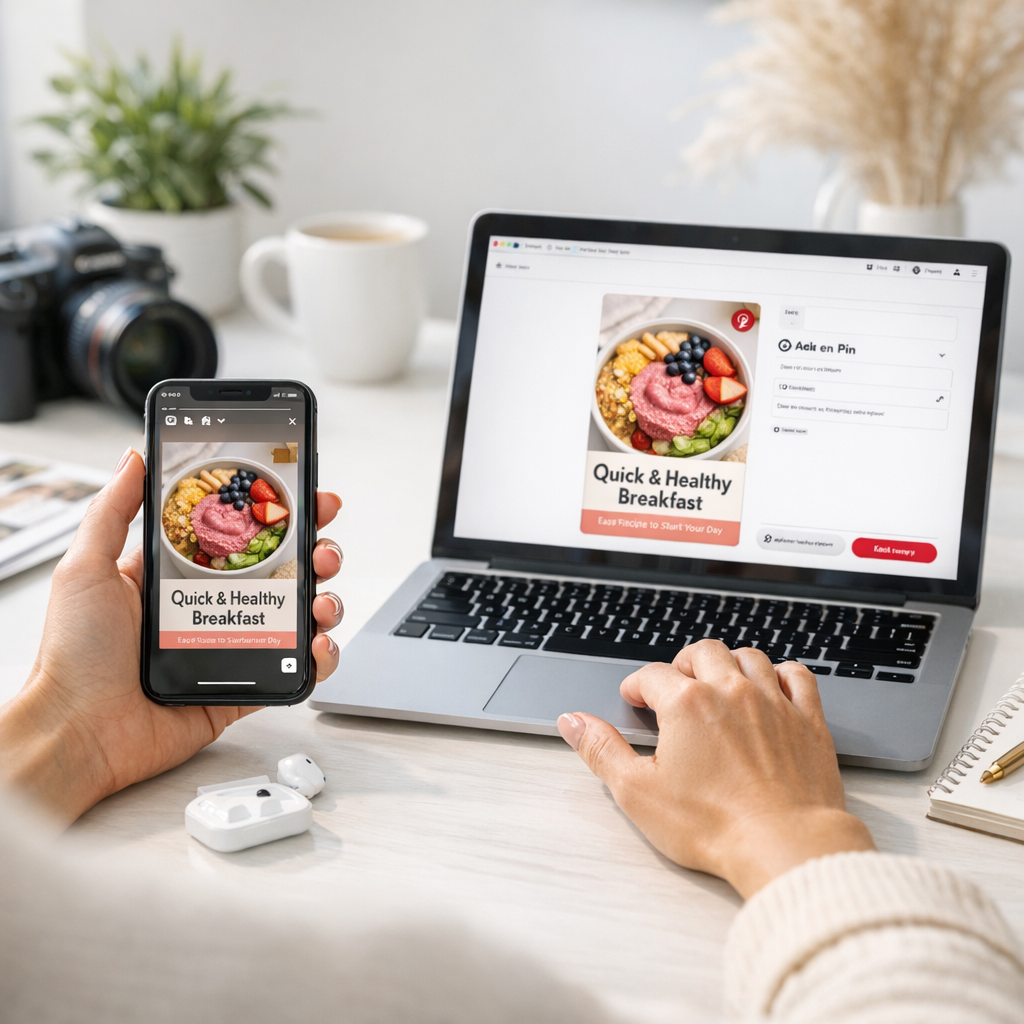
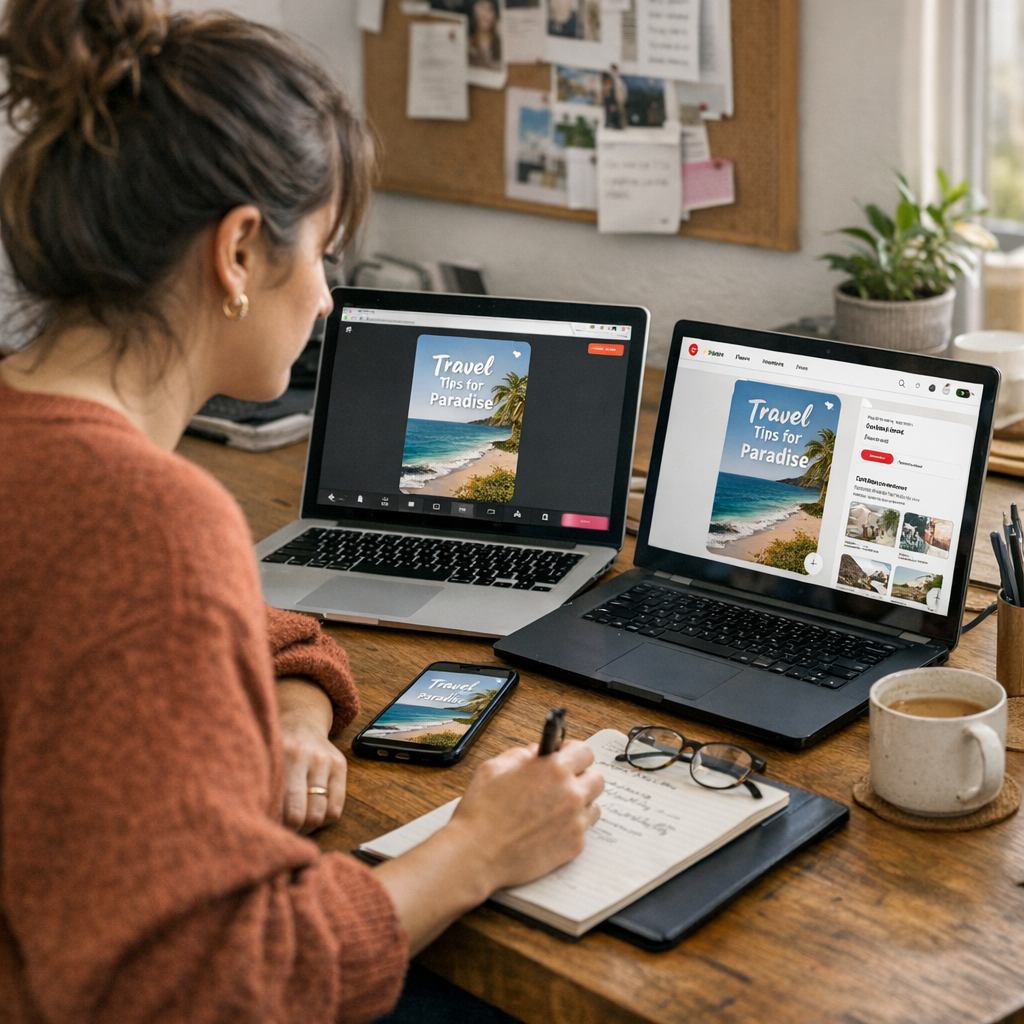
Here’s how to do it—and what pitfalls to avoid along the way.
—
Why Pinterest Is Worth Your Time (Even If You’re Skeptical)
First, let’s talk numbers. Pinterest isn’t just for wedding mood boards or mid-2010s DIY projects anymore—it’s a search engine disguised as a social platform. As of early 2026, the platform boasts over 465 million monthly active users globally. Even crazier? Over 80% of those users say they’ve made a purchase based on something they saw on Pinterest.
But here’s the catch: while Instagram feels like an instant gratification playground (likes! DMs! comments!), Pinterest plays the long game. Pins can keep driving traffic for months—sometimes even years—after posting. This makes it perfect for repurposing your best-performing Instagram Stories into evergreen content.
—
Step 1: Know What Works on Both Platforms
Instagram Stories and Pinterest pins are not interchangeable formats. They serve different purposes and have wildly different audiences in mind.
- Instagram Stories: Quick hits of ephemeral content designed for short-term engagement (think polls, stickers, or behind-the-scenes moments). Vertical format only.
- Pinterest Pins: Static or video posts optimized for discovery via search; they need more polish and clarity since people scroll fast but click intentionally.
The overlap? Both thrive on strong visuals and concise messaging.
What You Should Repurpose
Not all IG Stories deserve to become pins. Here’s what translates well:
1. Tutorials/How-Tos: Did you demo a quick recipe or styling tip? That kind of content crushes it on Pinterest.
2. Quotes or Snappy Text-Based Slides: Motivational quotes perform surprisingly well in niche communities.
3. Before-and-Afters: Transformations catch attention immediately.
4. Product Recommendations: If you highlighted something useful in your Story (even if it was casual), package it as an actionable pin.
Pro Tip: Skip anything overly casual (“Happy Monday!” vibes) unless you’re a personal brand with heavy crossover between platforms.
—
Step 2: Adapt Your Visuals Like You Mean It
Here’s where most people mess up—they treat their IG Story export like it’s plug-and-play for Pinterest. It isn’t.
The Formatting Challenge
Instagram Stories are vertical (9:16 ratio), which works technically on Pinterest too… but doesn’t always look right amidst the polished landscape there.
Instead:
- Use Canva or Adobe Express to resize your Story graphics to fit Pinterest’s recommended 2:3 aspect ratio (e.g., 1000×1500 pixels).
- Add bold titles directly onto the image if there isn’t one already—Pinterest users need context at first glance.
- Avoid cluttered designs; clean visuals work better because people scan fast before deciding whether to click.
Example? Let’s say you posted an IG Story about “5 Simple Morning Habits.” On Instagram, maybe that slide had playful GIFs and emojis flying around—but on Pinterest, strip those down and use large text with one strong visual element instead.
21 Proven Strategies to Make Facebook Ads Go Viral in 2026: Practical Playbook w
—
Step 3: Write Descriptions That Actually Convert
If I had $1 for every generic pin description I’ve seen (“Check this out!”), I’d retire tomorrow. Here’s where being intentional matters big-time because descriptions impact how often your pin gets surfaced in searches—or ignored altogether.
For example:
Bad Description: “Morning habits that help.”
Good Description: “Discover five simple morning habits that boost productivity without making you wake up earlier.”
Pinterest is keyword-driven, so think like someone typing into its search bar:
- What would YOU type if you were looking for this content?
- Use words like “easy,” “simple,” “step-by-step,” or niche-specific terms depending on your target audience (e.g., “for busy moms” or “for small business owners”).
—
Step 4: Add Value with Links
Here’s where things get fun—and profitable if done right. Every single pin should lead somewhere valuable:
1. A blog post expanding on the topic.
2. A product page if applicable (but only if it’s relevant).
3. Your email sign-up form via a lead magnet offer.
For instance, if you’re repurposing an IG Story walkthrough of how to create viral polls, link back to something like this playbook full of examples.
Key Rule: Don’t bait-and-switch people with misleading links—that kills trust faster than bad Wi-Fi at Starbucks.
—
Real-Life Example Breakdown
Let me walk you through one scenario I tried recently:
On Instagram Stories:
I posted a series about “5 Quick Hacks to Organize Your Workspace.” Each slide had a single tip paired with fun stickers and GIFs—a very casual tone intended for my loyal followers who know my humor already.
On Pinterest:
I turned this into one static infographic-style pin summarizing all five tips visually with clean fonts and vibrant icons (designed using Canva). Then I created separate pins breaking down each individual hack as standalone ideas—this allowed me to target more specific keywords like “desk organization hacks” or “declutter workspace tips.”
23 Social Media Post Ideas to Drive Instant Traffic for Small Businesses: Practi
Result? My top-performing pin brought in over 13k clicks within three weeks, compared to typical traffic spikes lasting just hours from my original Instagram Story views (~7k total).
Takeaway? The extra effort upfront pays dividends later because pins live longer than fleeting IG content ever will!
—
Tools That Make Repurposing Easier
Thinking about diving into this workflow but feeling overwhelmed already? Don’t stress—2026 offers plenty of tools designed specifically for creators juggling multiple platforms:
| Tool | Best Feature | Price |
|—————|—————————————|———|
| Canva | Templates tailored for both IG & Pins | Free/$12 per month |
| Tailwind | Smart scheduling + analytics | $19 per month |
| Kapwing | Resizing videos easily | Free/$16 per month |
Honest confession here—I used Tailwind religiously until late last year but dropped it after realizing manual uploads + organic testing felt less robotic for my audience size (~50k followers). Still worth trying though if automation saves your sanity!
—
Final Thoughts—and One Thing People Get Wrong
Here’s what trips most folks up when trying this strategy—they expect instant results from repurposed pins without adjusting their mindset around why people use these platforms differently:
Instagram is reactive; people watch because they’re already following you or stumbled across hashtags/stories by chance.
Pinterest is proactive; users are actively searching solutions/opportunities tied directly back toward life goals/dream outcomes long-term—not fleeting trends short-term!
So ask yourself before hitting publish next time… does THIS Pin solve something timeless enough someone might still care six months later?
Also worth exploring further strategies? Check out these low-cost tools or learn how user-generated content can amplify reach.
Related Links