Last week, my friend Lisa called me in a panic. She’s a small business owner juggling everything from inventory to social media. Her issue? She’d spent five hours editing her latest Instagram Reel, only for it to flop—200 views and barely any engagement. “How do people make this look so easy?” she asked. I felt her pain because, let’s be real, the pressure to create viral-worthy content on a budget is real.
Here’s the thing: you don’t need a massive production crew or fancy tools to dominate Instagram Reels in 2026. What you do need are smart tools designed to save time and amplify creativity. That’s what this guide is all about: helping you find the best budget-friendly solutions that actually work (no fluff, no gimmicks).
If you’ve ever struggled with choppy transitions, bland captions, or just getting your videos noticed—stick around.
In this guide, you’ll discover:
- Affordable tools that rival premium software without draining your wallet.
- Creative hacks for making polished Reels faster (even if you’re not tech-savvy).
- Tips on how these tools can help anyone go viral—without needing Hollywood-level skills.
By the end of this article, you’ll have everything you need to turn “meh” content into scroll-stopping Reels that deliver likes, shares, and followers—all without breaking the bank.
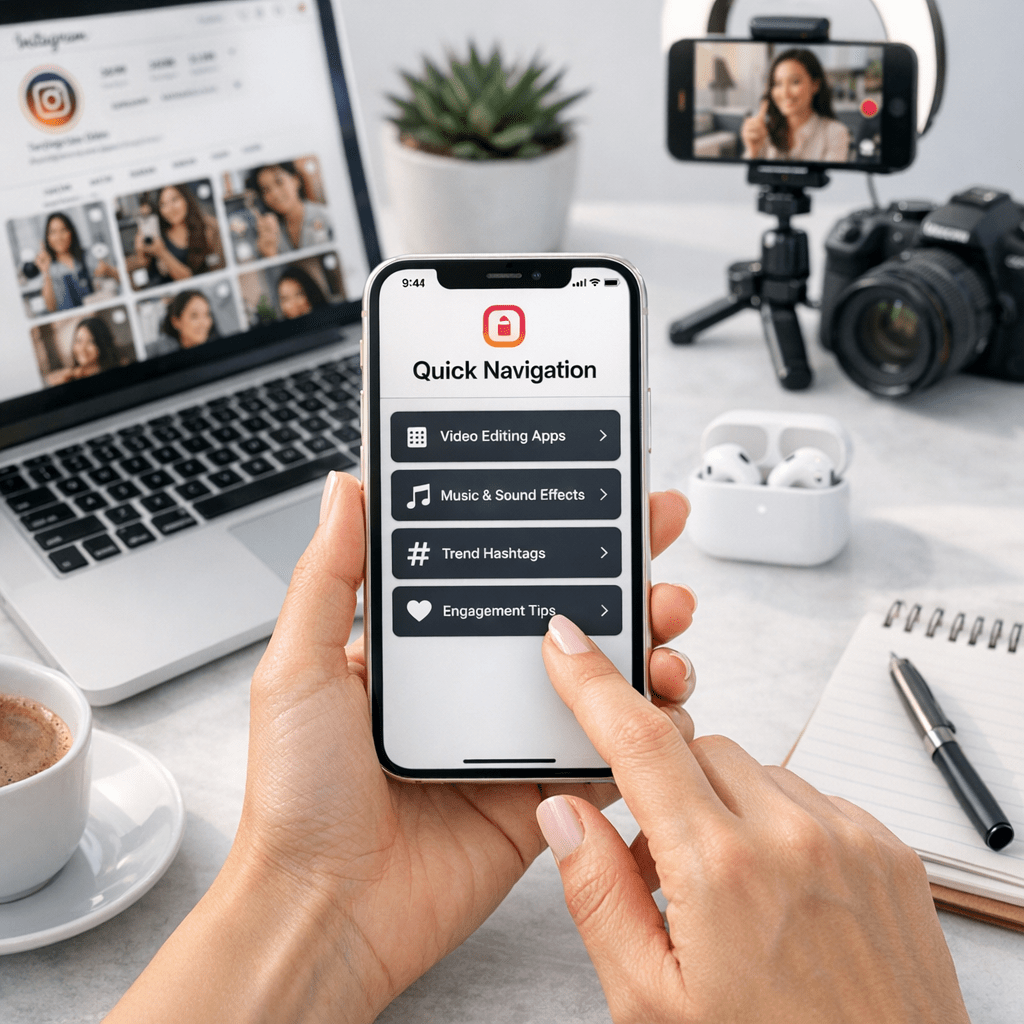
Quick Navigation
1. CapCut – Free Editing With Pro-Level Features
2. Canva – Simplified Graphics and Animations
3. InShot – All-in-One Mobile Video Editor
4. Descript – Audio/Video Editing Made Easy
5. Splice – Effortless Transitions and Effects
6. Mojo – Templates That Make You Look Professional
Also worth reading: Comparativa
7. Epidemic Sound – Royalty-Free Music Without the Hassle
8. Remove.bg – Instant Background Removal
9. Planoly – Your Content Calendar Savior
10. ViralMaker AI – Automate Your Way to More Views
CapCut – Free Editing With Pro-Level Features
If you’ve been on TikTok or Instagram lately, you’ve probably seen edits made with CapCut—it’s everywhere in 2026, and there’s a reason for that: it’s free and ridiculously powerful for mobile editing.
Why It Stands Out:
CapCut offers advanced features like keyframe animation, green screen effects, and auto-captioning—all packed into an intuitive interface that’s perfect for beginners and pros alike.
Common myth: Free apps mean limited functionality.
Reality: CapCut rivals paid software like Adobe Premiere Rush but without the $9/month subscription fee.
Key takeaway: If you’re starting out or working on a tight budget, CapCut is your go-to tool for professional-looking edits at zero cost.
Canva – Simplified Graphics and Animations
You probably know Canva as your favorite graphic design tool—but its video game has leveled up big time in 2026.
What’s New This Year?
Canva now includes motion tracking and dynamic text animations specifically tailored for short-form content like Reels.
When I tested Canva last month for designing some branded intros on Instagram Reels campaigns, it cut my workflow time by half compared to Adobe After Effects—and at $12/month (or free if you’re okay with watermarks), it’s a steal.
Who it’s NOT for: Hardcore editors looking for frame-by-frame control—you won’t find those here.
Key takeaway: Perfect for marketers who want quick animations without learning complicated software.
Related guide: 10 Herramientas Clave para Crear Contenido
InShot – All-in-One Mobile Video Editor
Here’s where things get interesting: InShot combines simplicity with versatility better than almost anything else I’ve used recently.
The Killer Features:
1. Speed adjustments (go slow-mo or super fast).
2. Ready-made filters designed specifically to pop on social media platforms like Instagram.
3. Seamless aspect ratio changes—important when transitioning between Stories (vertical), Posts (square), or Reels (vertical again).
At just $3/month for their pro plan? It’s an insane value considering how much time it’ll save you from switching between multiple apps.
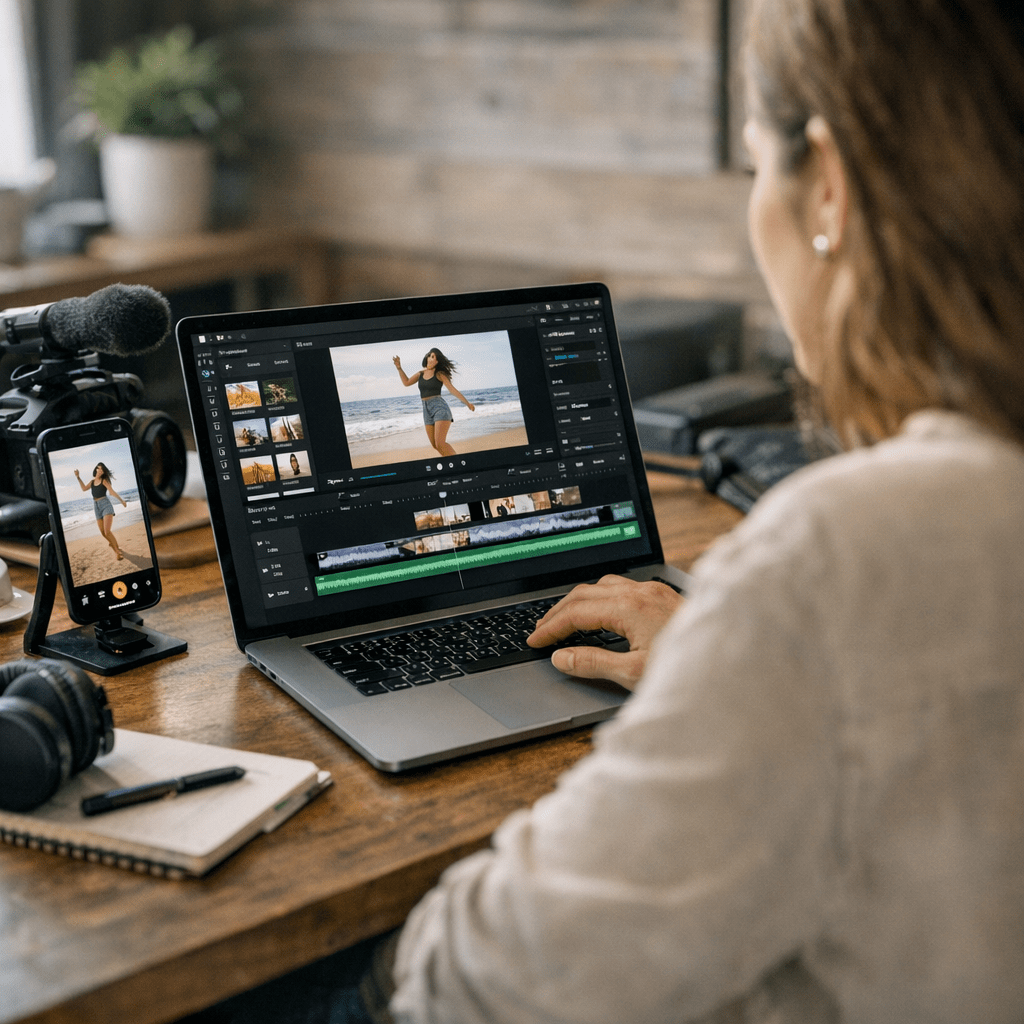
Key takeaway: Start here if you’re tired of juggling five tools just to put together one Reel.
Descript – Audio/Video Editing Made Easy
Editing audio has always been my least favorite part of creating content—but Descript makes it shockingly painless by letting you edit sound AND video through its transcript feature!
Imagine deleting filler words like “uh” or “um” directly from captions—and watching them disappear seamlessly from both audio + video timelines! Yeah… it feels borderline magical every single time I use it mid-campaign drafts during post-production weeks too!