Maria, a health coach, spent six hours last week writing a blog about the best morning routines. It was packed with value—tips, actionable steps, and even a free checklist. But after publishing, she checked her analytics: crickets. Sound familiar? You’re not alone.
Here’s the thing: great content doesn’t promote itself. And in 2026, if you’re not squeezing every ounce of mileage out of your blog posts, you’re leaving traffic (and money) on the table. Pinterest is still a goldmine for driving traffic—but only if you know how to play the game.
In this guide, you’ll discover:
- How to transform any blog post into engaging Pinterest pins that drive clicks and saves
- Why visuals matter more than ever on Pinterest—and how to create scroll-stopping designs
- A step-by-step breakdown of 21 strategies that work right now
Ready? Let’s turn that forgotten blog post into a traffic magnet.
Quick Navigation
1. Why Repurposing Blog Content for Pinterest Works in 2026
2. The Basics: Optimizing Content for Pinterest
3. 21 Smart Ways to Repurpose Blog Content into Pinterest Pins
4. FAQs About Using Pinterest for Blog Traffic
Also worth reading: Comparativa
Why Repurposing Blog Content for Pinterest Works in 2026
Pinterest isn’t just another social platform—it’s a visual search engine where people actively seek inspiration and solutions. In 2026, over 450 million monthly active users are scrolling through pins looking for ideas on everything from DIY projects to meal planning to digital marketing hacks.
What makes it so powerful? Unlike Instagram or TikTok, content on Pinterest doesn’t disappear after a day or two—it builds momentum over time. Your pin can start generating clicks weeks—or even months—after you post it.
But here’s the kicker: you can’t just slap your blog title onto an image and call it a day. That lazy strategy might’ve worked in 2018—not anymore. Today’s users expect polished designs and real value upfront before they’ll click through.
Cost of Inaction: If you’re ignoring Pinterest in favor of “traditional” social media platforms like Facebook or Twitter (RIP organic reach), you’re missing out on one of the easiest ways to get consistent evergreen traffic without paying for ads.
So how do you make sure your repurposed content actually delivers results? Let’s start with the basics.
The Basics: Optimizing Content for Pinterest
Before we dive into specific strategies, let’s cover what every successful pin needs:
1. Vertical Design Is Non-Negotiable
Pins should have an aspect ratio of 2:3 (e.g., 1000px x 1500px). Anything else gets cropped or ignored because vertical images dominate mobile screens—which is where most people browse Pinterest.
2. Keyword-Rich Descriptions
Pinterest SEO matters as much as Google SEO when driving traffic from pins to blogs. Use keywords naturally in your pin titles and descriptions—think phrases like “easy morning routine tips” or “how to plan meals fast.” Tools like Ubersuggest or even Pinterest’s search bar can give you keyword ideas.
3. Eye-Catching Fonts & Colors
Your pin design needs contrast! Bright pops of color combined with bold fonts grab attention as users scroll past hundreds of pins per minute.
Key takeaway:
Make sure every pin is visually appealing, optimized with keywords, and formatted vertically before implementing advanced strategies below.
Related guide: 10 Herramientas Clave para Crear Contenido
21 Smart Ways to Repurpose Blog Content Into Pinterest Pins
Now let’s get tactical! Below are 21 proven ways to turn your existing blog content into engaging pins that bring consistent traffic back to your site:
1. Create Multiple Pin Designs Per Post
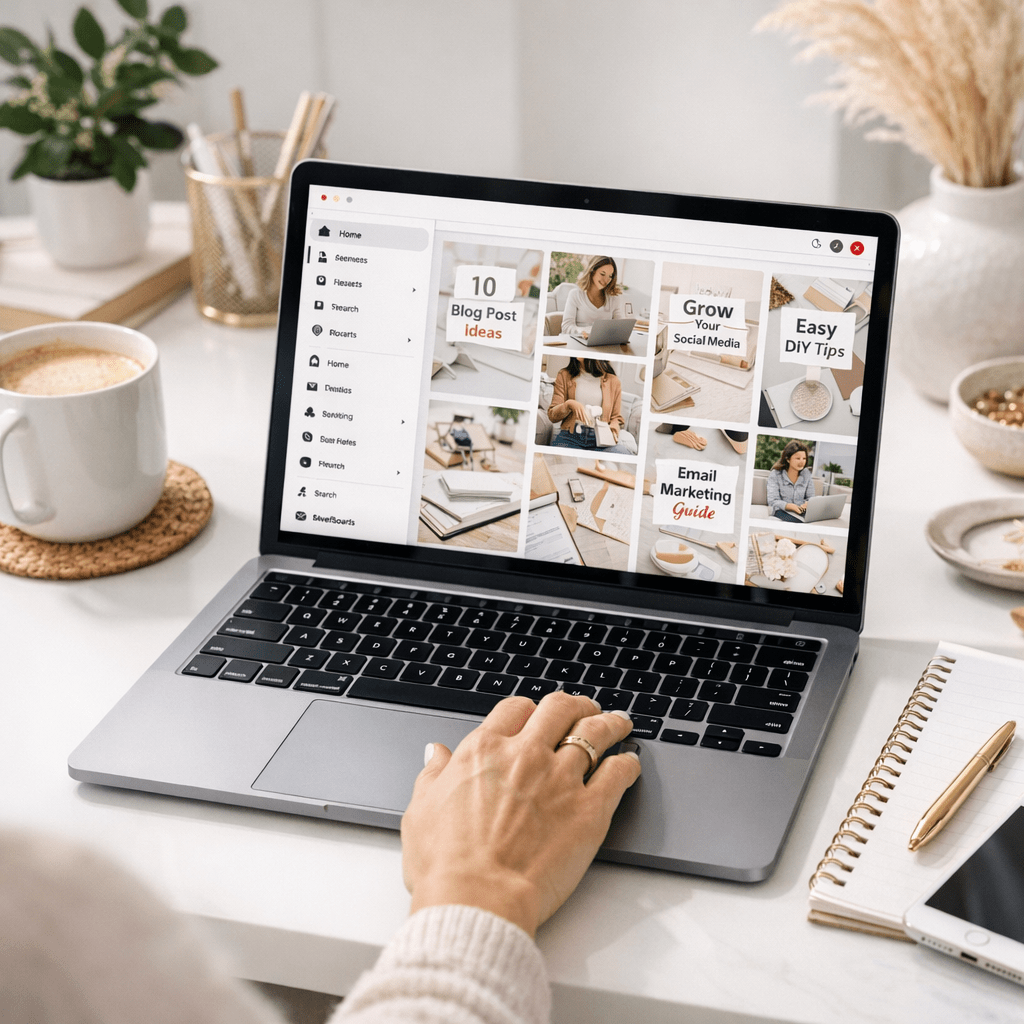
One blog = multiple pins = more opportunities for engagement on different audience segments. For example, Maria could create one pin emphasizing “5 Steps” while another highlights “Morning Checklist.”
👉 Pro tip: Tools like Canva offer pre-designed templates perfect for creating multiple unique looks quickly.
2–5: Break Your Blog Into Bite-Sized Nuggets
Instead of summarizing everything in one pin… spread it out! Here are four ways you can do this:
– Pin #1: Highlight Key Stats
Does your post include surprising numbers? Create infographic-style pins showcasing those stats visually.

– Pin #2: Pull Out Quotes/Tips
Take short sentences from your article (“Drink water first thing!”) and pair them with simple graphics.
– Pin #3: Promote Your Freebie
If there’s an opt-in offer tied directly inside said original long-form resource mentioned during introductions above framing contextally-related/related-shaped strategically inline retention calls-to-action early mid-way optimized stages funnel model respectively concluding final bridging anchor notes finishing conversion endline analytics tracking loops etc