
Picture this: You’ve just wrapped up an amazing podcast episode. The conversation was electric, the insights were gold, and your guest even dropped a mic-worthy one-liner. But now what? Do you let it live and die as a single audio file buried in a sea of podcasts, or do you turn it into a content juggernaut that keeps building buzz long after the recording ends? If you’re not repurposing your podcast episodes for social media, you’re leaving serious engagement on the table.
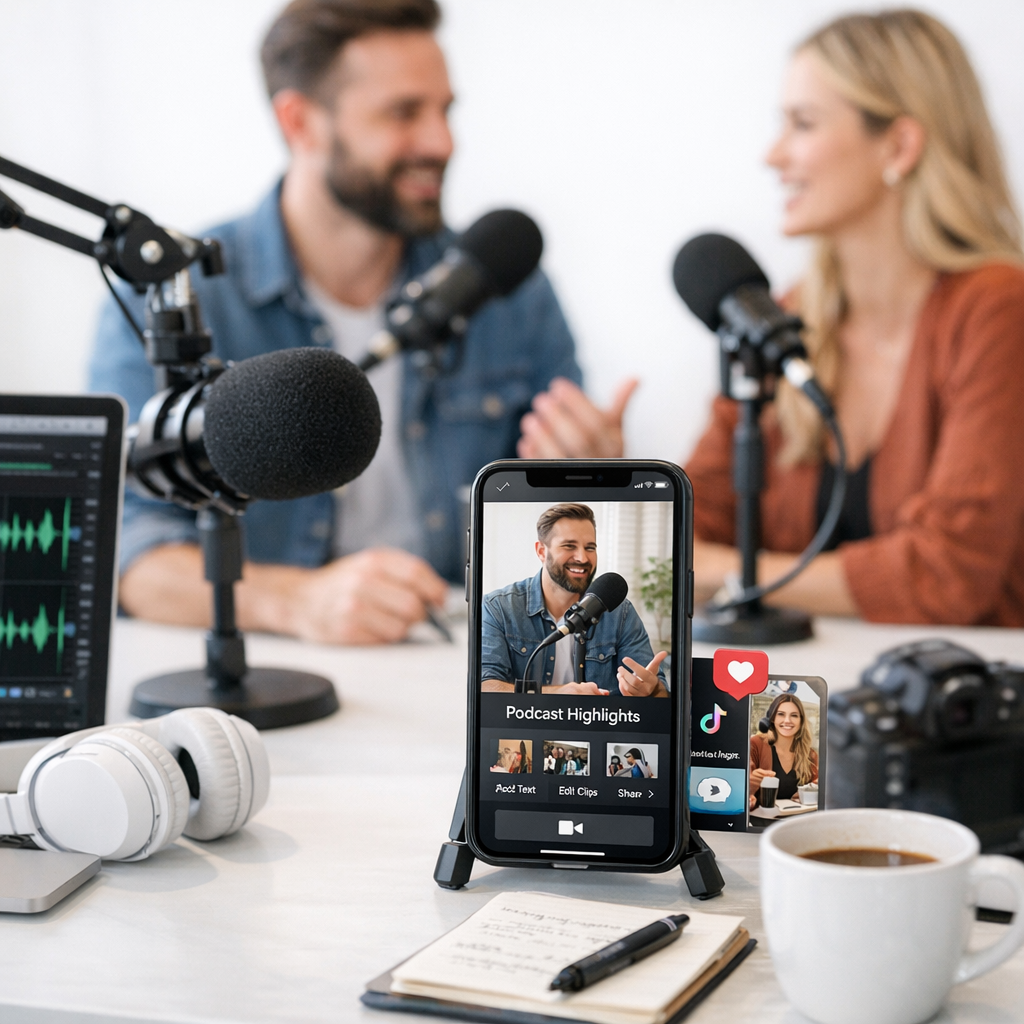
Let’s face it: podcasts are rich with opportunities to create scroll-stopping content for Instagram, TikTok, YouTube Shorts, LinkedIn—basically anywhere your audience hangs out. But how do you actually do it without drowning in work? I’ve got you covered. Here’s how to slice and dice your episodes into social media gold that gets clicks, shares, and DMs asking “What podcast is this from?”
—
Start with the “Hero Moments”
Every podcast episode has those moments where something just clicks. Maybe it’s when your guest drops an unexpected stat or an anecdote so relatable that listeners nod while walking their dog. These are what I call “hero moments,” and they’re the backbone of your repurposing strategy.
Here’s how to find them:
- Listen back (yes, listen—don’t skim) for standout quotes or sound bites that elicit emotion or curiosity.
- Use tools like Descript or Otter.ai to transcribe your episode and highlight sections where the energy spikes.
- Pay special attention to parts where storytelling shines—humans love stories more than facts alone.
For example, if you recorded a marketing podcast and someone said something like “Honestly? The biggest ROI we’ve seen isn’t from ads—it’s from personal DMs,” pull that quote out immediately. That’s a social post waiting to happen.
—
Video Clips Are King (Even If It’s Just Audio)
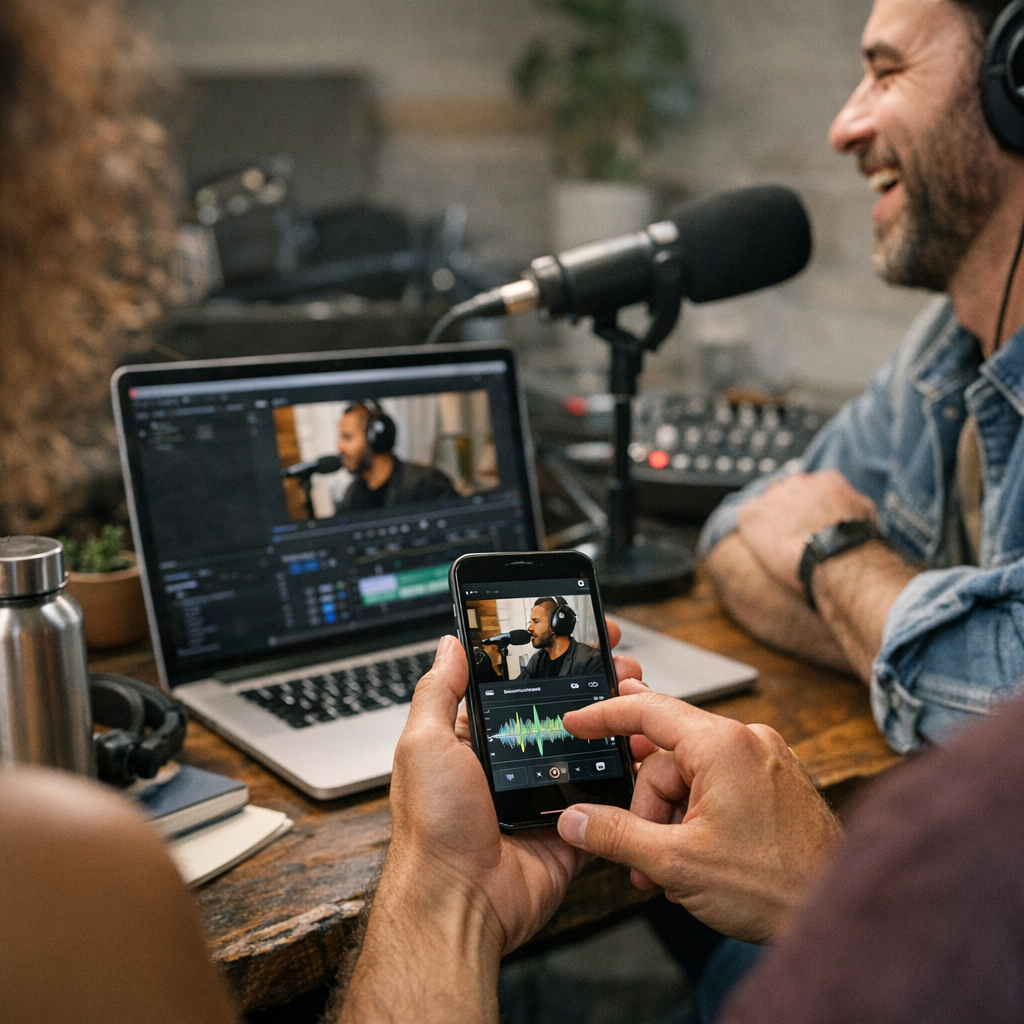
If there’s one thing dominating social media right now in 2026, it’s short-form video. Platforms like TikTok and Instagram Reels reward creators who bring visually engaging clips—even if they originated as audio-only content. But here’s the good news: You don’t need flashy studio footage to make this work.
Here are three ways to turn audio podcasts into video content:
1. Audiograms: Tools like Headliner.app make it easy to pair snippets of audio with waveform animations over a branded background image.
2. Subtitled Clips: Subtitles are non-negotiable in 2026 because people scroll with their sound off more often than not (about 85% of users according to recent data). Use CapCut or Descript to add captions automatically—and clean them up for accuracy.
3. Stock Visuals/Graphics: If all else fails, overlay meaningful stock visuals or animated text onto your key audio snippets using Canva or Wave.video.
Pro Tip: Keep these videos under 60 seconds unless you’re targeting YouTube Shorts or LinkedIn audiences who tolerate slightly longer formats.
27 Affordable Video Editing Tools for Creating Viral Social Media Ads in 2026: P
One podcaster I know took an emotional two-minute story from her show about overcoming imposter syndrome and turned it into a subtitled Reel—it hit 50K views within days because people resonated hard with her vulnerability.
—
Pull Out Shareable Quotes (Text Posts Still Work!)
Not everything needs fancy video production—sometimes a single sentence packs enough punch on its own. Think about those moments where someone says something so insightful or provocative it deserves its own spotlight as plain text.
How-To:
- Extract quotes that stand alone as valuable nuggets of wisdom.
- Design them using tools like Canva templates tailored for Instagram carousels, Twitter graphics, or LinkedIn posts.
- Pair them with hashtags specific to your niche (#PodcastLife #SmallBusinessTips).
Example: A finance podcaster might pull out this line—“Spending $5 on coffee isn’t killing your budget; ignoring compound interest is.” Boom! That’ll get shared across every millennial money forum faster than avocado toast memes.
—
Create Carousel Posts for Niche-Specific Advice
Carousels aren’t just trendy—they’re effective at keeping users engaged longer since they swipe through multiple slides instead of scrolling past in two seconds flat. Podcasts lend themselves perfectly to carousel-style breakdowns because most episodes already follow some kind of structure (e.g., tips, stories, frameworks).
Steps:
1. Pick one topic from the episode (e.g., “5 Ways Creators Can Monetize Without Ads”).
2. Break down each tip/step/story into its own slide.
3. End with either a CTA (“Listen for more insights”) or open-ended question (“Which tip will YOU try first?”).
Tools like ViralMaker can help craft catchy headlines for these carousels so they stand out on crowded feeds.
—
Turn Q&A Segments Into AMA Stories
If your podcast includes Q&A segments—or even tangential questions—these translate beautifully into Instagram Stories or TikTok AMAs (Ask Me Anything). For instance:
How to Build a Winning Reddit Content Strategy for Traffic and Sales: Practical
- Chop up audience-submitted questions from the episode.
- Film yourself answering related follow-ups directly on camera.
- Use polls/stickers on Instagram Stories encouraging followers to ask their own version of similar questions.
This creates real-time engagement AND drives new traffic back toward older episodes when people inevitably binge-listen after loving one clip-slash-story combo.
—
Building Backlinks Through Blog Summaries
Alright—I know blog summaries aren’t exactly sexy when compared against flashy IG Reels—but hear me out: repurposing podcasts as blog posts can give you serious SEO juice while driving traffic directly toward streaming platforms like Spotify & Apple Podcasts via embedded links/buttons!
Write concise takeaways summarizing key points covered during each show—including searchable keywords matching listener intent around topics discussed earlier such as backlinks themselves through strategies shared here.
—
Batch Your Workflow So This Doesn’t Eat Your Life
Here comes my honest confession: repurposing sounds overwhelming until…you batch everything upfront instead piecemealing random chaotic stuff impulsively whenever mood strikes lazy multitasking weeknight Netflix binging habits! 😅
Batch creation cycle strategy involves pre-scheduling fixed routine editing blocks bi-weekly/monthly ahead automating recurring heavy lifting repetitive busywork tasks leveraging growth-specific software platforms outlined similarly comprehensive guides provided here.
—
So there ya go—a full roadmap turning yesterday’s forgotten uploaded mp3 file future viral hits spanning endless platform universes limited imagination permits maximizing value continuously scaling relevance traction simultaneously…
Related Links