
Let’s get real: TikTok is where you go viral, but Pinterest is where that virality grows legs and keeps running. If you’re pouring time into creating content on TikTok but ignoring Pinterest, you’re leaving massive engagement (and traffic) on the table. The beauty of these two platforms is how well they complement each other—TikTok thrives on trends and quick hits, while Pinterest rewards longevity and searchability. But repurposing isn’t as simple as slapping your video onto a new platform and hoping for the best. Here’s how you can truly maximize your TikToks’ potential on Pinterest without wasting time or effort.
The Key Differences Between TikTok and Pinterest (And Why They Matter)
At first glance, TikTok and Pinterest couldn’t be more different. TikTok thrives on immediacy—what’s trending today might be irrelevant by next week. It’s all about quick dopamine hits and engagement in real-time. Pinterest, however, is like a digital scrapbook with a search engine built in. Content there lives forever—or at least for years—because people use it to plan things: weddings, DIY projects, recipes, travel itineraries.
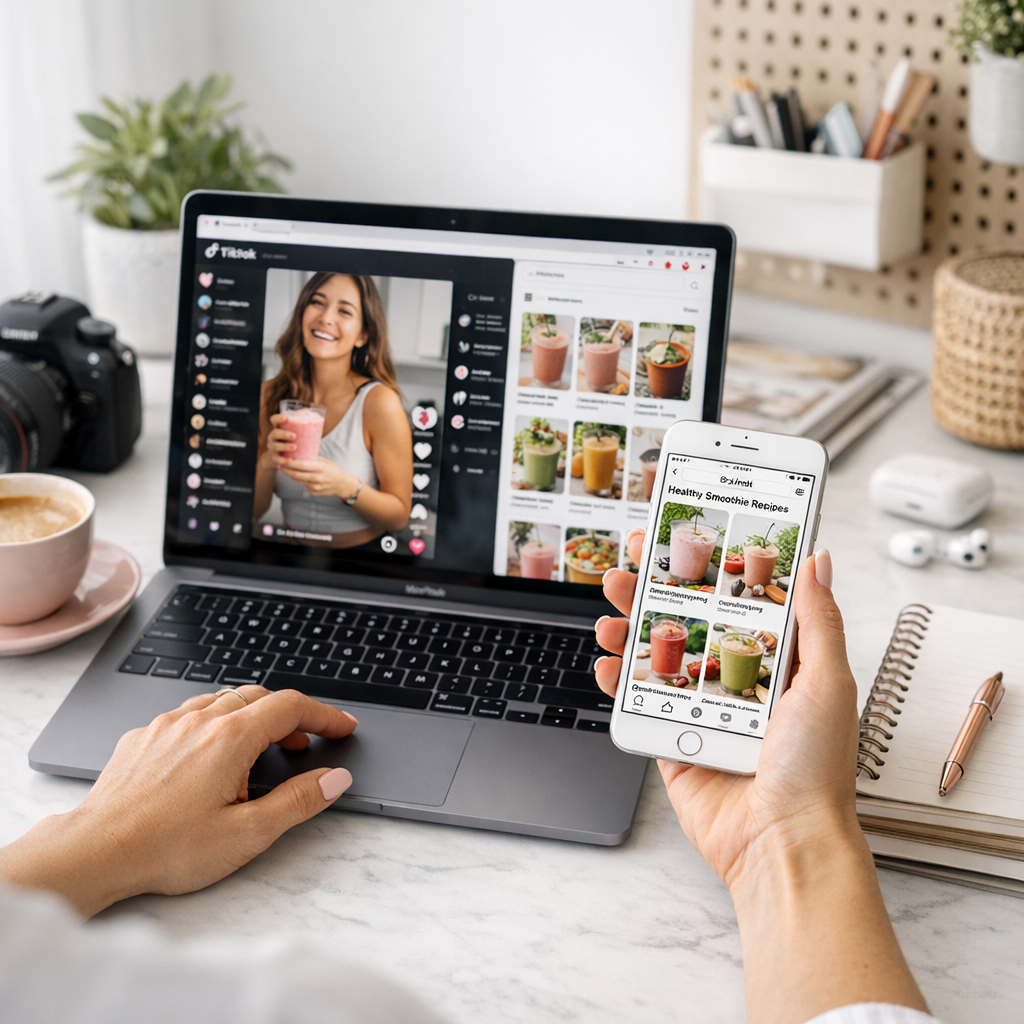
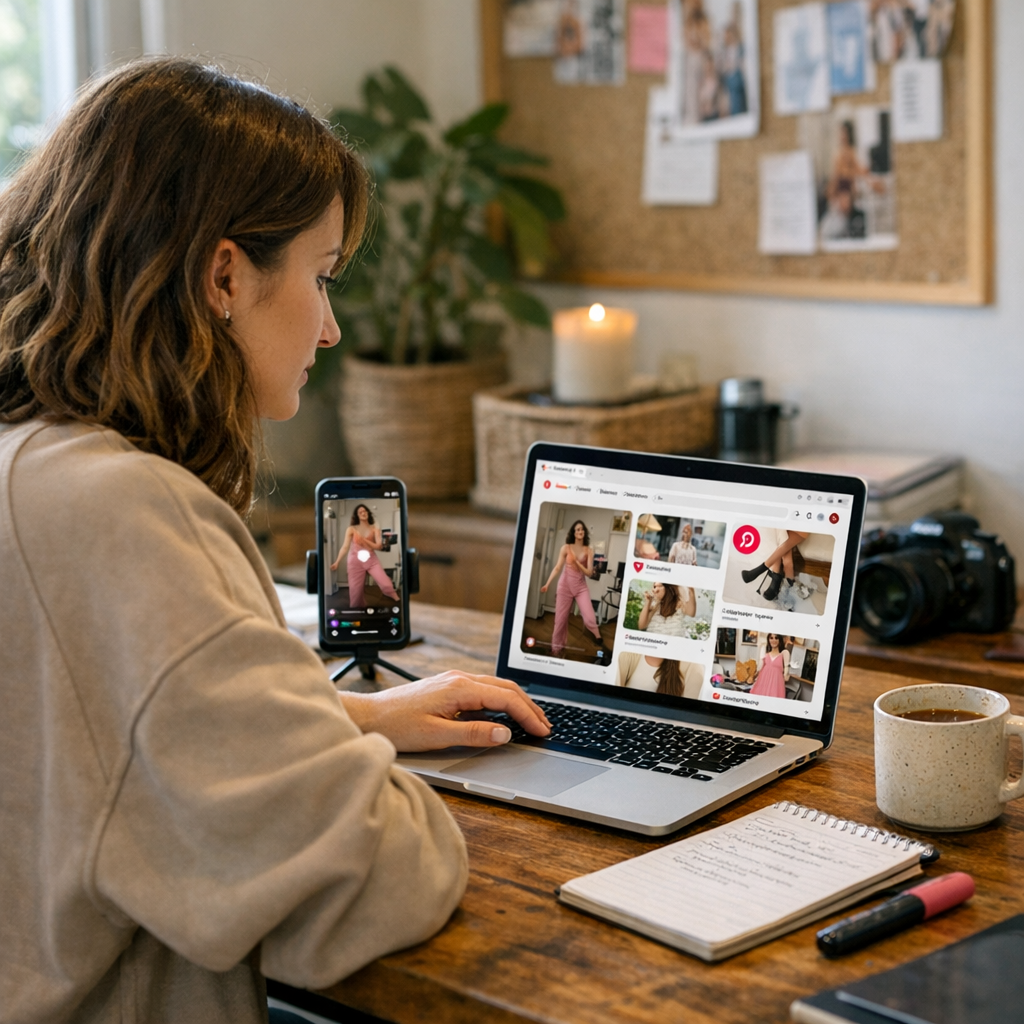
This contrast is exactly why repurposing works so well here. TikTok generates buzz; Pinterest sustains it. One builds hype; the other quietly drives clicks long after the trend dies out.
Here’s the kicker: what works on TikTok won’t always work “as-is” on Pinterest. You’ve got to tweak your content to align with what pinners are searching for—keyword-driven ideas that solve their problems or inspire them.
Real Talk: Why Bother?
You might be thinking, “Pinterest? Isn’t that just for moms planning baby showers or finding dinner recipes?” In 2026? Not even close.
Pinterest has 465 million monthly active users globally, according to their Q2 report this year—and nearly half of them use it to make purchase decisions (learn more). And unlike TikTok’s fleeting shelf life, your Pins can continue driving traffic months—or even years—later.
But here’s where it gets juicy: Video pins are exploding right now. Since late 2025, videos have been outperforming static pins in terms of click-through rates by up to 30% (according to Tailwind). If you’re not turning those high-energy TikToks into scroll-stopping video pins yet…well, my friend, you’re behind.
—
Step-by-Step Guide to Repurposing TikToks for Pinterest
Let’s cut through the fluff and get into actionable steps you can start using today:
1. Reformat Your Videos
TikToks are already vertical (9:16), which makes them perfect for Pinterest’s preferred aspect ratio for Idea Pins (formerly Story Pins). But there’s one problem: that pesky TikTok watermark.
Pinterest’s algorithm doesn’t love watermarked content—it screams “lazy cross-posting.” Use tools like SnapTik or Kapwing to download your videos without the watermark before posting them elsewhere.
Pro Tip:
While editing your downloaded video in Canva or InShot (yes, I still swear by these in 2026), consider adding subtle tweaks like text overlays or calls-to-action tailored specifically for Pinners—e.g., “Save this idea!” or “Try this recipe!”
10 Viral Campaign Ideas That Actually Work in 2026 (And How to Pull Them Off)
—
2. Optimize Titles and Descriptions
Unlike TikTok’s fast-scrolling chaos, people actually read titles and descriptions on Pinterest before clicking through—or saving—a pin. So don’t rely solely on hashtags like you do on Instagram Reels or Shorts.
Think about what someone would type into Google if they were looking for something similar:
- Instead of “How I Transformed My Living Room,” try “Budget-Friendly Living Room Makeover Ideas.”
- Instead of “Cute Summer Outfits,” go specific: “10 Affordable Summer Outfit Ideas Under $50.”
Use keyword research tools like Keywords Everywhere (yes—it still works!) or even Pinterest’s own search bar suggestions to find terms people are actively searching for.
—
3. Turn Multi-Part Series Into Boards
If you’re one of those creators who churns out multi-part series (“Day 4 of My Tiny Home Renovation Journey!”), don’t let that content sit siloed on TikTok when it could shine brighter as a cohesive board on Pinterest.
For example:
- Upload each part as its own Idea Pin.
- Create a board titled “Tiny Home Makeover Tips.”
- Bonus points if you link back to external resources—or embed affiliate links if that fits your strategy (learn more).
When done well, boards give Pinners an easy way to binge-watch all parts of your series without needing an app switcheroo back over to TikTok.
—
4. Use High-Energy Thumbnails
Pinterest might auto-generate thumbnails from your uploaded video clips—but trust me when I say this never gives you maximum impact.
Instead:
How to Create Share-Worthy TikTok Videos Using Trending Audio: Practical Playboo
1. Create custom thumbnails using Canva.
2. Keep them clean but bold—use bright colors and large text.
3. Match visuals with what Pinners expect from their searches; e.g., pastel tones work wonders in lifestyle niches while neon pops better in fitness content.
Remember: This thumbnail will probably be someone’s first impression of your content—they haven’t watched yet! Hook them visually first; then let the actual video do its magic once they click play.
—
Let’s Talk Tradeoffs
Here’s where it gets tricky—and I’m speaking from experience here—you’ll need patience with analytics when switching between platforms this different from each other.
On TikTok? You know almost instantly if something flops—you see likes/comments within minutes of posting because discovery there hinges mostly on virality via For You Page placement algorithms tweaking every second based upon user interactions during early distribution windows…
On Pinterest, growth curves look less spiky-more plateau-like—a slow burn taking weeks/months yielding consistent traction evergreen benefits long-term…
Translation? You won’t wakeup tomorrow viral unless stars align—but properly optimized pins reap compounding results sequentially longer-lasting ROI spans 💸