







Picture this: you’ve got a TikTok video that absolutely crushed it—thousands of views, comments rolling in like a tidal wave, and your followers hitting that share button like their lives depend on it. It’s tempting to let the momentum stop there, but why would you? TikTok might be where the spark happens, but email is where you can pour gasoline on the fire. Let’s talk about how to take those TikToks and turn them into email campaigns that actually drive clicks, conversions, and cash—not just open rates.
Why TikTok-to-Email Works (If You Do It Right)
TikTok videos are short, snappy, and loaded with personality—exactly what email content needs in 2026. People are tired of stale newsletters. They don’t want another “Hi [First Name], here’s our update!” They want something that grabs their attention immediately and makes them feel something. And guess what? Your viral (or even semi-viral) TikToks already do that.
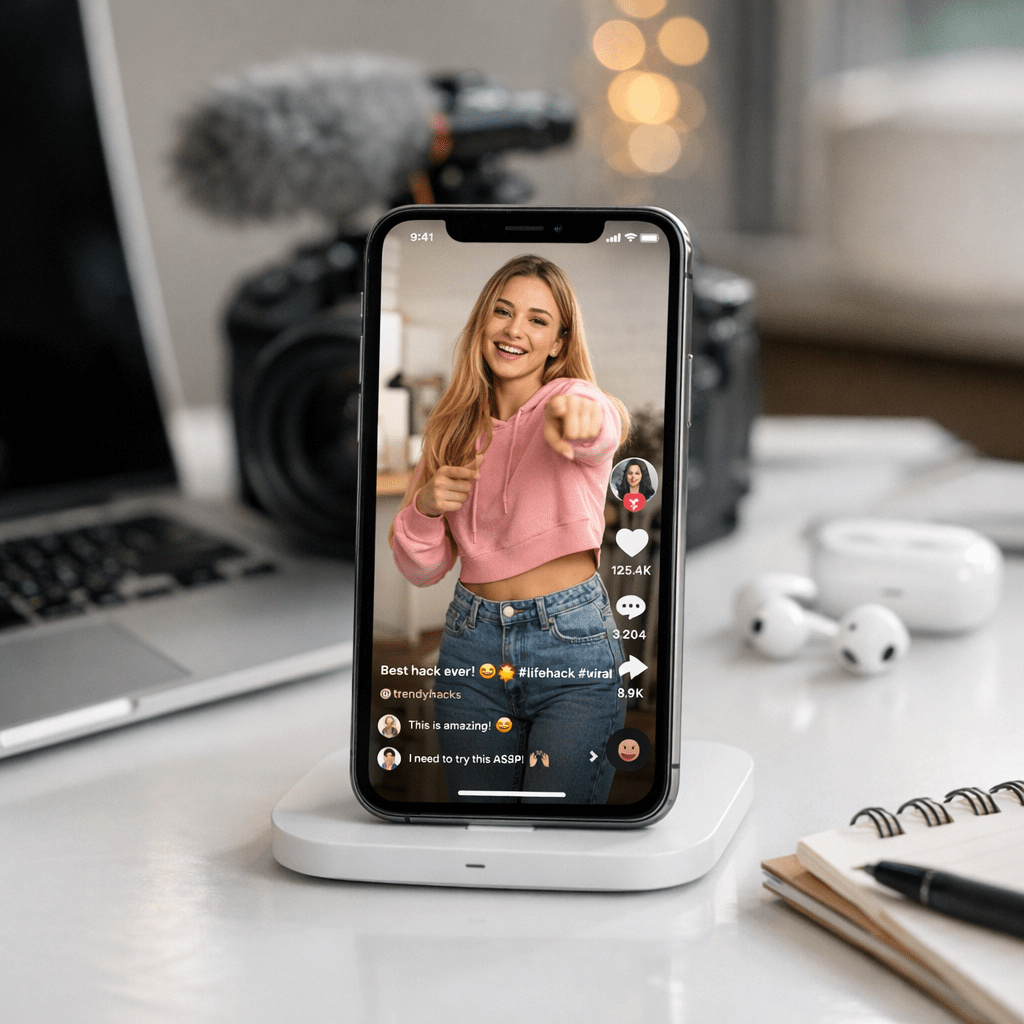
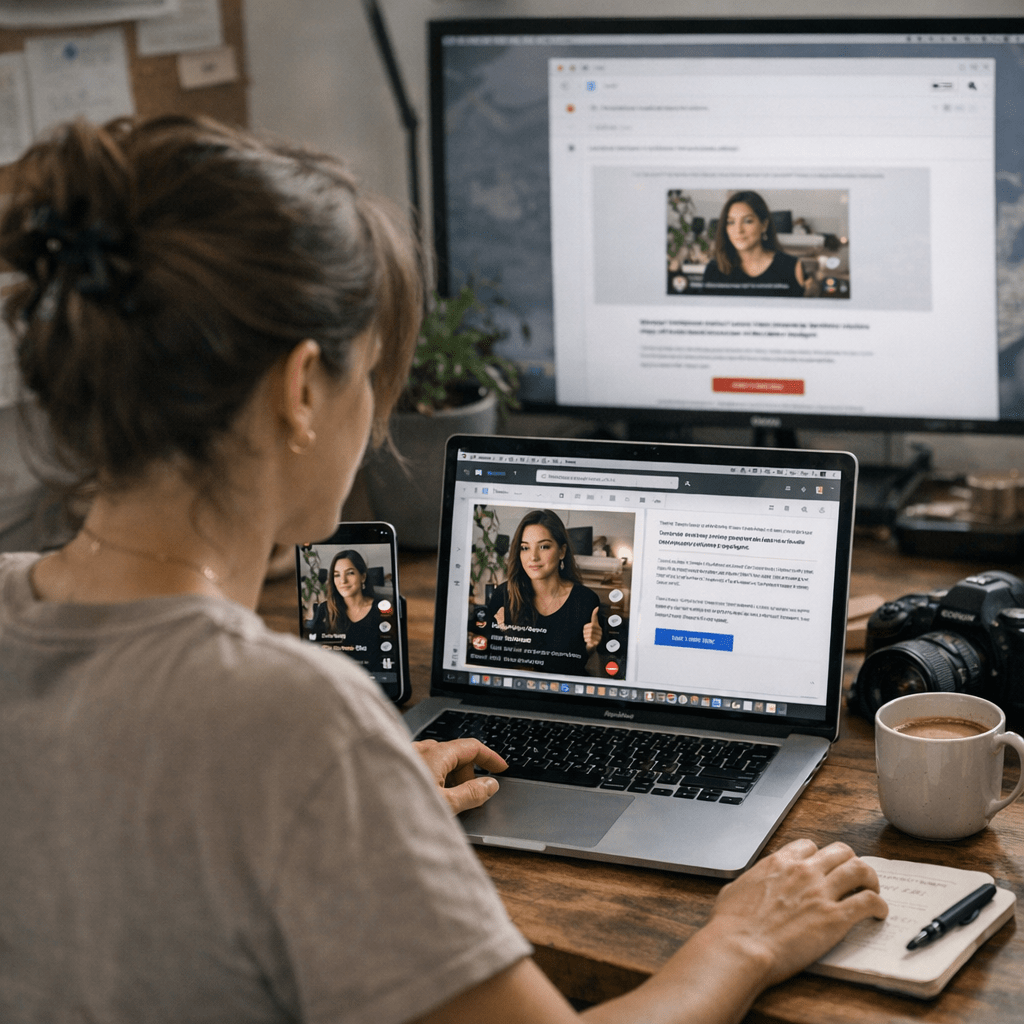
But here’s where most people mess up: they try to copy-paste the vibe of a TikTok directly into an email without adapting it for the medium. Big mistake. Emails aren’t swipe-up platforms; they’re click-through platforms. You need to tweak your content so it works for inboxes instead of For You Pages.
Case in Point: A Clothing Brand That Nailed It
There’s this mid-sized clothing brand I worked with last year (can’t name names, sorry). They had a 15-second TikTok showing three ways to style one jacket. The video itself was nothing fancy—just quick transitions and captions—but its relatability hit hard with their audience.
When we repurposed it for email, we didn’t just embed the video and call it a day. Instead:
- We used stills from each outfit transition as GIFs embedded in the email.
- Added captions like “Which look is so you?” to match the playful tone of their brand.
- Included a CTA button under each GIF saying “Shop This Look.”
The result? A 42% increase in click-through rate compared to their previous campaign average—and that was during a slow sales month.
Step 1: Pick the Right Videos
Not every TikTok deserves an encore performance in email form. Here’s what works best:
1. How-to Content: Tutorials or tips crush it because they’re inherently clickable (“Oh, I need to save this!”).
2. Quick Wins: Short videos with clear value or humor tend to translate well.
3. User-Generated Content (UGC): Authenticity rules both on TikTok and in emails.
4. Product Demos: These work if they solve an obvious problem or show off a unique feature.
If your video doesn’t fall into one of these categories, ask yourself this: does it make sense out of context? If not, skip it—it’ll flop when divorced from TikTok’s algorithmic magic.
—
Step 2: Adapt Content for Email (Don’t Just Copy-Paste!)
This is where most people get lazy—but if you nail this step, you’re golden.
Break Down the Key Elements
Your typical high-performing TikTok has three critical parts:
1. The hook (first 3 seconds)
2. The meat (the main action/message)
3. The payoff (the punchline or CTA)
In emails:
How to Repurpose YouTube Shorts Into High-Converting Instagram Reels to Save Tim
- The hook becomes your subject line or opening sentence.
- The meat turns into visuals or short body text.
- The payoff morphs into your call-to-action button (“Watch More,” “Shop Now,” “Learn How”).
Let’s say your original video starts with someone saying: “This $10 hack changed my life.” That should become your subject line—but only if you back it up inside the email.
Pro Tip: Keep mobile users top-of-mind since over 71% of emails are opened on mobile devices as of Q1 2026 (Litmus Email Analytics). Use bold images and buttons optimized for small screens.
—
Real Examples: How Brands Adapted Content
Here are two solid examples from brands doing this well:
1. A Fitness App:
Their TikTok showed three different stretches for office workers stuck at desks all day (“Got five minutes? Save your back!”).
- Subject Line: “Your Back Will Thank You Later 💪”
- Email Body: Embedded GIFs of each stretch + short descriptions + CTA linking directly to download their app for more stretching routines.
2. A Meal Kit Service:
They turned a cooking tutorial into an interactive poll asking readers which recipe they’d try first (“Team Spicy or Team Sweet?”). Click data helped them personalize future campaigns based on flavor preferences.
—
Step 3: Add Interactive Elements
Here’s where things get spicy—and honestly overlooked by most marketers trying this strategy.
TikToks are inherently interactive; people comment, duet, stitch—you name it. While email isn’t built for real-time engagement like social media is, you can mimic interactivity through:
1. Polls (“Which product should we restock next?”)
2. Quizzes (“What kind of coffee drinker are you?” linked from a fun coffee-brewing hack video)
3. Animated GIFs (super lightweight compared to embedding full videos)
Example Poll Implementation
Let’s say you run an outdoor gear store and post a camping hacks TikTok showing two ways to start a fire without matches:
- Turn those methods into an email poll asking readers which approach they’d use.
- Use responses not just as engagement bait but also segmentation data—fire starters vs non-fire-starters will shop differently later down the line!
—
Step 4: Test Everything Like Your Life Depends on It
Not every repurposed campaign will be gold out of the gate—you’ve gotta test ruthlessly:
1. A/B test subject lines pulled straight from hooks vs creative rewrites.
2. Experiment with sending static visuals vs embedded GIFs/videos.
9 Budget-Friendly Tools for Running Profitable Viral Giveaways on Social Media:
3. Try different CTAs specific to actions viewers took when watching your original TikTok (“Buy Now” vs “Watch Full Video”).
Remember that clothing brand example earlier? Their first draft flopped because their initial CTA was too generic (“Check Out Our Jackets”). Once we switched it up—asking recipients which outfit matched their vibe—the campaign blew up overnight.
—
Tools To Make Life Easier
I won’t leave you hanging without tools because repurposing can get messy fast if you’re juggling multiple platforms:
| Tool | What It Does | Cost |
|—————–|——————————————|——————|
| Kapwing | Easily crop/resize videos for emails | Free/$20 per mo |
| Canva | Create GIFs + thumbnails | Free/$12 per mo |
| Mailchimp | A/B testing + drag-and-drop templates | Free-$99+ |
These aren’t exhaustive options—but these three alone can handle about 90% of what you’ll need without pulling out your hair over editing workflows or template designs.
For advanced nerds looking beyond surface-level hacks? Check out resources like this practical playbook.
—
Final Thoughts: Don’t Overthink It
Repurposing isn’t rocket science—it’s really just about matching content style with platform expectations while staying true to your brand voice along the way.
Start small by picking one killer video from your library right now and turning it into an experimental campaign this week—even if it’s just testing better GIF usage! Then refine based on results before going all-in across multiple videos/products/services simultaneously later down pipeline iterations forward scaling momentum boost fully aligned vision…
(Just kidding—we don’t talk corporate here.)
Seriously though—start today!
Related Links



1 Comment