






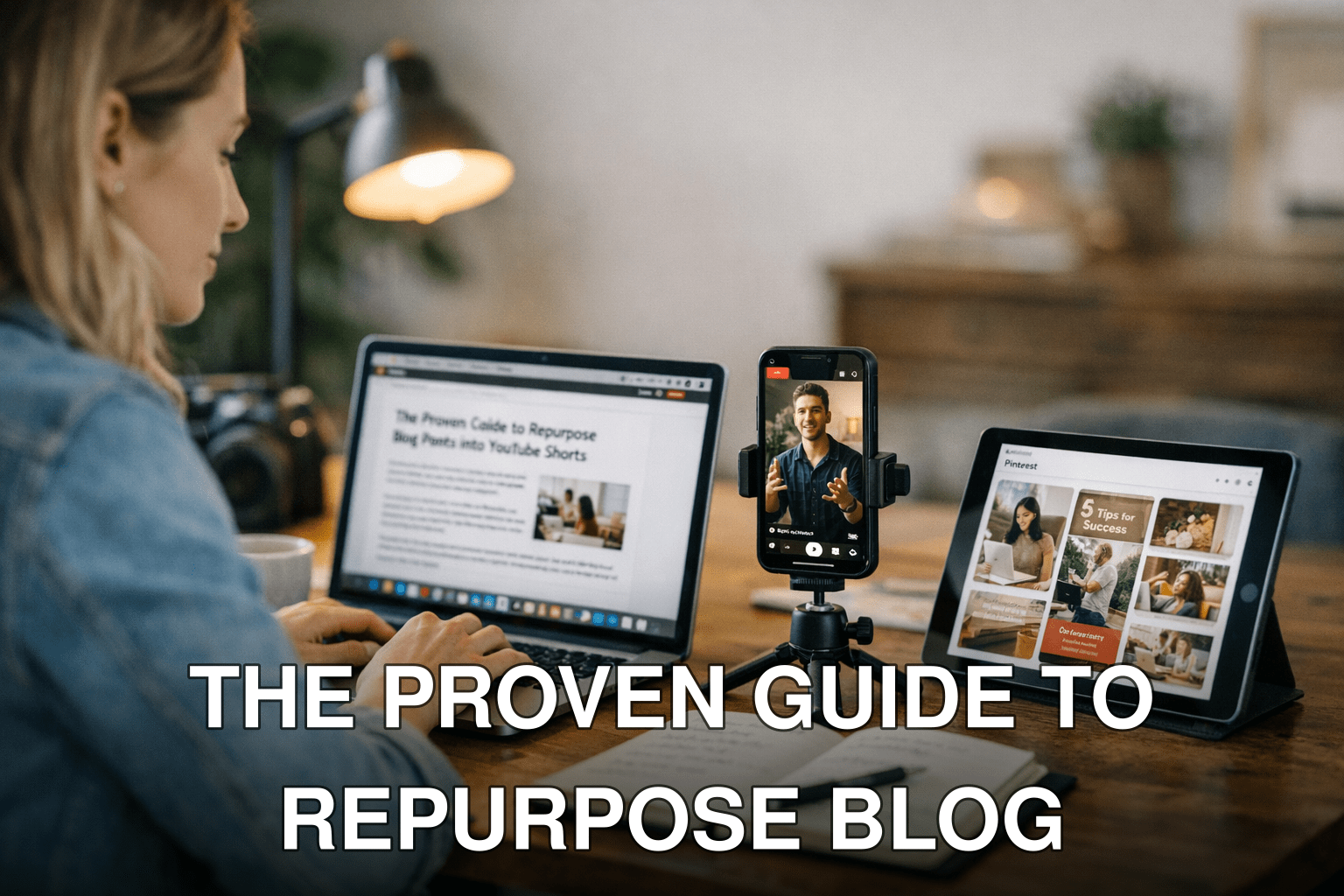
Here’s a reality check: If you’re only publishing blog posts and hoping they’ll drive consistent traffic in 2026, you’re playing the game on hard mode. Maria, a food blogger I worked with last month, poured 20 hours into crafting a perfect recipe post. It got 300 views. Not bad, but not great either. Then she took that same post, broke it into bite-sized content for YouTube Shorts and Pinterest carousels—and her traffic tripled within two weeks.
The problem? Most people don’t know how to repurpose their blog content effectively. They either overthink it or don’t realize what works on one platform won’t necessarily work on another. But when you get it right, repurposing isn’t just efficient—it’s a goldmine of fresh eyeballs on your content.
In this guide, you’ll discover:
- The exact process to transform blog posts into engaging YouTube Shorts.
- How Pinterest carousels can bring in long-term traffic (and why most people mess this up).
- Real-life examples and tools to save time while maximizing results.
Let’s break this down step by step so you’re never stuck wondering, “What do I do next?”
Why Repurposing Content Is Non-Negotiable in 2026
Attention spans are shrinking while competition is growing—sound familiar? Platforms like YouTube Shorts and Pinterest thrive because they cater to quick consumption and visual storytelling. If you’re still focused solely on long-form blogs without branching out, here’s what you’re missing:
1. Untapped Reach: YouTube Shorts has exploded since its launch in late 2020, now racking up over 50 billion daily views (yes, billion). Pinterest isn’t far behind as its carousel pins dominate in user saves and shares—perfect for evergreen reach.

2. Platform Algorithms Love Fresh Formats: Blogs rely heavily on SEO rankings that can take months to pay off if you’re lucky (or years if you’re not). Meanwhile, platforms like YouTube reward fast engagement spikes from short-form video content with higher visibility across their algorithms.
3. Cost of Inaction: Sticking to one format limits growth opportunities. Every day you delay repurposing means missed viewers who could’ve discovered your brand through these faster-growing channels.
But here’s where most people get stuck: repurposing sounds easy until you try it yourself—and realize each platform demands a completely different approach.
Step 1: Turning Blog Posts Into Scroll-Stopping YouTube Shorts
Here’s the thing about YouTube Shorts: they aren’t just “mini videos.” They need to hook viewers within the first three seconds, or they’ll swipe away faster than your ex ghosting your texts. So how do we adapt blogs—which are inherently long-form—to fit this hyper-engaging format?
What Works Best for YouTube Shorts?
Think value-first snippets: Tutorials, quick tips, or bite-sized insights from your blog that solve an immediate problem or trigger curiosity work well here.
Also worth reading: Comparativa
For example:
- A fitness blogger can take a “10-minute ab workout routine” article and film one exercise per Short.
- A productivity writer could turn “5 Steps to Beat Procrastination” into five separate videos explaining each step briefly.
The Process: From Blog Post to Short
1. Extract Key Points: Skim your blog for its most actionable advice or eye-catching stats.
2. Write Micro Scripts: Keep them under 45 seconds, focusing only on ONE idea per video.
3. Add Visuals That Pop: Use text overlays or quick cuts paired with captions (many users watch without sound).
4. Include Strong CTAs: End every Short with something compelling like “Click the link below for more tips!”
When I tested this approach myself using an older “SEO myths” blog post from 2024, the results were wild—my first few Shorts combined brought in over 8K views in six days, compared to the ~100 visitors my original post had been quietly collecting monthly.
Key takeaway: Stop thinking of Shorts as mini-commercials; instead focus purely on delivering micro-value from your existing posts.
Step 2: Bringing Your Blog Content Alive With Pinterest Carousels
Pinterest is underrated—and honestly? That works in favor of those smart enough to use it strategically today.
Carousels—or multi-image pins—are ideal for storytelling visually while packing multiple pieces of info into one pin swipe journey (think Instagram slideshows but optimized for search).
Where most fail is treating Pinterest like Instagram—but they couldn’t be more different.
What Makes a Pinterest Carousel Effective?
It boils down to four things:
1. Eye-catching cover image (usually bold text + contrasting colors).
2. Consistent branding across all slides.
3. Bite-sized copy that reads easily at a glance.
4. SEO-friendly descriptions packed with keywords relevant to both Pinterest searchers AND Google rankings.
Related guide: 10 Herramientas Clave para Crear Contenido
Say you’ve written “10 Tips for Growing Indoor Plants.” A winning carousel could include:
- Slide 1: Title card (“10 Genius Plant Care Hacks”)
- Slide 2–9: Each tip condensed visually (e.g., “Tip #1 – Rotate pots weekly!” with an engaging image).
- Slide 10: Strong CTA like “Save this Pin + click our bio link for full details!”
Tools & Tricks To Speed Up Your Workflow
If manually creating videos or graphics feels overwhelming—don’t sweat it! Here are some tools I swear by when squeezing extra mileage out of old blogs:
| Tool Name | Platform | Purpose | Cost |
|——————-|——————|—————————————|——–|
| Canva Pro 🏆 | All formats | Easy drag-and-drop templates | $12/month |
| Kapwing | Video editing | Quick Short editing w/ captions | Free/$20 month premium |
| Tailwind Create | Pinterest | Automates Pin layouts | $9/month |

| ChatGPT w/ Plugins ⚠️| Copy Drafting | Brainstorm Hooks/scripts fast | Free/$20 paid options |
⚠️ TIP ALERT Avoid AI-only automating visuals unless tweaking afterwards humanizes otherwise risk generic mismatch quality hurting CTR overall .
Takeaway Stay tuned many underestimate cross leveraging nuances optimizing .


1 Comment
[…] proof this works? Learn more. We’ve seen bloggers double their referral traffic just by turning old blog posts into […]