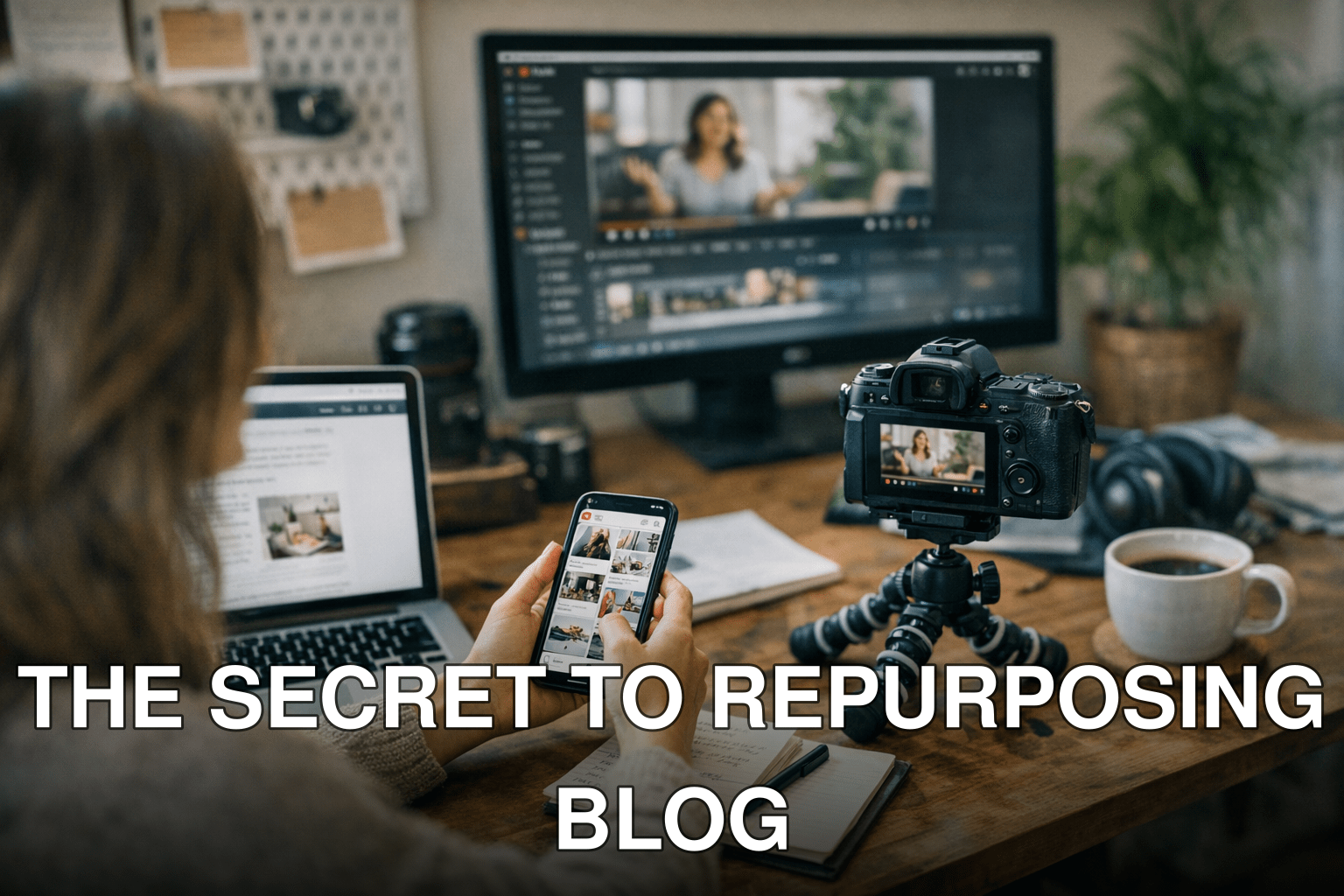
Imagine this: you’ve spent hours crafting the perfect blog post. It’s detailed, insightful, and optimized for SEO. But a week after publishing, your traffic plateaus. Sound familiar? Now you’re left wondering how to give that content a second life without reinventing the wheel.
Here’s the deal: your blog content isn’t “done” once it’s published. Platforms like Pinterest and YouTube are hungry for fresh visuals and videos—and they’re not just social networks; they’re search engines that can drive long-term traffic if you use them smartly.
In this guide, you’ll discover:
- Why repurposing blog content is a goldmine for untapped Pinterest and YouTube audiences.
- A step-by-step workflow to turn one blog post into multiple pieces of platform-specific content.
- Common mistakes most people make (and how to avoid them).
If your blog isn’t working overtime to grow your audience on these visual platforms, you’re leaving traffic—and money—on the table.
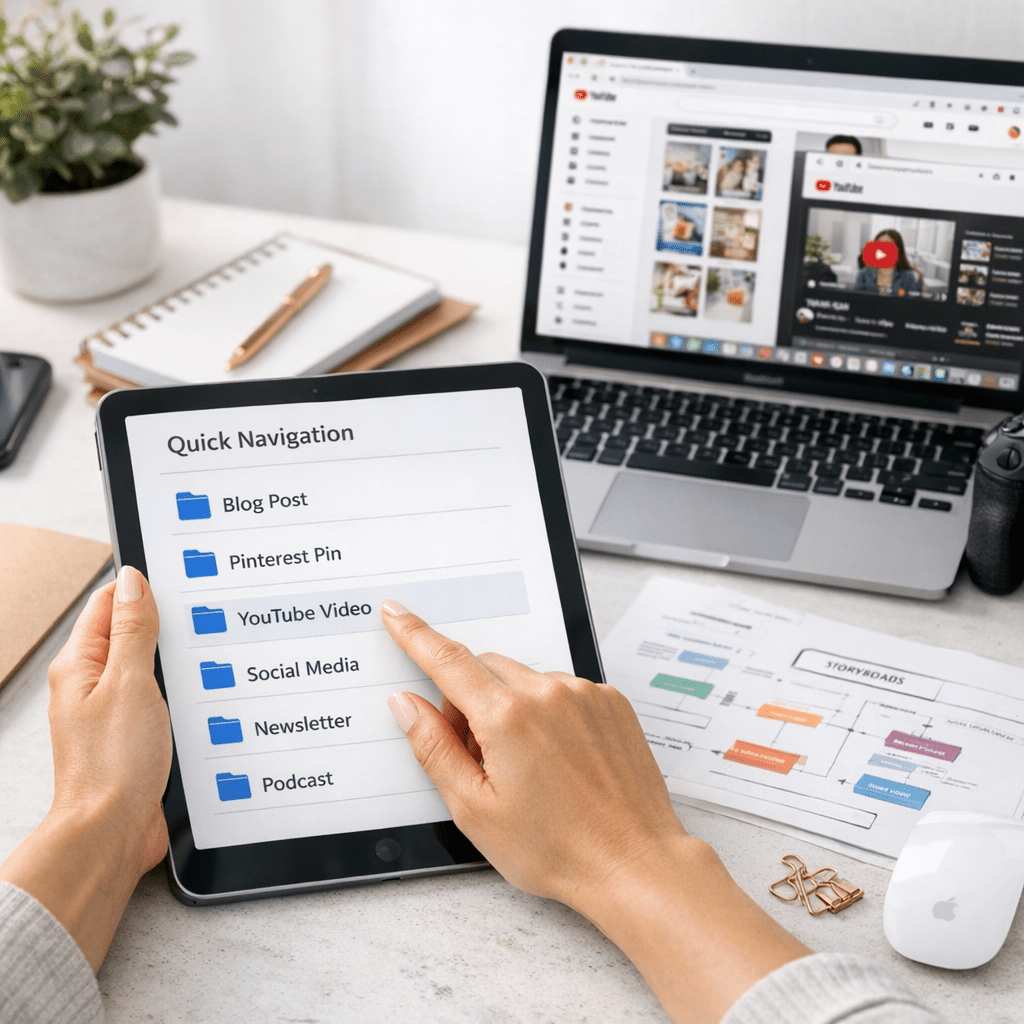
Quick Navigation
1. Step 1: Spotting High-Potential Blog Posts
2. Step 2: Transforming Blog Content Into Pinterest Pins
3. Step 3: Creating YouTube-Friendly Scripts From Your Blog
4. Step 4: Designing Pinterest Carousels That Pop
5. Step 5: Producing YouTube Shorts for Maximum Reach
6. Step 6: Scheduling Content Without Losing Your Mind
7. Step 7: Tracking Results and Doubling Down on Winners
Step 1: Spotting High-Potential Blog Posts
Not every blog post deserves a spin-off career on Pinterest or YouTube—you need to be strategic about what you repurpose.
Also worth reading: 15 Little
Start by asking yourself two simple questions:
1. Does this topic have evergreen appeal? If it’s something people will still care about six months or even two years from now, it’s worth repurposing.
2. Is there natural visual or instructional value here? Tutorials, how-tos, lists, and inspirational topics perform best on both platforms.
Real-world example:
Let’s say you run a travel blog with an article titled “10 Budget-Friendly Destinations in Europe.” This piece is packed with practical tips and visually appealing ideas—perfect for creating pins showcasing each destination or a YouTube video walking viewers through itinerary hacks.
Key takeaway: Focus on evergreen posts with clear visuals or actionable advice—they’ll do better in the long run on these platforms.
Step 2: Transforming Blog Content Into Pinterest Pins
Pinterest thrives on aesthetics and curiosity-provoking hooks—but don’t let that intimidate you if you’re not a designer! Tools like Canva make it absurdly easy to create scroll-stopping pins in minutes.
Here’s how to do it:
1. Pick a strong headline from your original post (e.g., “10 Budget-Friendly European Destinations”). Test variations like “Europe On $50 A Day” or “Cheap Travel Secrets”.
2. Add bold visuals that align with the topic—a breathtaking photo of Santorini beats stock images any day.
3. Use templates wisely: Canva has hundreds of free Pinterest templates where you can simply plug in your text and image.
4. Include keywords: Add relevant hashtags (e.g., #TravelEurope #BudgetTravelTips), as well as keyword-rich pin descriptions so your pin gets discovered through search.
💡 Pro tip: Don’t just create one pin per post—try at least three designs targeting different angles (e.g., budget travel tips vs romantic getaways).
Key takeaway: Multiple pins = more chances to go viral on Pinterest’s algorithm, which behaves more like Google than Instagram.
Step 3: Creating YouTube-Friendly Scripts From Your Blog
You might be thinking, “I’m not comfortable talking on camera.” I hear you—it’s intimidating at first—but here’s the good news: your blog post already gives you most of what you need!
To transform written content into video scripts:
1. Break down key points into sections (like chapters). For instance, if your blog has five main points, those become five segments in your video.
2. Write an attention-grabbing intro based on the problem/solution framework used in blogs.
3. Keep sentences conversational! Reading directly from a script sounds robotic—rephrase as though you’re chatting with someone over coffee.
Related guide: read more: The Secret to
4. End with a clear CTA (call-to-action), like subscribing or downloading related resources.
Example format:
For our travel example:
“Ever dreamed of exploring Europe without breaking the bank? In today’s video, I’ll show you my top 10 budget-friendly destinations—and trust me—the last one will surprise you.”
Sound bite-worthy intros hook viewers immediately!
Key takeaway: Don’t overcomplicate—your script is just an outline where each section corresponds to parts of your existing blog structure.
Step 4: Designing Pinterest Carousels That Pop
Carousels are all the rage right now because they keep users engaged longer—they swipe through multiple frames before bouncing off.
To create yours:

1. Divide complex ideas into digestible chunks across slides.
2. Use clean fonts + high-quality images for each slide.
3. Include playful animations sparingly so they stand out but don’t overwhelm readers’ eyeballs.
Pinterest favors native uploads over external link spamming lately — so publish carousel posts either natively OR cross-link back intelligently later [Learn why internal backlink guides matter by clicking here][learn more]