Imagine this: you’ve spent weeks crafting the perfect blog post—researching, writing, editing, and optimizing. You hit publish and… crickets. Sure, it gets some traffic, but not nearly enough to justify all that effort. Frustrating, right?
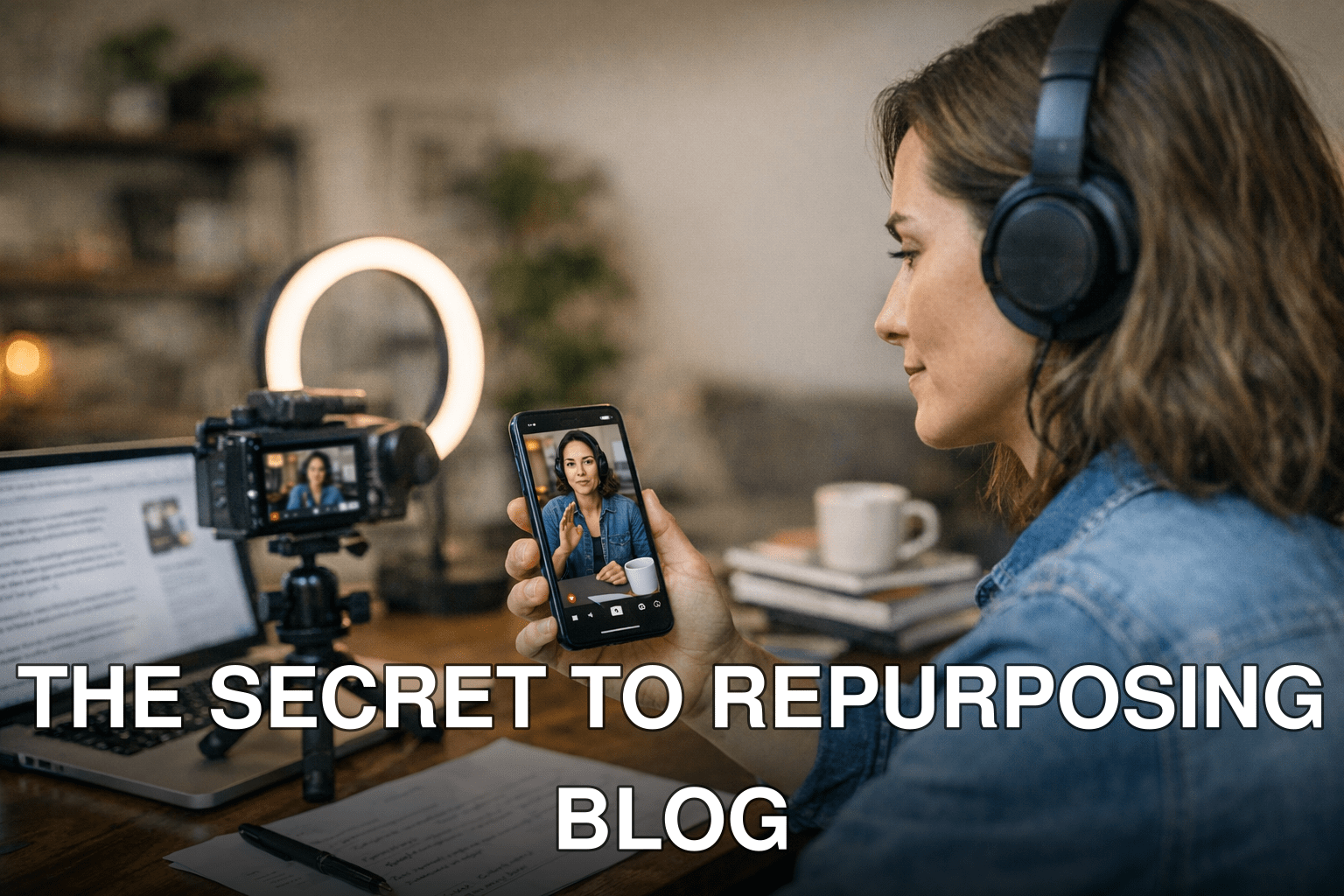
Here’s the kicker: most bloggers are sitting on a goldmine of content they’re not fully using. That long-form blog post? It could become dozens of snackable YouTube Shorts designed to boost your SEO traffic and expand your reach. I’ll show you exactly how to pull this off step by step.
In this guide, you’ll discover:
- Why repurposing blog content for YouTube Shorts is a no-brainer in 2026.
- A simple workflow for turning articles into videos without losing your mind.
- How to optimize those Shorts to drive both search rankings and engagement.
Let’s get started.
What Makes YouTube Shorts Perfect for SEO in 2026?
YouTube Shorts exploded onto the scene a few years ago as Google’s answer to TikTok and Instagram Reels. But unlike other platforms that prioritize entertainment over substance, Shorts have a secret weapon: they integrate directly with Google Search.

Think about how often Google pulls video results into its search engine results pages (SERPs). Now imagine your 60-second clip popping up every time someone searches for a topic you’ve already covered on your blog. That’s free exposure to millions of potential readers—without having to fight tooth and nail for organic clicks in an increasingly competitive blogging landscape.
And let’s face it: attention spans are shorter than ever in 2026. A well-crafted Short can serve as the perfect hook, drawing viewers into your content funnel where they’ll eventually land on your website or subscribe to your channel.
Key takeaway: YouTube Shorts aren’t just another social media fad—they’re an essential weapon in any modern SEO strategy.
Also worth reading: Comparativa
Step-by-Step Guide: How to Transform Blog Posts Into Engaging YouTube Shorts
Here’s where we break down the process so you don’t have to figure it out on your own.
1. Identify “High-Potential” Blog Posts
Not every blog post is worth turning into video content—you’ve gotta be selective here. Focus on posts that are already performing decently in search traffic or cover topics with high search demand (use tools like Ahrefs or Google Trends if you’re unsure).
For example:
- A listicle titled “7 Ways To Organize Your Workspace” could easily become seven separate videos—one per tip.
- An evergreen guide like “How To Start A Free Blog In 2026” could be summarized into actionable soundbites spread across three or four Shorts.
Cost of inaction: If you skip this step and repurpose everything willy-nilly, you’ll waste time creating videos nobody watches.
2. Script It Like a Pro (Without Overthinking)
You might think scripting sounds intimidating—but trust me, over-preparing will kill the natural energy that makes Shorts work so well! Use bullet points instead of full scripts if you’re camera shy or new at this. Stick with short sentences and punchy insights pulled directly from your blog post.
Example from a real workflow:
From our article 11 Proven Link-Building Strategies, we turned each strategy into its own 45-second explainer using hooks like: “Did you know guest posting still works if done right?”
Editing tip: Always leave room for improvisation—it helps keep things authentic.
3. Use Tools That Save Your Sanity
Creating video content doesn’t mean spending hours fiddling with Adobe Premiere Pro anymore (thankfully). Tools like ViralMaker AI can auto-generate visuals based on text inputs or match pre-written captions with stock footage clips—perfect when you’re short on time but need polished results fast.
Real-world case study: When I tested ViralMaker AI earlier this year, I managed to churn out six fully edited YouTube Shorts from one long-form article in under two hours flat—a process that would’ve taken me at least twice as long manually.
Here’s my go-to stack:
1) ViralMaker AI – For script-to-video automation.
Related guide: 10 Herramientas Clave para Crear Contenido
2) Canva Pro – Quick thumbnail creation.
3) Capcut or InShot – Easy final edits if needed after export.
4. Nail the Hook Within the First Two Seconds
Attention spans are brutal these days—especially on platforms like YouTube Shorts where swiping happens faster than ever! If viewers aren’t hooked immediately, they’ll scroll away before even catching what you’re saying.
What works? Start with something provocative:

- Question-based hook: “Why does everyone screw up their first backlink campaign?”
- Stat-driven hook: “93% of blogs fail because they ignore this ONE thing…” (source)
The stronger the initial pull, the higher retention rates you’ll see—which directly impacts ranking algorithms across both Google Search AND YouTube’s recommendation engine.
5+ Proven Optimization Tips for Maximum SEO Impact
Once uploaded onto YouTube… don’t just slap any random title/description combo together! Optimizing metadata is where most creators drop the ball—and it costs them big in terms of visibility:
Checklist:
- [ ] Include primary keywords naturally within titles/descriptions/captions.
- [ ] Add timestamps/highlights wherever possible (bonus points since Google loves structured data).
- [ ] Crosslink back toward related articles hosted natively onsite using CTAs mid-video prompts e.g., “Visit us @ domain-dot-com/example!”