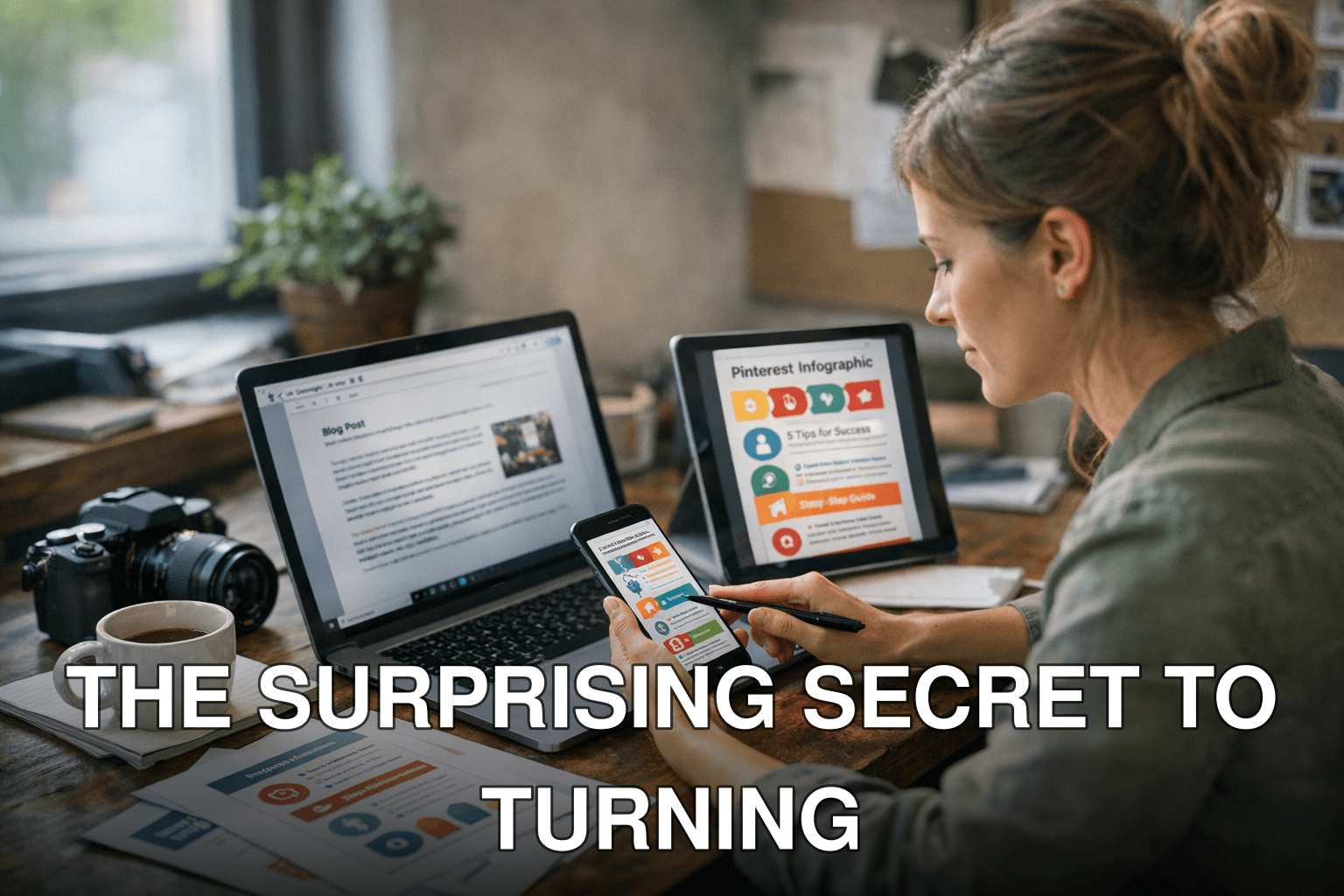
Imagine this: You’ve spent hours—maybe even days—writing a killer blog post. It’s optimized for SEO, packed with actionable insights, and polished to perfection. But here’s the problem: It’s sitting there on your site, gathering dust. Sure, you get some traffic from Google or your email newsletter, but it’s nowhere near the viral success you were hoping for. Sound familiar?
Now picture this instead: That same blog post transformed into an eye-catching Pinterest infographic that gets repinned thousands of times. Suddenly, you’re watching your traffic spike as people flood to your site from Pinterest boards worldwide. That isn’t a fantasy—it’s 2026, and this strategy works better than ever.
In this guide, you’ll discover:
- Why Pinterest is still a goldmine for evergreen blog traffic (and why most bloggers underestimate it).
- A step-by-step process to turn any blog post into a scroll-stopping infographic.
- Tools and hacks to save time while maximizing results—whether or not you’re a designer.
If you’re tired of creating content that goes unnoticed, this is how you fix it.
Why Pinterest Is Your Blog’s Best Friend in 2026
Here’s the thing about Pinterest: It might not get the same buzz as TikTok or Instagram right now, but it quietly generates insane traffic if used correctly. In fact, recent stats show that Pinterest drives 33% more referral traffic than Facebook and has over 465 million active users every month (Source: Statista). What makes Pinterest unbeatable is its ability to drive long-term traffic thanks to its search engine-like functionality. A pin can keep bringing clicks for months—or even years—unlike an Instagram post that fizzles out in hours.
But here’s where most people screw up: They treat Pinterest like social media when it’s really a visual search engine. Users don’t go there to scroll mindlessly; they’re actively looking for ideas and inspiration on everything from recipes to home decor—and yes, blog content too! If your content answers their questions visually (and looks good doing it), they’ll click through faster than you can say “viral.”
Cost of Inaction
If you’re not leveraging Pinterest in 2026 for your blog posts, here’s what you’re missing out on:
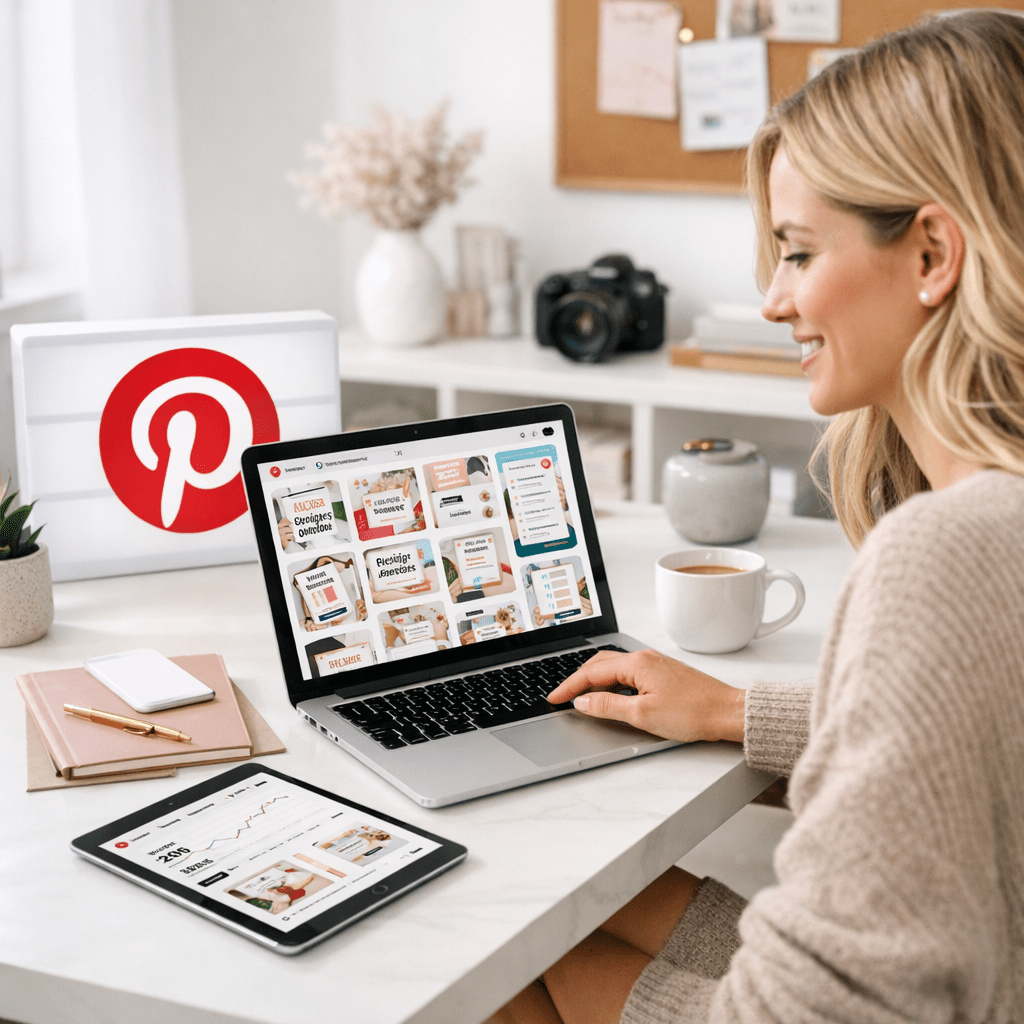
1. Evergreen traffic: Unlike other platforms where content dies quickly, pins live forever and consistently drive visitors over time.
2. Highly engaged audience: People on Pinterest are planners—they’re looking for solutions they intend to act on (think “How-To” guides).
3. A visual edge: With infographics dominating engagement metrics across industries—from food bloggers to financial advisors—you could be losing eyeballs by sticking only to text-heavy formats.
Bottom line? If you’re not repurposing your best blogs into infographics on Pinterest, you’re leaving massive amounts of free traffic on the table.
Key takeaway: Treat Pinterest like Google with pictures—it thrives on searchable content that solves problems visually.
How to Repurpose Blog Posts into Stunning Infographics in 5 Steps
Creating viral-worthy infographics doesn’t have to involve hiring expensive designers or spending weeks learning Photoshop. Let me break it down into simple steps:
Also worth reading: Comparativa
Step 1: Pick the Right Blog Post
Not every blog is going to crush it as an infographic—and that’s fine! The key is selecting topics that already resonate with readers or have the potential to do well visually.
Here are three types of posts perfect for infographics:
1. Listicles: Posts like “10 Tips for Better Sleep” or “7 Ways To Save Money” translate perfectly into bite-sized graphics.
2. How-to Guides: Anything instructional benefits from being visualized step-by-step.
3. Data-heavy Articles: Stats-heavy pieces come alive when turned into charts and graphs.
💡 Pro Tip: Use tools like Google Analytics or Jetpack Stats (if you’re using WordPress) to find out which posts already perform well organically—they’re golden candidates because people clearly care about those topics.
Step 2: Identify Key Takeaways
Infographics aren’t just pretty pictures; they need substance too—or no one will bother sharing them.
Start by skimming through your chosen blog post and highlighting its main points:
- What are the core ideas?
- Are there any standout statistics or facts?
- Which sections lend themselves best to visuals like charts or icons?
You don’t need every word from the original post—just enough information so someone scrolling through knows what it’s about and feels compelled enough to click.
Step 3: Choose Your Design Tool
If graphic design isn’t second nature (same here!), don’t sweat it; there are plenty of user-friendly tools designed specifically for non-designers:
| Tool | Ease of Use | Templates Available | Price |
|——————|————-|———————-|———–|
| Canva 🏆 | ✅ Super Easy | ✅ Tons | Free/$13 per month |
| Adobe Express | ✅ Easy | ⚠️ Limited | Free |
| Piktochart | ✅ Easy | ✅ Plenty | Free/$14 per month |
For beginners? Canva wins hands-down in both flexibility and ease-of-use—and trust me when I say their pre-designed templates will save your life if you aren’t artistically inclined.
Related guide: 10 Herramientas Clave para Crear Contenido
Step 4: Build Your Infographic Like a Storyboard
Here’s where most people mess up—they throw all their data onto one cluttered image without any flow or structure.
Instead:
1. Start with a bold headline at the top (e.g., “7 Simple Steps To Organize Your Closet”). Make sure it matches your blog’s title—or slightly rephrase if needed.
2. Break text into digestible sections using subheadings.
3. Use consistent colors/fonts throughout—it builds trust visually.
4. Include call-to-action buttons like “Read more at [YourSite.com]” near the end so readers know where credit belongs!
Step 5: Optimize Before Publishing
Before hitting publish on Pinterest? Tick these boxes:

- [ ] Add relevant keywords in pin titles/descriptions (e.g., “Budget meal prep tips”). Think SEO but shorter!
- [ ] Link directly back to the original article—not just random landing pages.
- [ ] Test multiple designs/formats before scaling efforts further!
Key takeaway: Great design matters—but smart optimization ensures all eyes land exactly where YOU want them!
Busting Common Myths About Going Viral on Pinterest
Common myth: Only fashion/home decor niches do well here.
Reality: Data shows niches like finance (“budgeting tips”), personal development (“goal setting”), fitness (“meal plans”), even B2B marketing thrive equally IF executed correctly & target audiences align naturally w/platform norms/preferences!!