






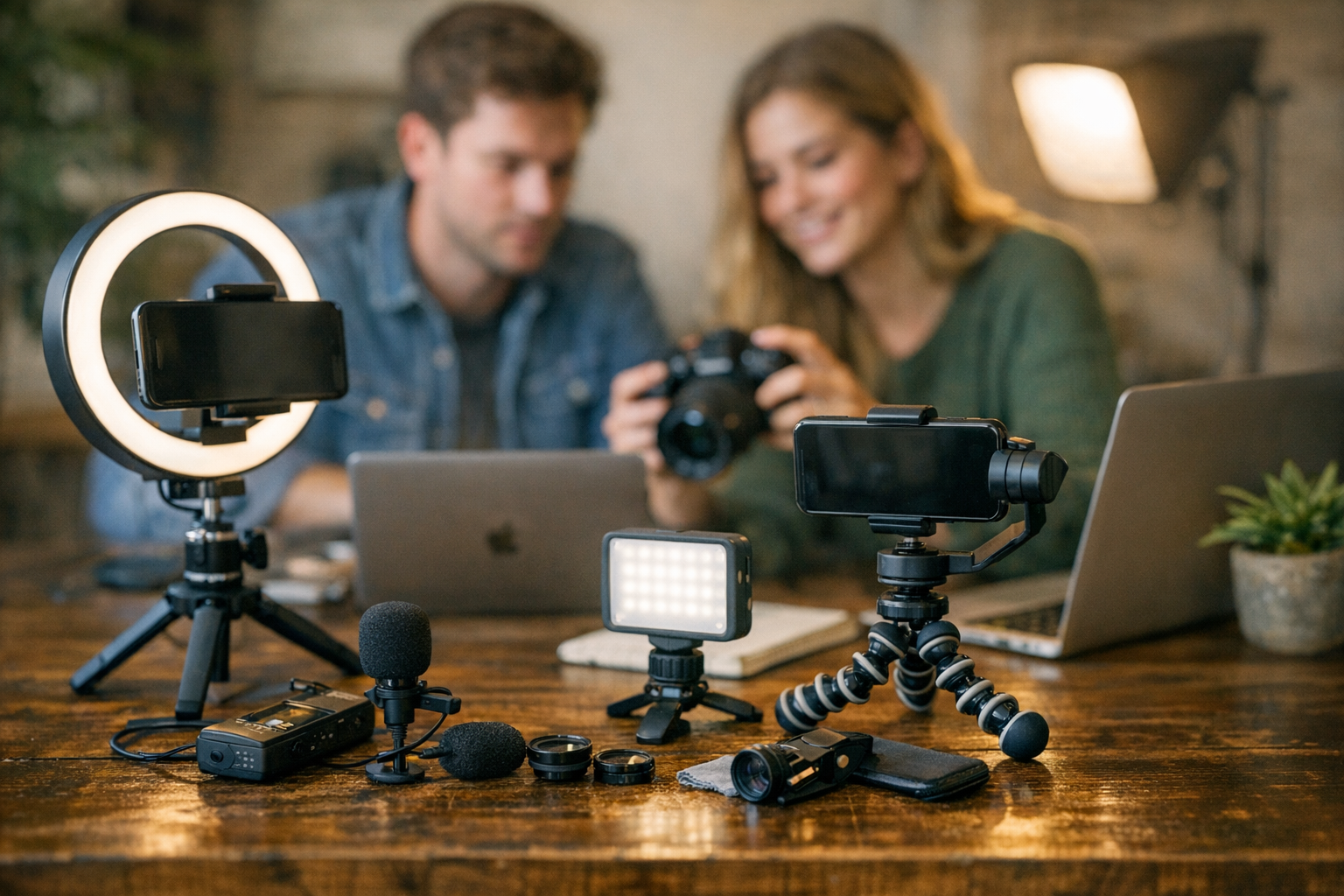
Let’s face it—making viral content feels like trying to capture lightning in a bottle. Everyone wants it, but few know how to make it happen consistently. The good news? You don’t need a studio budget or a team of ten to churn out scroll-stopping posts, videos, or memes. With the right tools—and I mean cheap tools—you can create content that catches fire without burning through your wallet.
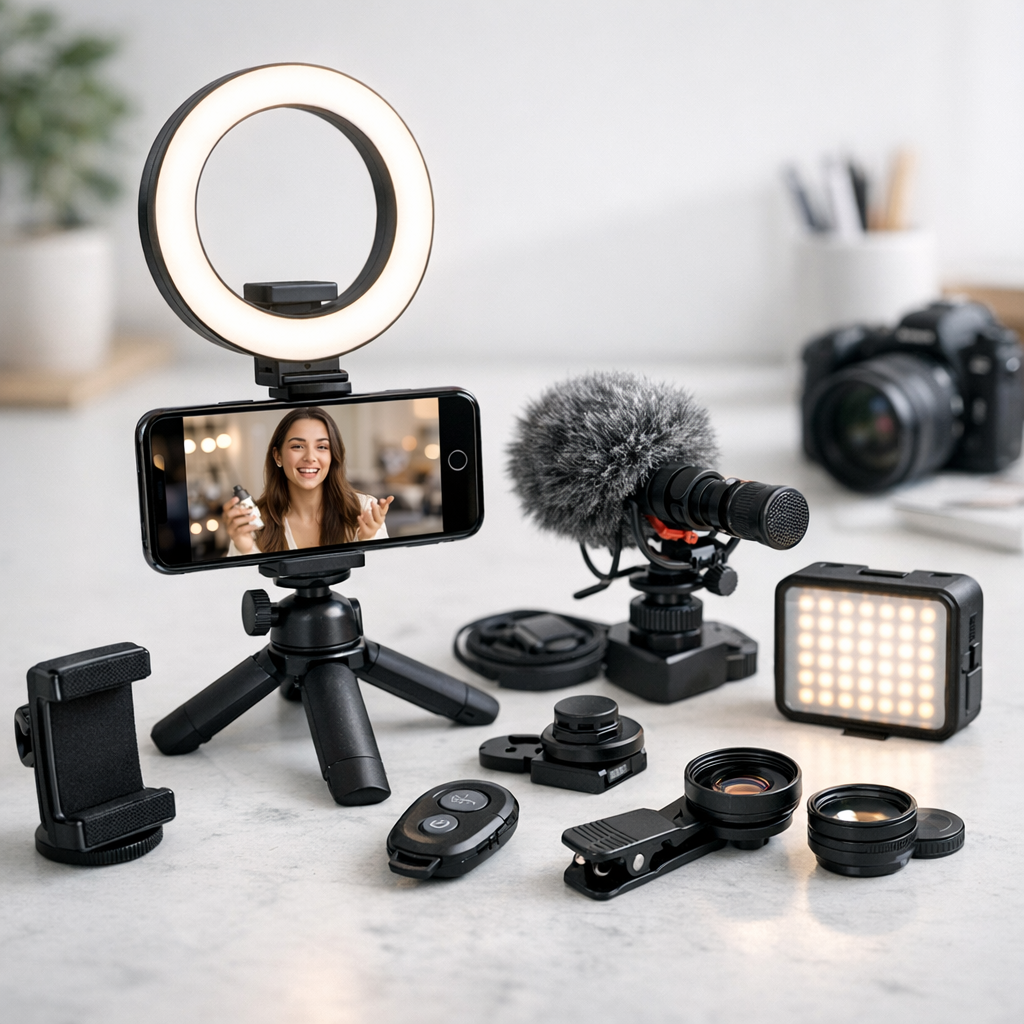
Here are five budget-friendly tools under $30 that punch way above their price. I’ve used most of these myself or with clients, and they work. Some might even surprise you.

—
1. Canva Pro (Monthly Plan – $12.95)
You knew this would be on the list, didn’t you? Canva’s been the go-to for DIY design since forever, but Canva Pro takes things up a notch for just $12.95/month—and yes, there’s a free trial if you’re hesitant.
Why It Works:
Canva Pro gives you access to premium templates, stock photos, and videos that actually look high-end. But here’s what seals the deal: their Magic Resize feature saves so much time. Create one design (say for Instagram), click resize, and boom—now it fits TikTok Stories or YouTube thumbnails perfectly.
I once used Canva Pro to help a local nonprofit run an event campaign across five platforms—Facebook posts, Insta stories, email headers—the works. Total cost? Just the subscription fee. Meanwhile, outsourcing all those designs would’ve easily cost them several hundred bucks.
Tradeoff:
The video editing features are… okay-ish at best. If you’re making viral TikToks or Reels with heavy effects/transitions, you’ll probably want something more robust (keep reading).
—
2. CapCut (Free with Optional In-App Purchases)
CapCut is basically TikTok’s cooler cousin—it’s owned by ByteDance and optimized for creating short-form vertical videos that scream “viral.” Best part? It’s free unless you want advanced effects or cloud storage subscriptions ($4–10/month).
What Makes It Killer:
The auto-captioning feature is ridiculously accurate and customizable—a must-have since captions boost engagement by up to 80% on average (source: HubSpot’s 2026 report). Then there are trendy filters and transitions baked right into the app so your edits look polished without spending hours tweaking.
Best SEO Link Building Platforms Compared: Manual Outreach vs Automation Tools:
Real-Life Case Study:
A client of mine went from zero followers to over 20k in three months using CapCut to create daily “day-in-the-life” Reels paired with trending audio tracks straight from the app.
What I love about CapCut is its simplicity—anyone can figure it out in minutes—but here’s where I hesitate…
Limitations:
If you’re editing long-form content or need timeline precision beyond short clips (<3 min), CapCut will feel limiting fast. For anything more detailed than TikToks/Reels/Shorts? Skip ahead to my next pick.
—
3. ViralMaker AI ($29/month)
Okay, ViralMaker isn’t as famous as some tools on this list yet—but hear me out because this one caught me off guard in 2026 with how far AI-driven content has come. For $29/month (their cheapest tier), ViralMaker lets you generate SEO-optimized articles and plan social media campaigns tied directly to trending topics.
Standout Features:
- Autopilot Mode: Input your niche/topic keywords (“vegan recipes”), and ViralMaker spits out headline ideas along with formatted blog drafts.
- Trend Finder: Tracks what’s blowing up across platforms like Twitter/X and Instagram so you’re not guessing.
- Content Pipeline Workflow: This saved me HOURS when managing multi-client blogs last quarter—it integrates directly into WordPress for near-instant publishing.
One unexpected discovery? ViralMaker isn’t just fast; it’s scary good at suggesting internal links based on existing site content (great for SEO). If you’re juggling multiple sites—or just hate link-building manually—this alone justifies its price tag.
Learn more about automating workflows intelligently with tools like ViralMaker here.
But There’s A Catch:
AI-generated stuff still needs human oversight! Some drafts feel robotic until you tweak phrasing or add personality back in—not ideal if you’re rushing deadlines without time for edits.
—
How to Repurpose Viral YouTube Videos into High-Performing Instagram Reels: Prac
4. Remove.bg ($0–$19/month)
Ever tried cutting out a photo background manually? Yeah… no thanks. Remove.bg does it instantly and perfectly nine times out of ten—for free if you only need low-res exports ($19/month unlocks unlimited HD downloads).
Why It Saves Sanity:
Background removal is one of those tasks you don’t think about until suddenly you NEED it—especially for product shots or thumbnails designed to pop against colorful backdrops.
I use Remove.bg constantly when designing Pinterest graphics or promo visuals where clean silhouettes matter most—and honestly? Even Photoshop struggles on some tricky edges compared to how smooth this tool handles hair/collars/etc., especially when paired with Canva later on!
—
5. BuzzSumo Basic Plan ($19/month)
If viral success starts anywhere, it’s knowing what trends are gaining traction before they peak—and BuzzSumo nails that better than almost any competitor under $20/mo right now.
BuzzSumo scours millions of articles/posts worldwide daily while showing which headlines/topics hit hardest based specifically around shares/comments/etc., broken down per platform metrics too!
Learn more about blending trend analytics into smarter campaigns directly inspired via insights-based data setups akin Buzzsumo-like frameworks solutions alike substitutes viralmaker approaches alternate datasets evaluations organically versus simple heuristics…
Related Links



3 Comments