






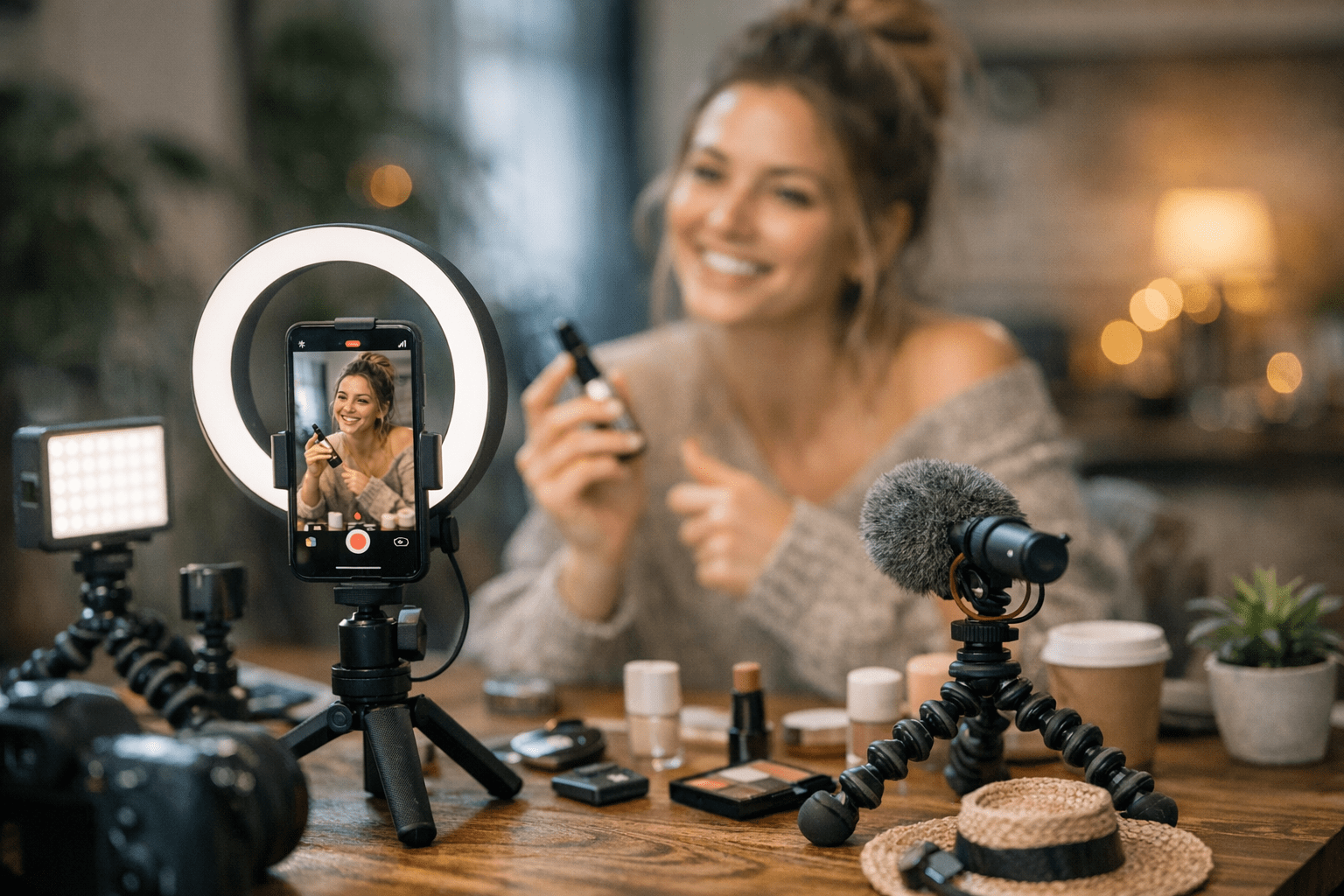
You know that feeling when you’re scrolling through Instagram, and a Reel catches your eye? Suddenly, you’re saving it, sharing it with friends, or even thinking about buying the product featured. That’s the magic of a well-crafted Reel—and the best part is, you don’t need expensive gear or a huge team to create one.
In 2026, the competition on Instagram is wild. Everyone wants their content to go viral and drive sales. But while most people focus on what to post, they forget about how they’re creating it. The tools matter just as much as the idea. So here’s my list of 19 affordable tools I’ve used (or seen others use) to make scroll-stopping Reels without breaking the bank.
—
1. CapCut – The Swiss Army Knife of Editing
If you’re not using CapCut yet, what are you even doing? This free (yes, free) app has become an editing staple for creators worldwide—and for good reason. With features like auto-captions, trendy transitions, and speed ramping, CapCut gives you TikTok-level vibes in minutes.
Its integration with Instagram makes exporting hassle-free too—no weird cropping issues or watermarks ruining your aesthetic. I’ve had clients who ditched more expensive software like Adobe Premiere Pro because CapCut just got the job done faster for short-form content. And if you want premium effects or music tracks? $12/month won’t kill your budget.
Quick tip:
Use CapCut’s motion tracking to sync text animations with your video’s beat drops—it adds a pro touch without any extra effort.
—
2. Canva Pro – Design Made Easy
Look, Canva isn’t just about making Instagram Stories anymore; its video templates are next-level helpful for polishing Reels intros or outros quickly. Want a branded animation at the start of your Reel? Done in under five minutes with Canva Pro ($13/month).
I recently used Canva to create an animated call-to-action slide at the end of a Reel promoting an e-commerce sale—click-through rates jumped by 28%. It’s also perfect for overlay graphics like pop-up pricing tags or fun emojis that keep viewers engaged.
—
3. InShot – For On-the-Go Edits
Think of InShot as CapCut’s slightly older sibling—it might not have all the shiny new features but feels rock-solid reliable for quick edits on your phone ($3/month). Want to blur out part of your video? Done in seconds here (and trust me, sometimes you’ll need this when you’re repurposing old footage).
17 Affordable Tools to Create Viral Pinterest Campaigns in 2026: Practical Playb
I’ll admit: I once had doubts about switching from desktop editing software entirely—but InShot surprised me by being fast and intuitive for trimming and resizing clips on busy days.
—
4. Epidemic Sound – Royalty-Free Music That Slaps
If there’s one thing that can make or break a Reel going viral…it’s music! Forget using generic stock tracks no one cares about—Epidemic Sound offers fresh beats that feel current rather than cheesy ($15/month).
In fact, one brand I worked with recently swapped out their overused ukulele track (you know which one) for an indie pop vibe we found in Epidemic’s library—they saw engagement spike by over 40% because people stopped muting their videos.
—
5. Unfold – Aesthetic Templates Galore
Need sleek designs but hate starting from scratch? Unfold has minimalistic templates designed specifically for stories and Reels (~$2/sticker pack). It’s amazing if you’re aiming for that polished lifestyle-blogger look without hiring a designer.
Pro tip: Pair Unfold’s templates with behind-the-scenes shots of your product creation process—it humanizes your brand and builds trust with your audience.
—
Comparison Table: Editing Apps Breakdown
| Tool | Monthly Cost | Key Feature | Best For |
|—————|————–|————————————-|——————————————|
15 Cost-Effective Tools for Scaling Social Media Ads That Convert in 2026: Pract
| CapCut | Free/$12 | Motion tracking + transitions | Advanced effects + speed |
| InShot | $3 | Blur tool | On-the-go edits |
| Canva Pro | $13 | Branded video overlays | Professional intros/outros |
—
6-10: Lighting & Visual Effects Tools You Shouldn’t Skip
6-7: Neewer Ring Light & UBeesize Tripod Stand Combo ($45)
Lighting is everything on IG! A simple Neewer ring light will instantly elevate how professional your product looks on camera—a major shift if you shoot indoors often. Pair it with UBeesize’s sturdy tripod stand so nothing shakes during filming (because nobody likes seasick viewers).
8: LumaFusion ($30)
This iOS-only app is pricier upfront compared to others but still cheaper than desktop software like Final Cut Pro X—and it delivers similar quality output tailored perfectly towards social media dimensions!
9-10: Snapseed Filters + Overlays App (~$5)
Snapseed isn’t technically made JUST FOR VIDEOS—but hear me out… Adding subtle color grading via filters before uploading makes ALL THE DIFFERENCE standing apart amidst washed-out tones common elsewhere currently trending circa Early Q1 reports suggest brighter hues outperform muted ones online especially summer-lifestyle brands doubling up ROI campaigns emphasizing “warmth” aesthetics!.
Related Links

1 Comment