You’ve poured time into creating killer YouTube Shorts, and now you’re wondering: “Can I stretch that content to work on Instagram Reels too?” The answer is yes—and honestly, you should. But don’t just upload the same clip and hope for the best. Repurposing content isn’t copy-pasting; it’s reshaping it to fit the platform and audience. Let’s get into how to do this right.
Why You Can’t Treat Reels Like Shorts (And Vice Versa)
Here’s the thing: even though both formats are vertical videos under 60 seconds, YouTube Shorts and Instagram Reels have different vibes. Shorts thrive on rapidly evolving trends, often driven by Gen Z energy or meme culture, while Reels lean more towards polished, aspirational content—think lifestyle montages or mini-tutorials.
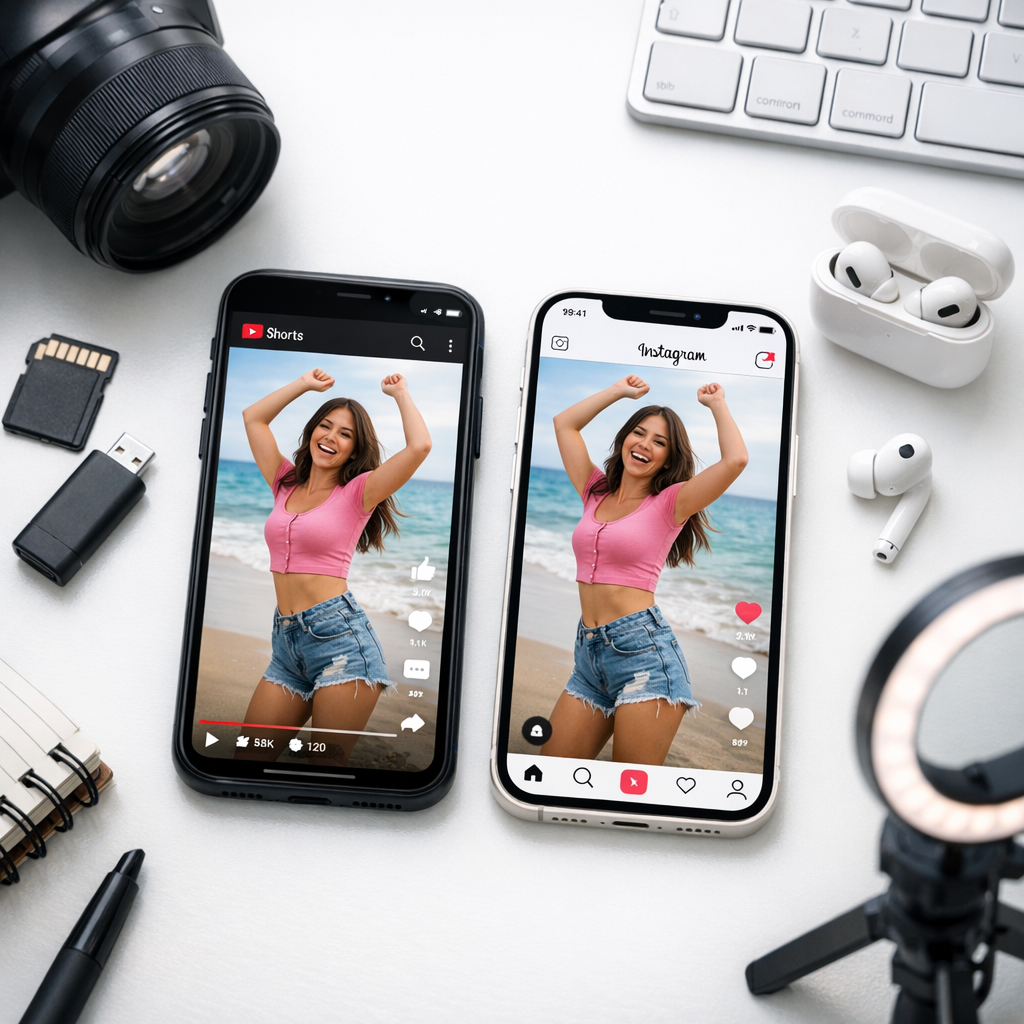

The algorithms also work differently. On Instagram, your video’s shelf life depends heavily on engagement in the first few hours. If it flops out of the gate? Goodbye reach. Meanwhile, a Short can pick up steam weeks later because YouTube’s discovery system gives it a longer tail.
Knowing this means you’ll need to tweak your YouTube Shorts to play by Instagram’s rules if you want real results.
Quick Example:
A 15-second Short with rapid text overlays might crush it on YouTube but feel cluttered and hard-to-follow on Instagram’s feed. Slowing down those overlays or adding captions could make all the difference when repurposing for Reels.
—
Step 1: Edit To Match Instagram’s Style
Your first move is editing your existing Short so it feels native to Instagram. Here’s what works well:
- Adjust Your Aspect Ratio
Yes, both platforms use vertical video (9:16), but not all “vertical” is created equal. If your Short has text or graphics too close to the edges of the frame, they’ll get cut off by Instagram’s UI (especially in preview thumbnails). Use guides when editing—keep critical visuals within safe zones.
- Add Captions
Around 70% of users watch Reels with sound off, according to Meta’s 2026 insights report. Auto-caption tools like CapCut or Descript make adding subtitles easy and accurate.
- Tone Down Overlays
If your original Short leans into bold transitions or fast-moving text (which works great on YouTube), slow things down for Reels where viewers often prefer a more “chill” scroll experience.
Tools That Make Editing Easier:
| Tool | Best For | Pricing (2026) |
|—————|———————————-|———————–|
| CapCut | Quick mobile edits | Free w/ optional $12/month Pro plan |
| Adobe Premiere Rush | Professional polish | $9.99/month standalone |
| InShot | User-friendly interface | Free w/ $3/month Pro add-on |
I personally swear by CapCut for speed—it’s free, intuitive, and handles captions beautifully without overcomplicating things.
How to Use Backlink Gap Analysis to Outrank Competitors in 2026: Practical Playb
—
Step 2: Optimize Hooks For IG’s Audience
Instagram feeds are brutal—if your Reel doesn’t grab attention in three seconds flat, people are gone faster than you can say “algorithm.” This is where hooks come in.
What Makes a Great Hook?
1. Speak Directly To The Viewer
Start with something relatable like: “Struggling to grow on IG? Here’s why your content isn’t converting.”
2. Use Bold Visuals
Think quick zoom-ins or a hand gesture pointing at something intriguing in-frame—a technique that influencers like Chris Do have nailed in educational content across platforms.
3. Tease Value Upfront
Don’t save all the good stuff for later; give viewers a reason to stick around immediately: “I’m about to show you how I turned one video into $1k sales last week.”
Pro tip: Test multiple hooks for each Reel version! It doesn’t take long but lets you A/B test what resonates most across different audiences.
—
Step 3: Leverage Native Features That Boost Reach
If there’s one thing I’ve learned after years of experimenting with social media algorithms, it’s that platforms reward creators who use their native features aggressively. For Instagram Reels in 2026, three features stand out:
1. Add Trending Audio
Even if you’re talking in your Reel, layering a subtle trending song under your voice can increase discoverability—Instagram still prioritizes videos tied to popular sounds.
2. Interactive Stickers = More Engagement
Polls? Questions? Emoji sliders? These aren’t just fluff—they signal engagement triggers back to IG’s algorithm while keeping audiences glued longer.
3. CTA Comments Work Wonders
Turn Instagram Stories into High-Converting Pinterest Pins (Without Losing Your
Literally ask people what they think! A simple line like “What would YOU add?” at the end of your caption can double comment rates compared to leaving posts open-ended.
—
Step 4: Analyze And Adjust Based On Performance
Not every repurposed Short will crush as a Reel—and that’s fine! What matters is figuring out why some perform better than others so you can pivot intelligently next time around.
Metrics To Watch:
- Retention Rates: Are viewers dropping off before hitting halfway? If so, rework pacing.
- Shares & Saves: These matter more than likes since they indicate deeper engagement.
- Comments: Look beyond quantity here—are people tagging friends? Asking questions?
Tools like Later.com or Iconosquare offer detailed analytics dashboards tailored specifically for IG growth tracking if you’re serious about scaling efficiently learn more.
—
Real-Life Case Study: Turning A Tutorial Into Sales Leads
A client I worked with earlier this year—a fitness coach focusing on home workouts—had a solid library of YouTube Shorts breaking down exercises step-by-step but struggled getting traction on Insta. We repurposed one of her best-performing Shorts into an Instagram Reel by tweaking just three things:
1. Swapping her original background music for trending upbeat audio.
2. Adding captions plus callouts like “Try this TODAY!” using Canva.
3. Ending with an engaging CTA (“Save this workout routine for later!”).
Results? Her Reel hit 45K views organically within four days—and brought in over 200 DMs asking about her paid programs!
The lesson here isn’t just about crossposting; it’s about adapting intelligently based on platform quirks learn more.
—
Final Thoughts
Repurposing YouTube Shorts into high-converting Instagram Reels isn’t magic—it takes thoughtful tweaks and patience—but trust me when I say it’s worth it if done right! My advice? Start small by testing edits on just one Short today instead of waiting until you’ve got everything perfect learn more. Perfection is overrated anyway; action wins every single time!